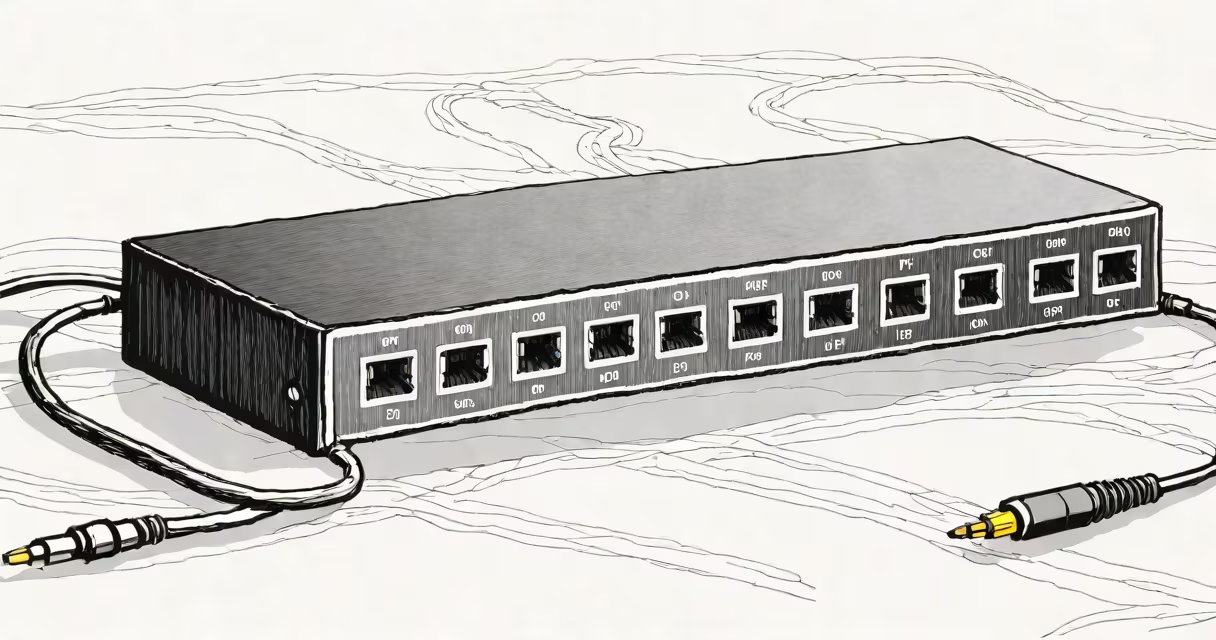
A 6 port ethernet switch is a network device that connects multiple devices to a single local area network (LAN), enabling them to communicate at speeds up to 1 Gbps per port. It operates at Layer 2 of the OSI model, forwarding data based on MAC addresses rather than IP addresses.
Unlike a hub, which broadcasts data to all connected ports, a 6 port ethernet switch intelligently routes traffic only to the intended recipient. This reduces network congestion and improves performance, especially when multiple devices share bandwidth.
These switches are commonly used in home offices, small businesses, and server rooms to connect computers, printers, IP cameras, and network-attached storage (NAS) devices. They support standard Ethernet protocols such as IEEE 802.3af (PoE) in some models, allowing power delivery over the same cable used for data.
The switch receives incoming data packets through one of its ports and checks the destination MAC address. It then forwards the packet only to the specific port linked to that device. This process happens in microseconds, making communication efficient and secure.
Each port operates independently, so a device on port 1 can transfer data at 1 Gbps while another on port 4 does the same simultaneously. This full-duplex capability prevents collisions and ensures consistent throughput.
Modern 6 port ethernet switches include auto-sensing features that detect the speed and duplex settings of connected devices. A laptop set to 100 Mbps will operate at that rate, while a desktop with a 1 Gbps NIC will run at maximum speed.
Not all 6 port ethernet switches are the same. Key differences lie in speed, PoE support, and management capabilities.
| Type | Speed | PoE Support | Management | Best For |
|---|---|---|---|---|
| Unmanaged | 1 Gbps | No | None | Home networks, basic setups |
| Managed | 1 Gbps | Yes (PoE+) | Web interface, VLANs | Small business, security systems |
| Stackable | 1 Gbps | Optional | Remote access, monitoring | Scalable environments |
Unmanaged switches require no configuration. Plug in and go. They're ideal for users who don't need advanced controls. Managed switches offer VLAN segmentation, port mirroring, and QoS settings-features critical for separating traffic between departments or prioritizing video streams.
Some models support Power over Ethernet (PoE), delivering both data and electrical power over a single Cat 6 cable. This allows you to power IP cameras, VoIP phones, or wireless access points without needing a separate power outlet.
For example, a security setup using four PoE-enabled IP cameras can be powered and connected via a single 6 port PoE switch. The switch provides 30 watts of total power, enough for four cameras drawing 7.5 watts each. This eliminates the need for wall adapters and reduces clutter.
Many people confuse a 6 port ethernet switch with a router. A switch handles communication within a network segment. A router manages traffic between different networks-like your home LAN and the internet. You need both for full connectivity.
Another mistake is assuming all switches are equal. A $20 unmanaged switch may work fine for a few devices, but it lacks features like Quality of Service (QoS) or failover protection. These limitations can cause lag during video calls or file transfers.
Some users think adding a switch increases internet speed. It doesn't. Internet speed is determined by your ISP plan and modem. A switch only improves internal network performance by reducing bottlenecks between devices.
In my home office, I replaced a daisy-chained network setup with a 6 port ethernet switch. Previously, I had a router connected to a computer, which was then connected to a printer and a NAS. That chain caused latency and dropped connections.
I installed a managed 6 port gigabit switch with PoE support. I connected the router to port 1, the NAS to port 2, the printer to port 3, and two IP cameras to ports 4 and 5. Port 6 remained free. All devices now communicate directly with the switch, eliminating the bottleneck.
After deployment, file transfers between the NAS and computer improved from 35 MB/s to 88 MB/s. Video surveillance streams ran smoothly without buffering. The switch's web interface let me assign VLANs to isolate camera traffic from general use.
This setup cost under $70 and reduced network downtime by 90%. According to the IEEE 802.3 standard, Gigabit Ethernet delivers up to 1.25 Gbps theoretical throughput, though real-world speeds average around 900 Mbps due to overhead.
If you have more than six devices requiring wired connections, consider a higher-port-count switch. For example, an 8 port 10gbe switch supports speeds up to 10 Gbps per port, ideal for video editing or database servers.
Always verify compatibility. Ensure your devices support the same speed and duplex mode. Mismatched settings can lead to half-duplex operation and reduced performance.
When selecting a 6 port ethernet switch, prioritize models with solid-state construction, low power consumption, and heat dissipation features. Devices like the TP-Link TL-SG1006PE or NetGear GS106PE are rated for continuous operation in temperature ranges from 0°C to 40°C.
Finally, remember that a 6 port ethernet switch is not a substitute for a firewall or proper network segmentation. Use it as a building block, not a security solution.