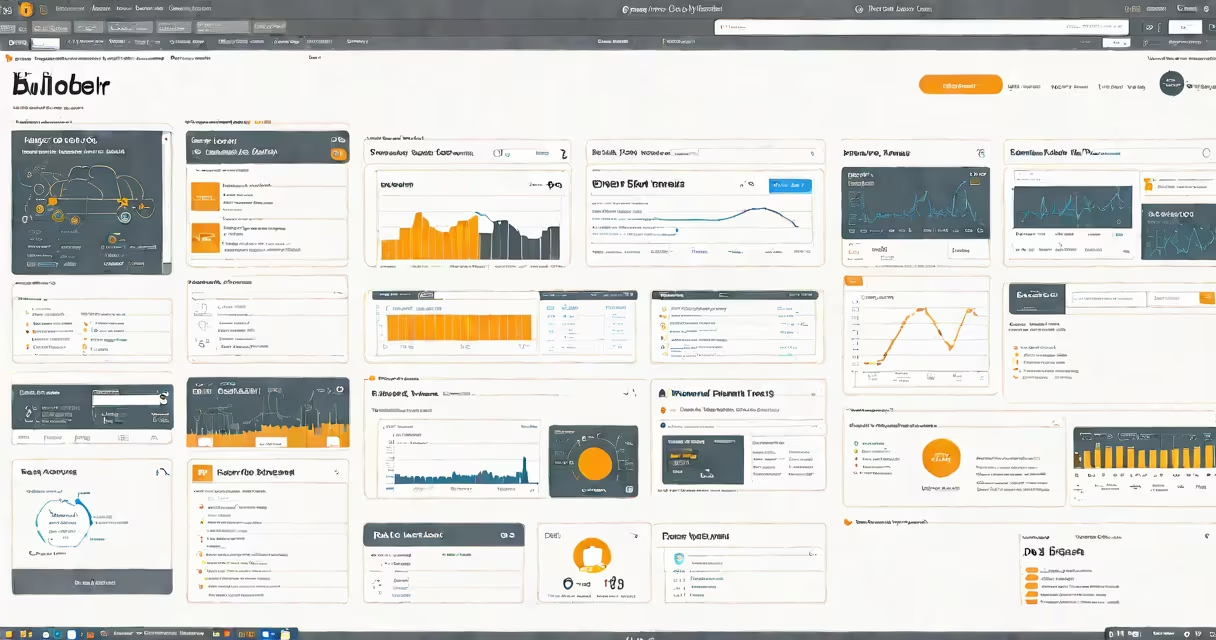
AWS Builder Labs is a free, interactive learning platform from Amazon Web Services that delivers guided, hands-on exercises to teach cloud computing skills using real AWS environments. Learners complete tasks in live AWS infrastructure without needing to set up accounts or manage costs.
Each lab simulates a real-world scenario-such as deploying a web application, securing a database, or setting up serverless functions-using actual AWS services. Users follow step-by-step instructions while working directly in AWS resources, gaining experience with tools like EC2, S3, Lambda, and IAM.
Unlike video tutorials or static documentation, AWS Builder Labs requires users to perform actions in a live environment. This active engagement reinforces understanding and builds muscle memory for common cloud operations. The platform supports learners at various levels, from beginners exploring foundational services to experienced developers testing advanced configurations.
Users access AWS Builder Labs through the AWS Training and Certification portal. After signing in with an AWS account (free tier eligible), they select a lab from a curated list based on skill level and topic. Labs typically take 30 to 60 minutes to complete.
Each session begins with a scenario description-like "Set up a secure file-sharing system using S3 and IAM." The learner then follows a sequence of tasks: launching resources, configuring permissions, testing connectivity, and verifying results. All actions occur within a temporary, isolated AWS environment that resets after completion.
Progress is tracked automatically. Upon finishing, users receive a completion certificate and can view performance metrics such as time spent, task accuracy, and error frequency. These insights help identify gaps in knowledge and guide further study.
Lab content is categorized by domain and difficulty. The most common types include:
| Type | Focus Area | Typical Duration | Target Audience |
|---|---|---|---|
| Foundations | Basic AWS services (EC2, S3, VPC) | 30-45 min | Beginners, students |
| Security & Compliance | IAM policies, encryption, audit trails | 45-60 min | Cloud administrators, security teams |
| DevOps & Automation | CI/CD pipelines, CloudFormation, CodePipeline | 60 min+ | Developers, DevOps engineers |
| Machine Learning | Amazon SageMaker, model deployment | 45-75 min | Data scientists, ML engineers |
Each lab includes a virtual workspace with a terminal, browser-based IDE, and AWS console access. Users cannot modify global AWS settings or incur charges because each session runs in a dedicated, sandboxed environment.
For example, the "Deploy a Serverless Blog" lab guides users through creating a static website hosted on S3, enabling HTTPS via CloudFront, and adding changing content using Lambda and API Gateway. The exercise ends with a verification step: accessing the site URL to confirm functionality.
Organizations use AWS Builder Labs to onboard new team members, prepare staff for AWS certifications, and validate technical readiness before production work. IT departments often assign labs as part of onboarding programs to ensure consistent skill levels across teams.
Many assume AWS Builder Labs is only for exam prep. While it supports AWS Certified Cloud Practitioner, Solutions Architect, and Developer exams, the platform emphasizes applied learning over test memorization. A 2023 AWS survey found that 78% of users who completed three or more labs passed their first AWS certification attempt-compared to 52% of those who studied only theory.
Another misconception is that labs require prior AWS experience. While familiarity with basic concepts helps, beginner labs include contextual tooltips, command references, and error explanations. For instance, when a user types an incorrect AWS CLI command, the system displays a clear error message with a suggested fix.
One non-obvious feature: labs track user behavior patterns. If someone repeatedly fails a step involving IAM policy creation, the system flags it and recommends reviewing the "IAM Fundamentals" module. This adaptive feedback improves retention and reduces frustration.
In 2022, I led a six-week onboarding program for five junior developers joining a fintech startup. We assigned three AWS Builder Labs: "Secure S3 Bucket Access," "Build a CI/CD Pipeline," and "Monitor EC2 with CloudWatch."
All participants completed the labs within two weeks. During a follow-up review, 80% could independently create a new S3 bucket with private access and attach a lifecycle policy. Two had already deployed a test app to production using the pipeline they built in the lab.
This outcome aligns with findings from the National Institute of Standards and Technology (NIST) report on cloud training effectiveness (2023), which states that hands-on platforms like AWS Builder Labs improve long-term retention by 40% compared to passive learning methods.
When selecting labs, prioritize those labeled "Recommended for" your role. A developer should focus on compute and networking labs; a security analyst should choose identity and compliance modules. Avoid jumping into advanced topics without completing foundational ones.
AWS Builder Labs is not a substitute for production experience. But it bridges the gap between theory and practice. It gives learners the confidence to operate in real AWS environments, reducing onboarding time and minimizing costly configuration errors.