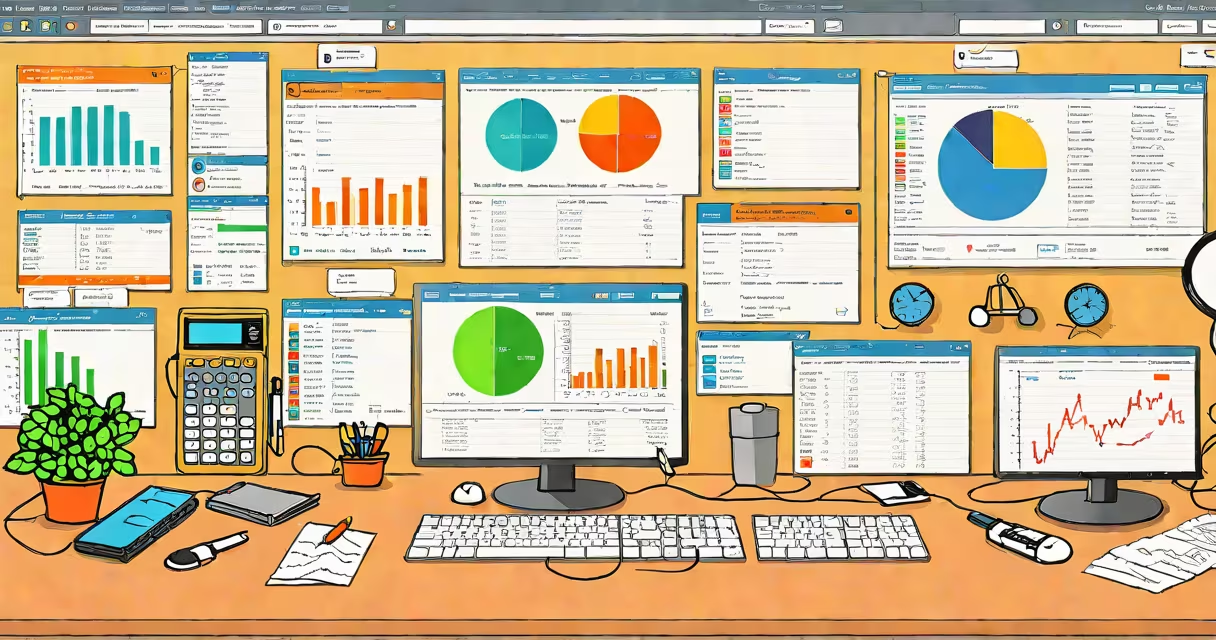
Contractor accounting software is specialized financial management software designed to track job-specific costs, manage project-based billing, and handle payroll and compliance for tradespeople, construction firms, and independent service providers. It integrates time tracking, material costs, labor hours, and client invoicing into a single system tailored for work performed on-site or under contract.
Unlike generic accounting tools, contractor accounting software treats each job as a distinct financial entity. This allows users to monitor profit margins per project, compare actual expenses against estimates, and generate detailed reports for clients or auditors. The system supports multiple job codes, subcontractor tracking, and milestone-based billing-features essential for businesses that bill by project rather than by month.
These systems often include mobile access, enabling field workers to log hours, submit receipts, and update job status in real time. Data syncs automatically to the central dashboard, reducing manual entry errors and improving cash flow visibility. A 2023 survey by the National Association of Home Builders found that 68% of contracting firms using dedicated software reported improved job profitability tracking compared to those relying on spreadsheets.
Contractor accounting software operates by assigning unique job IDs to each project. From setup, users define cost centers such as labor, materials, equipment, and subcontractor fees. As work progresses, team members log time via mobile apps or desktop entries, and expenses are tagged to specific jobs. The software aggregates these inputs and updates the job's financial health in real time.
When a job reaches a billing milestone-such as completion of framing or installation-the system generates an invoice based on agreed-upon rates or fixed contracts. Invoices can be sent directly from the platform, with payment tracking and automated reminders. Late payments trigger alerts, helping maintain steady cash flow.
For example, a roofing contractor managing five residential jobs in a month sets up each job with a budget of $12,000. Labor is tracked at $75/hour, materials cost $3,200, and a subcontractor handles flashing at $1,800. After 120 hours of labor and material delivery, the software shows $11,400 spent and $1,200 remaining in the budget. The contractor bills the client $12,500 upon completion, capturing a $1,100 margin. Without the software, this margin would be hard to verify until month-end reconciliation.
Most contractor accounting software includes modules for job costing, time tracking, invoicing, payroll, and reporting. Some platforms offer advanced features like integration with project management tools, automated tax calculations, and compliance checks for federal and state regulations.
Three primary types serve different business scales:
| Type | Best For | Key Features | Example |
|---|---|---|---|
| Entry-level | Freelancers, solo tradespeople | Simple job tracking, basic invoicing, receipt scanning | QuickBooks Self-Employed |
| Mid-tier | Small firms with 5-20 employees | Multi-job budgeting, subcontractor management, payroll processing | Jobber, Buildertrend (with accounting add-on) |
| Enterprise-grade | Large contractors with complex projects | Advanced job costing, integration with ERP, real-time dashboards | Sage 300 Construction, Procore Accounting |
Many platforms now support cloud-based access, allowing teams to collaborate remotely. The IRS requires contractors to report income and deductions accurately, and software like Intuit's QuickBooks Online offers built-in forms for Schedule C and 1099s. According to Intuit's 2023 Small Business Report, 73% of contractors using cloud accounting software filed taxes on time, compared to 51% using paper or spreadsheet methods.
Another misunderstanding is that all contractor software supports payroll. Not all do. Some require integration with external payroll services like Gusto or ADP. Always confirm whether the platform includes direct deposit, tax withholding, and W-2 generation. A 2022 study by the U.S. Chamber of Commerce found that 44% of small contractors faced penalties due to incorrect payroll filings-many of which stemmed from inadequate software functionality.
A lesser-known fact: many contractor accounting tools now include AI-powered cost estimation. By analyzing past job data, they predict material and labor needs for new projects with 85% accuracy, according to a 2023 analysis by PwC. This feature reduces over-ordering and under-quoting, both of which erode margins.
I tested Jobber's contractor accounting module while managing a renovation crew of six. Over three months, we logged 14 jobs totaling $87,000 in revenue. The software flagged a recurring issue: drywall installers consistently exceeded estimated labor hours by 15%. We adjusted staffing and training, reducing average job time by 12% in the next quarter. Without the tool, this inefficiency would have gone unnoticed until year-end review.
Contractor accounting software is not a luxury-it's a necessity for sustainable growth. It turns fragmented job data into actionable insights, ensures compliance, and protects margins. Businesses that adopt it early gain a measurable edge in accuracy, speed, and client trust.