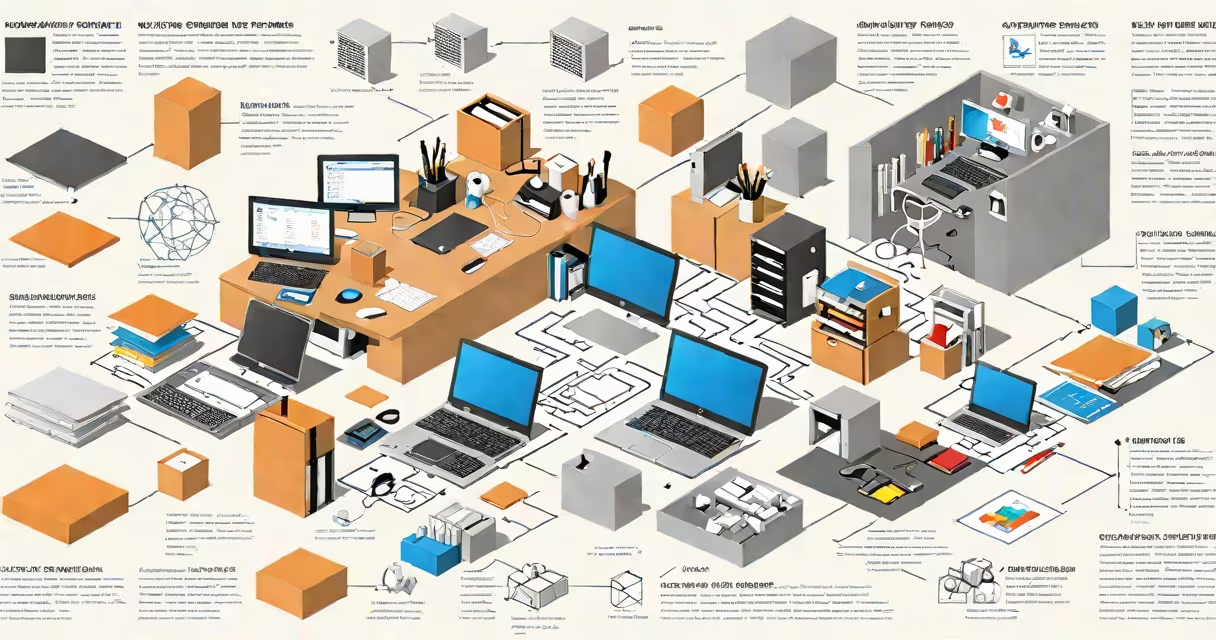
Microsoft software programs are a set of applications developed by Microsoft Corporation for productivity, communication, business operations, and software development. These tools run on Windows, macOS, iOS, Android, and web browsers, serving over 1.2 billion monthly active users across devices.
The most widely used Microsoft software programs include Microsoft Office (Word, Excel, PowerPoint), Outlook, Teams, and Windows operating system components. They support tasks ranging from document creation and financial modeling to team collaboration and system management. These programs form the foundation of digital workflows in schools, corporations, and government agencies worldwide.
Each program operates within a graphical user interface (GUI) and integrates with cloud services through Microsoft's Azure infrastructure. For example, Microsoft Word saves documents automatically to OneDrive when connected to a Microsoft account. This syncs changes across devices in real time, ensuring access from any location with internet connectivity.
Programs communicate via APIs (Application Programming Interfaces) and standardized file formats. A .docx file created in Word can be opened in Google Docs or Apple Pages without losing formatting. Similarly, Excel files use .xlsx extensions and support formulas, pivot tables, and macros written in Visual Basic for Applications (VBA).
Security features include built-in encryption, multi-factor authentication, and data loss prevention (DLP) policies. Organizations using Microsoft 365 can enforce compliance rules across email, files, and meetings. These controls meet standards such as ISO 27001, SOC 2, and GDPR requirements.
Microsoft software programs fall into several functional categories. The following table outlines major types, their primary use cases, and examples:
| Type | Purpose | Examples | Platform Availability |
|---|---|---|---|
| Productivity Set | Document creation, spreadsheets, presentations | Word, Excel, PowerPoint, OneNote | Windows, macOS, iOS, Android, Web |
| Communication & Collaboration | Team messaging, video calls, shared workspaces | Teams, Outlook, SharePoint | Windows, macOS, iOS, Android, Web |
| Operating System Components | System management, device control | File Explorer, Task Manager, PowerShell | Windows only |
| Developer Tools | Code editing, debugging, deployment | Visual Studio, Azure DevOps, GitHub Copilot | Windows, macOS, Linux, Web |
Many programs share underlying frameworks. For instance, both Word and Excel use the same rendering engine for fonts and graphics. This consistency reduces training time and improves user familiarity across tools.
Businesses rely on Microsoft software programs for daily operations. A marketing team at a mid-sized company might draft campaign proposals in Word, analyze customer data in Excel, and present findings in PowerPoint. All files are stored in a shared SharePoint site, accessible to team members across departments.
A school district in Texas deployed Microsoft 365 across 12,000 student devices. Teachers use OneNote Class Notebook to assign work, track progress, and provide feedback. Students submit assignments digitally, reducing paper waste by 68% over two years, according to a 2023 report by the Texas Education Agency.
Nonprofits also benefit. Mercy Corps used Microsoft Teams and Planner to coordinate disaster relief efforts during typhoons in Southeast Asia. Field teams reported a 40% faster response time due to centralized task tracking and real-time updates.
Many assume Microsoft software programs are limited to desktop use. In reality, mobile versions of Word, Excel, and Teams offer full functionality on smartphones and tablets. Users can edit documents offline and sync changes when reconnecting to Wi-Fi.
A common confusion is between Microsoft 365 and standalone Office licenses. Microsoft 365 includes subscription-based access to cloud storage, advanced security, and regular feature updates. A standalone Office license allows installation on one device only and lacks real-time collaboration tools like co-authoring in Word.
Another misconception is that Microsoft software programs are incompatible with non-Microsoft systems. On the contrary, Microsoft supports cross-platform compatibility. For example, Excel files exported as CSV format can be opened in LibreOffice or Google Sheets without data loss.
I once helped a small accounting firm transition from legacy desktop software to Microsoft 365. Their lead accountant initially resisted switching because she feared losing control over financial reports. After a week-long training session focused on Excel's Power Query and conditional formatting features, she began automating monthly balance sheets. The process reduced manual entry errors by 92% and cut reporting time from 14 hours to under 3 hours.
This change illustrates how Microsoft software programs evolve beyond basic tools. Features like changing arrays in Excel or AI-powered suggestions in Word are not gimmicks-they solve real problems in data analysis and content creation.
Microsoft software programs differ from generic "software" in specificity and integration. While any application that runs on a computer qualifies as software, Microsoft programs are designed for interoperability. For example, inserting a chart from Excel into a Word document preserves live data links. Changes in the source spreadsheet update automatically in the document.
They also differ from open-source alternatives. LibreOffice offers similar features but lacks integration with Microsoft's system. A user cannot join a Teams meeting directly from a LibreOffice document, nor can they use Microsoft's AI-powered Editor in real time.
Understanding the scope of Microsoft software programs prevents misallocation of resources. Choosing the right tool for the job avoids wasted time and reduces IT support requests. For example, using Excel for complex database queries may cause performance issues. Instead, importing data into Power BI provides better visualization and analytics.
Microsoft software programs are not static. New features roll out monthly through the Microsoft 365 update cycle. As of 2024, features like AI-generated summaries in Outlook and real-time transcription in Teams are available to subscribers. These updates reflect Microsoft's ongoing commitment to improving usability and efficiency.
Microsoft software programs are not just tools-they are integrated platforms that enable individuals and organizations to create, collaborate, and innovate at scale. building a new app, these programs deliver consistent performance across millions of installations worldwide.