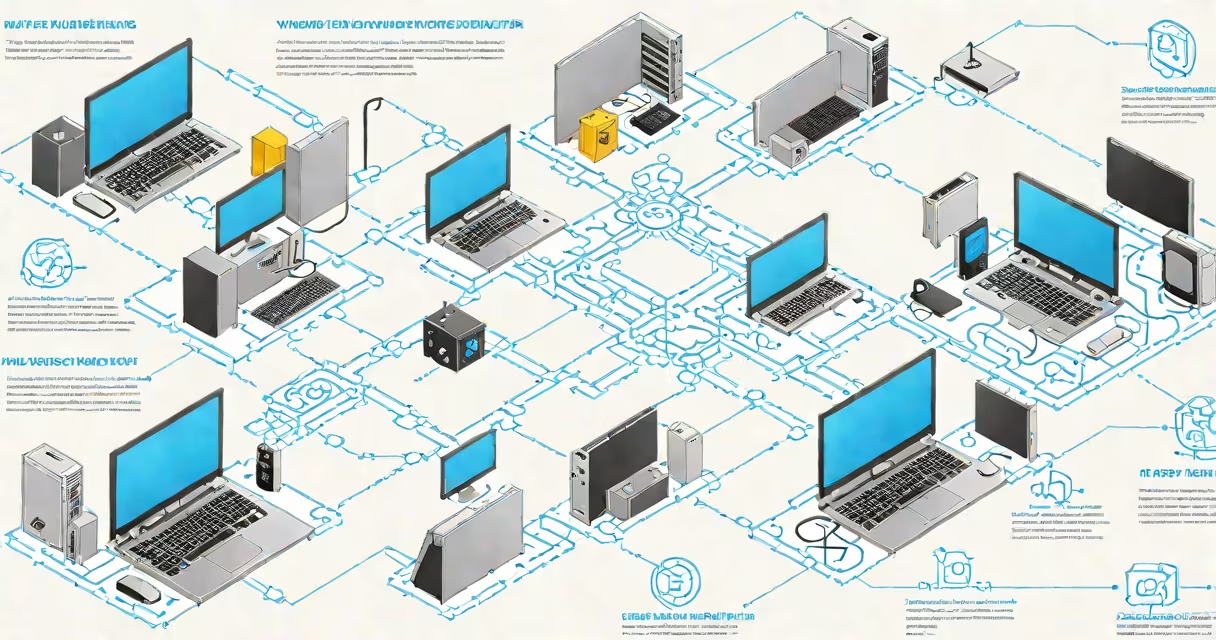
VDI stands for Virtual Desktop Infrastructure, a technology that delivers desktop operating systems from a central server to end-user devices over a network. Instead of running locally, the desktop environment runs remotely in a data center or cloud, accessible from any device with internet connectivity.
VDI enables organizations to manage desktops centrally, improve security, reduce hardware costs, and support remote work. It's commonly used in healthcare, education, finance, and enterprise IT departments.
When a user logs into a VDI session, their device connects to a virtual machine hosted on a server. That VM runs a full desktop OS-like Windows 10 or Linux-and presents the interface through a remote display protocol such as RDP (Remote Desktop Protocol) or PCoIP.
The user's input-keystrokes, mouse movements-is sent to the server, which processes it and sends back screen updates. All applications, data, and settings reside on the server, not on the endpoint device. This separation allows for consistent performance regardless of the client device used.
For example, a hospital nurse using a thin client at a bedside station accesses her personalized desktop. Her patient records, scheduling tools, and medical software run on a secure server. Even if the thin client fails, her session continues uninterrupted upon reconnecting.
VDI isn't a single model. Deployment approaches vary based on resource allocation, cost, and scalability needs. The most common types are:
| Type | How It Works | Best For |
|---|---|---|
| Persistent VDI | Each user gets a dedicated virtual desktop that retains changes between sessions. Like a personal computer in the cloud. | Employees needing customized workflows, developers, or those using specialized software. |
| Non-Persistent VDI | A shared pool of standardized desktops. Changes are wiped after each logoff. Users get a fresh environment every time. | Call centers, classrooms, temporary workers, or high-turnover roles. |
| Desktop-as-a-Service (DaaS) | Cloud-hosted VDI provided by a third party (e.g., Amazon WorkSpaces, Microsoft Azure Virtual Desktop). No on-premise hardware needed. | Businesses wanting quick deployment, low maintenance, and pay-per-use pricing. |
Many enterprises combine persistent and non-persistent models. A company might assign persistent VDI to engineers and non-persistent to retail staff during holiday shifts.
Security is the primary driver. Since data never leaves the data center, sensitive information stays protected. A lost laptop doesn't expose customer databases because the desktop runs remotely.
Cost savings come from reduced hardware needs. Thin clients or old PCs can replace expensive workstations. Maintenance becomes centralized-patches, updates, and backups happen on the server side.
Remote work relies heavily on VDI. During the pandemic, companies scaled VDI deployments rapidly. According to Gartner, 60% of global enterprises increased VDI usage between 2020 and 2022 due to remote work demands.
One example: a university deployed non-persistent VDI across 50 computer labs. Students accessed MATLAB, AutoCAD, and statistical software from personal laptops or library kiosks. The IT team managed software licenses centrally and reset lab environments nightly, eliminating setup delays.
VDI is often mistaken for remote desktop services or RDP alone. But while RDP is a protocol, VDI is a full architecture involving virtualization, storage, networking, and management tools.
Another myth: VDI is slow. Modern implementations use GPU acceleration, optimized codecs, and local rendering to deliver near-native performance. A 2023 VMware report showed 92% of users rated VDI responsiveness as "good" or "excellent" when properly configured.
Some assume VDI requires massive upfront investment. DaaS models eliminate that barrier. A small law firm with 15 attorneys used Microsoft Azure Virtual Desktop to launch secure, compliant workspaces in under two days with no on-site servers.
A mid-sized factory in Ohio faced challenges with outdated industrial PCs on the shop floor. Machines ran legacy software incompatible with modern OS updates. Repair costs were rising, and downtime affected production.
The plant implemented persistent VDI using VMware Horizon. Each operator now logs into a virtual desktop from a ruggedized touchscreen terminal. The desktop includes custom MES (Manufacturing Execution System) software, safety checklists, and real-time production dashboards.
Results after six months:
IT staff reported fewer help desk tickets related to crashes and configuration errors.
VDI is not the same as a traditional remote desktop session. A remote desktop session typically gives access to a single user's local machine. VDI provides isolated, scalable desktop instances with full system management.
It's also not the same as cloud computing in general. While VDI runs in the cloud, not all cloud services involve desktop delivery. Cloud storage or SaaS apps don't provide a full desktop environment.
Finally, VDI doesn't replace physical workstations entirely. Some tasks-like video editing or CAD modeling-still benefit from useful local hardware. VDI excels where consistency, security, and remote access matter more than raw performance.
Understanding what VDI means is essential for anyone involved in IT strategy, remote work planning, or digital transformation. It's not just a tool for large corporations-it's a practical solution for schools, clinics, and small businesses.
At its core, what does VDI mean? It means control, security, and flexibility-all delivered from a central location.