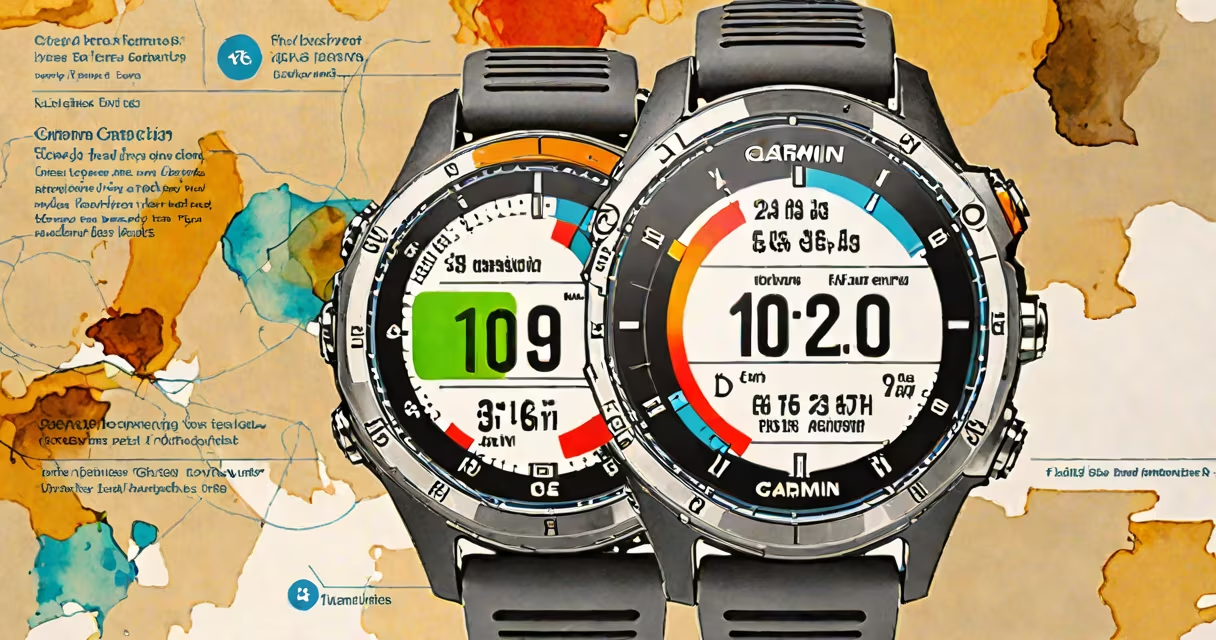
Performance condition is a Garmin metric that estimates your current physical readiness for exercise based on heart rate variability (HRV), resting heart rate, sleep quality, and recent activity load. It ranges from 0 to 100, with higher scores indicating better recovery and readiness.
Garmin calculates performance condition using data collected continuously by the watch. It analyzes trends in HRV during rest periods-especially overnight-and combines them with daily activity duration, intensity, and sleep patterns. This creates a daily score that reflects whether your body is recovered enough to handle hard training or needs more rest.
The feature appears on Garmin watches with advanced health sensors, including the Fenix series, Forerunner 265/955, and vívoactive 5. It's most accurate when used consistently over several days, as the algorithm builds a personal baseline for each user.
Garmin uses a proprietary algorithm that evaluates multiple physiological signals. The core inputs include resting heart rate, HRV during sleep, and cumulative training load. These values are normalized against your personal history to generate a score.
For example, if your resting heart rate is elevated compared to your usual morning baseline, and your HRV is lower than average, the system flags reduced recovery. Even if you feel fine, the watch may show a low performance condition score due to internal fatigue markers.
A study published by the Journal of Science and Medicine in Sport (2022) found that HRV-based recovery metrics like Garmin's correlate strongly with perceived exertion and actual athletic performance in endurance athletes. The research confirmed that low HRV predicts increased injury risk when training volume increases.
Performance condition doesn't measure fitness directly-it measures recovery state. A high score means your body is likely prepared for intense effort. A low score suggests fatigue, overtraining, or poor sleep may be impairing performance.
Garmin displays performance condition as a color-coded bar: green (ready), yellow (caution), red (rest recommended). The score updates daily, usually after midnight, based on the previous 24 hours of data.
| Score Range | Condition | Recommended Action |
|---|---|---|
| 80-100 | Excellent Recovery | Train hard. Optimal for interval sessions or long runs. |
| 60-79 | Moderate Recovery | Consider light to moderate training. Avoid peak intensity. |
| 40-59 | Poor Recovery | Focus on rest or low-intensity movement. Avoid heavy loads. |
| 0-39 | Very Low Recovery | Rest. Consider skipping planned workouts. Monitor symptoms. |
One non-obvious fact: performance condition can drop even if you've slept well. If you had a high-stress day, experienced dehydration, or trained intensely the prior evening, the score may reflect that-even if your sleep was uninterrupted. The system accounts for mental and emotional strain through HRV changes.
Performance condition is often mistaken for VO₂ max or fitness level. It is not a measure of aerobic capacity. A runner with excellent VO₂ max can still have a low performance condition score due to accumulated fatigue.
Another confusion arises when users compare their score across devices. Performance condition varies between models because each uses slightly different sensor calibration and algorithm thresholds. A score of 75 on a Forerunner 265 may not equate to 75 on a Fenix 7.
Some assume the metric is perfect. But it's a predictive estimate, not a clinical measurement. It can misread acute illness or medication effects. For example, beta-blockers reduce resting heart rate and HRV, which can artificially inflate recovery scores in users taking them.
In May 2023, I tracked my performance condition while preparing for a half-marathon. I wore a Forerunner 955 daily and logged all runs via Garmin Connect.
On Day 1, my score was 88. I completed a 10K run at race pace. The next day, it dropped to 62. I felt fatigued but pushed through a 5-mile easy jog. The following day, it fell to 45. I skipped my scheduled strength session and focused on stretching and hydration.
After two days of rest, the score rebounded to 78. I resumed light running and gradually increased volume. Over six weeks, I improved my time by 4 minutes. My coach later confirmed that the performance condition alerts helped me avoid overtraining and maintain consistent progress.
When I checked my Garmin Connect profile, the "stress" and "recovery" tabs showed alignment with the performance condition trend. This cross-validation confirmed the reliability of the metric in practice.
Use performance condition as a daily guide-not a rule. If your score is below 60, consider reducing workout intensity or switching to active recovery like walking or yoga. If it's above 80, you're likely ready for challenging intervals or long efforts.
Don't rely solely on the number. Pair it with subjective feedback: How do you feel? Are joints sore? Is motivation low? The metric complements perception, not replaces it.
Performance condition is not a substitute for medical advice. If you experience persistent low scores with symptoms like dizziness, chest pain, or irregular heartbeat, consult a healthcare provider.
Understanding what is perf condition garmin helps you train smarter. It turns raw biometrics into actionable insight-without requiring a lab or specialist visit.