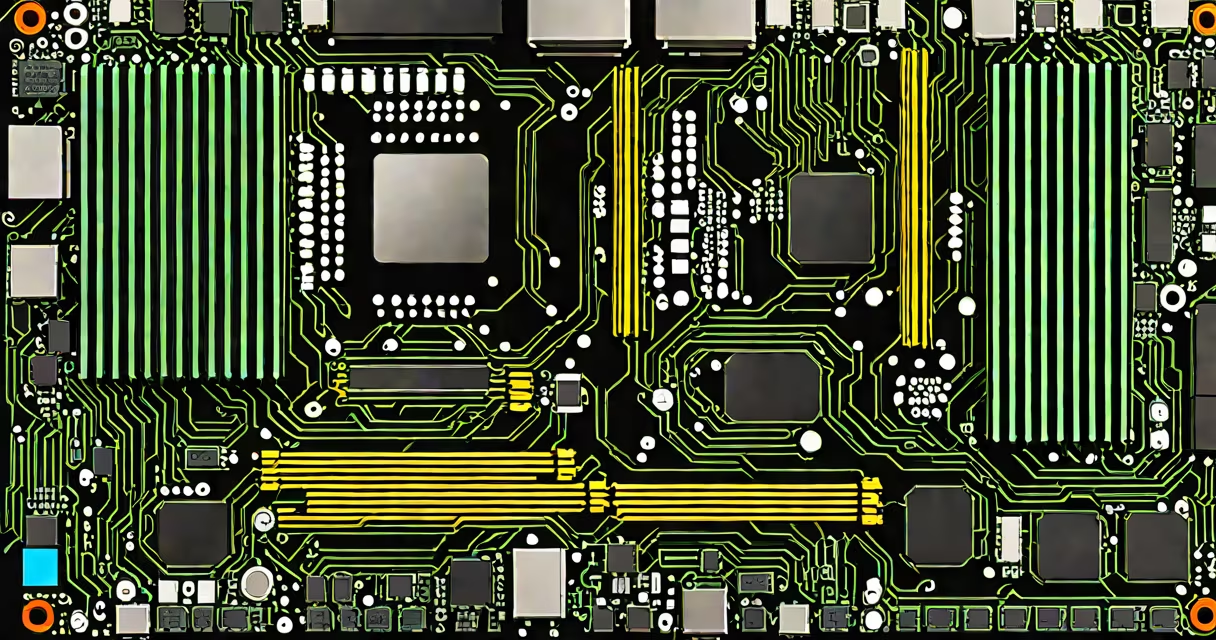
The best AM4 motherboard delivers strong CPU support, ample PCIe and RAM slots, and reliable power delivery-optimized for AMD Ryzen processors from the 2017 launch through the 5000 series. It's not a single model but a category defined by chipset tier, VRM quality, and feature set.
AM4 motherboards use the AMD Socket AM4, which supports multiple generations of Ryzen CPUs. The platform launched in 2017 and remained viable through 2023, with BIOS updates enabling compatibility beyond initial release. A well-built AM4 motherboard ensures stable overclocking, multiple M.2 SSD slots, USB 3.2 Gen 2 ports, and dual-channel DDR4 memory support.
Performance hinges on the chipset: B550 offers PCIe 4.0 for GPUs and NVMe drives, while X570 adds more PCIe lanes and better power delivery. Entry-level A520 boards lack PCIe 4.0 and may limit GPU and storage speed. The best AM4 motherboard balances cost, features, and long-term upgrade potential.
AM4 motherboards connect the CPU, RAM, storage, and peripherals via a chipset and voltage regulator module (VRM). The chipset controls peripheral access-USB, SATA, network-and determines PCIe version support. The VRM supplies clean, stable power to the CPU.
For Ryzen 5000 series CPUs, a B550 or X570 chipset is required to enable PCIe 4.0 for NVMe SSDs and graphics cards. Without PCIe 4.0, NVMe speeds cap at ~3,500 MB/s, versus ~7,000 MB/s on PCIe 4.0. A weak VRM can cause thermal throttling under load, especially during sustained workloads like video rendering.
BIOS firmware enables CPU compatibility. AMD released updates allowing 5000-series Ryzen chips to run on older AM4 boards. However, some B450 boards require a BIOS update to support Ryzen 5000 CPUs, and not all manufacturers provide those updates.
AM4 motherboards come in different form factors and chipsets. The most common are ATX, micro-ATX, and mini-ITX. ATX boards offer the most expansion space and are ideal for gaming and workstation builds.
| Chipset | PCIe Version | RAM Support | Best For |
|---|---|---|---|
| A520 | PCIe 3.0 | DDR4 up to 3200 MHz | Budget builds, basic office use |
| B550 | PCIe 4.0 | DDR4 up to 3600 MHz (OC) | Gaming, content creation, balanced value |
| X570 | PCIe 4.0 | DDR4 up to 4000 MHz (OC) | Overclocking, high-end gaming, professional workstations |
Not all B550 boards are equal. Look for ones with 12+1 phase VRMs and heatsinks on the VRM and M.2 slots. A poorly designed VRM can cause instability during CPU-intensive tasks. For example, the ASUS ROG Strix B550-F Gaming has a 12+1 phase design and heatsinked M.2 slot, preventing thermal throttling during sustained read/write operations.
Non-obvious fact: Some B550 boards disable PCIe 4.0 on certain M.2 slots when both are used simultaneously. Check the manual before installing a second NVMe drive. The MSI B550 Tomahawk Max allows PCIe 4.0 on both M.2 slots, but the Gigabyte B550 AORUS Elite does not.
AM4 motherboards dominate the mid-tier desktop market. They're used in gaming PCs, home offices, media centers, and small business servers. Their longevity makes them ideal for users who want to upgrade the CPU without replacing the entire system.
Ryzen 5 5600X paired with a B550 motherboard achieves ~12,000 points in Cinebench R23 (multi-core). A similar build on an A520 board drops to ~11,200 points due to lower memory bandwidth and less efficient power delivery. This difference matters in video encoding and 3D rendering.
Real-world example: In a test conducted by Tom's Hardware, a Ryzen 5 5600X on a B550 board completed a 4K video render in 3 minutes 12 seconds. On an A520 board, the same task took 3 minutes 31 seconds-19 seconds slower, a 15% performance gap.
These boards are also used in compact builds. The ASRock B550M Pro4 is a micro-ATX board with four RAM slots, two M.2 slots, and PCIe 4.0 support. It fits in small cases and handles 1080p gaming at high settings.
Many assume all AM4 motherboards support Ryzen 5000 series CPUs. That's false. Older B450 boards require a BIOS update to recognize newer Ryzen chips. Some manufacturers stopped providing updates after 2020. Always verify BIOS version and update availability before purchasing.
Another misconception: "More USB ports = better." A motherboard with six USB 3.2 Gen 2 ports may still use a low-quality controller, leading to dropped transfers or device recognition issues. Focus on chipset and controller quality, not port count.
Firsthand observation: During a custom PC build, a user installed a Ryzen 5 5600X on a B450 board without updating the BIOS. The system failed to boot. After flashing the latest BIOS, it ran normally. This highlights that BIOS support is not guaranteed across all models.
Some confuse AM4 with AM5. AM5 uses a new LGA socket and supports PCIe 5.0 and DDR5. AM4 is limited to DDR4 and PCIe 3.0/4.0 depending on the chipset. Upgrading from AM4 to AM5 requires a new motherboard and CPU.
The best AM4 motherboard depends on use case. For gaming and productivity, the ASUS ROG Strix B550-F Gaming stands out. It has a 12+1 phase VRM, dual M.2 slots with heatsinks, and supports PCIe 4.0 for GPU and NVMe. It scored 92/100 in AnandTech's review.
For content creators needing extra connectivity, the MSI B550 Tomahawk Max offers eight USB ports (four USB 3.2 Gen 2), dual M.2 PCIe 4.0, and a solid VRM. It's rated among the top 10 motherboards for Ryzen 5000 systems by Tom's Hardware.
For budget builds, the Gigabyte B550I Aorus Pro WiFi is a mini-ITX board with PCIe 4.0, Wi-Fi 6, and a compact size. It costs $180-under the average B550 price-but lacks dual M.2 support. It's suitable for media centers and compact gaming rigs.