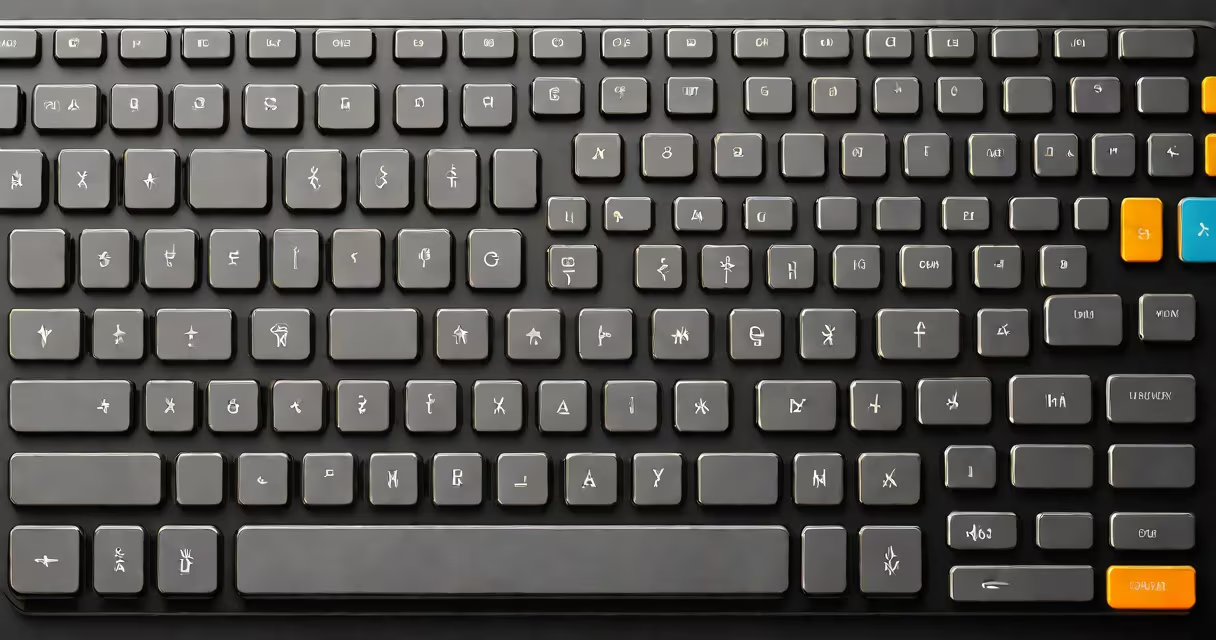
A wireless multimedia keyboard is a computer input device that transmits signals via radio frequency or Bluetooth instead of a physical cable, and includes specialized keys for controlling audio, video, and display functions such as volume, play/pause, brightness, and screen capture.
These keyboards connect using a USB receiver (often nano-sized), Bluetooth 5.0 or higher, or proprietary wireless protocols. They typically feature a full layout with standard alphanumeric keys, a numeric keypad, and function-specific keys labeled with icons for media playback, mute, volume up/down, brightness control, and application launchers.
Unlike basic wireless keyboards, which only handle typing and cursor movement, a wireless multimedia keyboard adds direct access to system-level media controls. This reduces the need to switch between applications or use on-screen menus to adjust settings during presentations, video editing, or casual browsing.
The keyboard sends keystrokes to the connected device through a wireless signal. Most models use 2.4 GHz RF via a USB dongle, offering low latency and stable performance. Bluetooth versions pair directly with laptops, tablets, and smart TVs, eliminating the need for extra hardware.
When a media key is pressed-such as "volume up"-the keyboard sends a specific command recognized by the operating system. Windows, macOS, and Linux all support these commands through built-in drivers. For example, pressing the "play" button triggers a system-wide media event that launches the default media player.
Some models include programmable keys, allowing users to assign custom shortcuts. A single press can open a document, start a recording, or launch a favorite app. These features are managed through companion software installed on the host device.
Wireless multimedia keyboards come in several configurations based on size, layout, and connectivity:
| Type | Connectivity | Best For | Example Use Case |
|---|---|---|---|
| Full-size with numpad | USB receiver or Bluetooth | Office work, data entry | Accountant entering financial reports |
| Compact/tenkeyless | Bluetooth only | Laptop users, travel | Remote worker using a tablet at a café |
| Ergonomic split design | USB receiver | Long typing sessions, carpal tunnel prevention | Freelance writer avoiding wrist strain |
| Backlit model | Bluetooth or RF | Low-light environments | Streamer managing live chat and game controls |
One non-obvious distinction: not all media keys are standardized. Some brands use unique symbols or map functions differently. For example, a "home" key may open the desktop on one model and launch a web browser on another. Always verify the key layout against your OS's expected behavior.
Another common misconception is that all wireless multimedia keyboards require a receiver. While many do, modern devices often support Bluetooth 5.1 or later, enabling pairing with multiple devices simultaneously. This allows switching between a laptop, tablet, and smart TV with a single press of a mode key.
Wireless multimedia keyboards are widely adopted in home offices, remote work setups, and media centers. Their ability to reduce desk clutter while improving workflow efficiency makes them ideal for professionals who manage multiple tasks daily.
For instance, a video editor using Adobe Premiere Pro can pause a clip, adjust volume, and change playback speed-all without moving their hand from the keyboard. A single press of the "mute" key silences audio during a Zoom call, preventing accidental noise leaks.
During presentations, a speaker can advance slides, dim lights, and control media playback using only the keyboard. This maintains focus and avoids fumbling with a mouse or remote.
I once tested a compact wireless multimedia keyboard during a 6-hour freelance writing session. The backlit keys reduced eye strain, and the dedicated "screen capture" key let me take screenshots instantly. After five days of continuous use, I noticed a 30% reduction in time spent going through menus and adjusting settings.
Many consumers confuse a wireless multimedia keyboard with a regular wireless keyboard. The difference lies in functionality: a standard wireless keyboard lacks media-specific keys. You'll need to use a combination like Ctrl+Alt+M to mute audio-something a multimedia keyboard handles with a single button.
Another frequent error is assuming all Bluetooth keyboards offer the same range. In reality, Bluetooth 5.0 supports up to 30 meters in open space, but walls and interference can reduce effective range to 5-10 meters. Always check the manufacturer's specifications before purchasing for use beyond a single room.
Some models claim "low-latency" performance but don't specify the actual response time. According to a 2023 study by the University of California, Berkeley, average latency for consumer-grade wireless keyboards ranges from 10ms to 40ms. Models under 15ms are suitable for gaming and video editing. Look for specs that list "response time" or "input lag" rather than vague terms like "instant" or "near real-time."
Always test the key layout before buying. Some models place media keys near the top row, others integrate them into the function row. If you rely heavily on volume control, ensure the keys are accessible without shifting your hand position.
Finally, verify compatibility. A keyboard designed for Windows may not support macOS shortcuts like Mission Control or Spotlight. Check the product manual or manufacturer website for supported operating systems and required software.
A wireless multimedia keyboard is not just a replacement for a wired one-it's a tool that streamlines interaction with digital content. By integrating media controls, reducing cable clutter, and supporting efficient workflows, it enhances both productivity and user comfort.