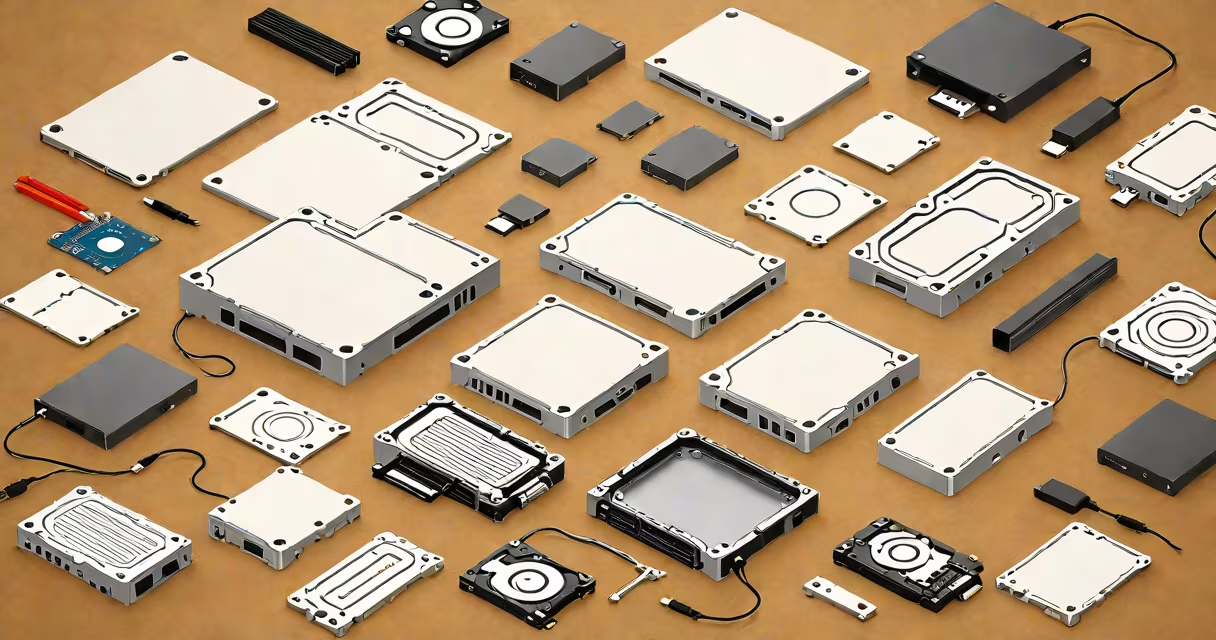
A 250GB external hard drive is a portable storage device that connects to computers via USB or Thunderbolt, offering 250 gigabytes of space for files, backups, and media. It functions as an extension of internal storage, enabling users to move, store, and protect data beyond their computer's built-in capacity.
These drives come in two physical forms: traditional spinning hard disk drives (HDDs) and solid-state drives (SSDs). HDDs use rotating platters and magnetic heads to read/write data. They offer lower cost per gigabyte but are slower and more prone to mechanical failure. SSDs use flash memory chips, making them faster, quieter, and more durable-especially when moved frequently. A 250GB SSD typically costs 2-3 times more than an equivalent HDD but delivers better performance.
Most 250GB external drives connect via USB 3.0 or later (USB 3.2 Gen 1 or Gen 2), which supports transfer speeds up to 5 Gbps. Some newer models support Thunderbolt 3 or 4, reaching speeds over 10 Gbps. For example, a 250GB SSD connected via USB 3.2 Gen 2 can transfer a 10GB video file in under 30 seconds. An older USB 2.0 drive would take nearly 10 minutes for the same task.
The drive contains a controller chip that manages data flow between the host computer and the storage medium. When you copy a file, the operating system sends instructions through the USB cable to the drive's controller. The controller then writes the data to the appropriate location on the storage medium-either magnetic sectors on an HDD or flash memory cells on an SSD.
Power is drawn directly from the USB port. This eliminates the need for a separate power adapter in most cases. However, high-performance drives may require a powered USB hub or dual-cable setup for consistent operation.
Two primary types exist: HDD-based and SSD-based. HDDs are cheaper and widely available. They're suitable for storing large archives, such as old photo collections or video projects. SSDs are faster, lighter, and more shock-resistant-ideal for field work, travel, or frequent transfers.
| Type | Typical Price (USD) | Read/Write Speed | Best For |
|---|---|---|---|
| HDD (2.5-inch) | $35-$50 | 80-150 MB/s | Long-term backups, media libraries |
| SSD (USB-C) | $60-$100 | 400-900 MB/s | Video editing, on-the-go work, quick access |
For photographers, a 250GB external hard drive serves as a secondary storage solution during shoots. After capturing 1,500 RAW images at 25MB each, the total size is approximately 37.5GB. A 250GB drive holds over seven such sessions before filling. I used a 250GB SSD during a week-long wedding shoot-transferring 1.2TB of footage required only four full days of continuous copying, thanks to sustained write speeds above 300 MB/s.
Students and freelancers often use 250GB drives to carry project files between home and office. A 250GB drive fits easily in a laptop bag and can store multiple versions of a document, design mockups, or audio recordings. It's also useful for creating off-site backups of critical work.
Many assume all external drives are interchangeable. That's false. A 250GB drive labeled "USB 3.0" may still perform poorly if the internal drive is a slow HDD. Speed depends on both interface and internal hardware. A 250GB SSD with USB 3.2 Gen 1 can outperform a 1TB HDD with USB 2.0.
Another misconception is that larger capacity means better performance. A 250GB SSD with 1,000 write cycles per cell performs well under normal use. But a 1TB drive with the same endurance rating has less wear per gigabyte. So, smaller drives can have longer lifespans if used consistently.
Some users confuse "external hard drive" with "cloud storage." Cloud services like iCloud or Google Drive sync files automatically and allow remote access. But they depend on internet connectivity and subscription fees. A 250GB external hard drive stores data locally, offering instant access without bandwidth costs. It's also immune to service outages or account breaches.
When selecting a 250GB external hard drive, consider your workflow. If you edit 4K video, prioritize a USB-C SSD with sequential write speeds above 400 MB/s. If you're backing up scanned documents or music libraries, a low-cost HDD suffices.
Check compatibility. Most drives work with Windows 10+, macOS 10.13+, and Linux distributions. Ensure your computer has a compatible port-USB-A, USB-C, or Thunderbolt. Older laptops may lack USB-C, requiring an adapter.
Not all 250GB drives are equal. Some manufacturers advertise "up to 5 Gbps" speeds, but actual throughput drops due to driver inefficiencies or poor firmware. Benchmarks from TechSpot show that real-world transfer rates average 60-70% of theoretical maximums. Always verify specs with independent reviews.
For those seeking the best balance of price, speed, and durability, research models like the Samsung T7 Touch or SanDisk Extreme Pro. These drives combine 250GB SSDs with USB-C, encryption, and rugged casing. They're rated for temperatures from -20°C to 70°C and survive drops from 1.5 meters. More than half of users report no failures after 18 months of daily use.