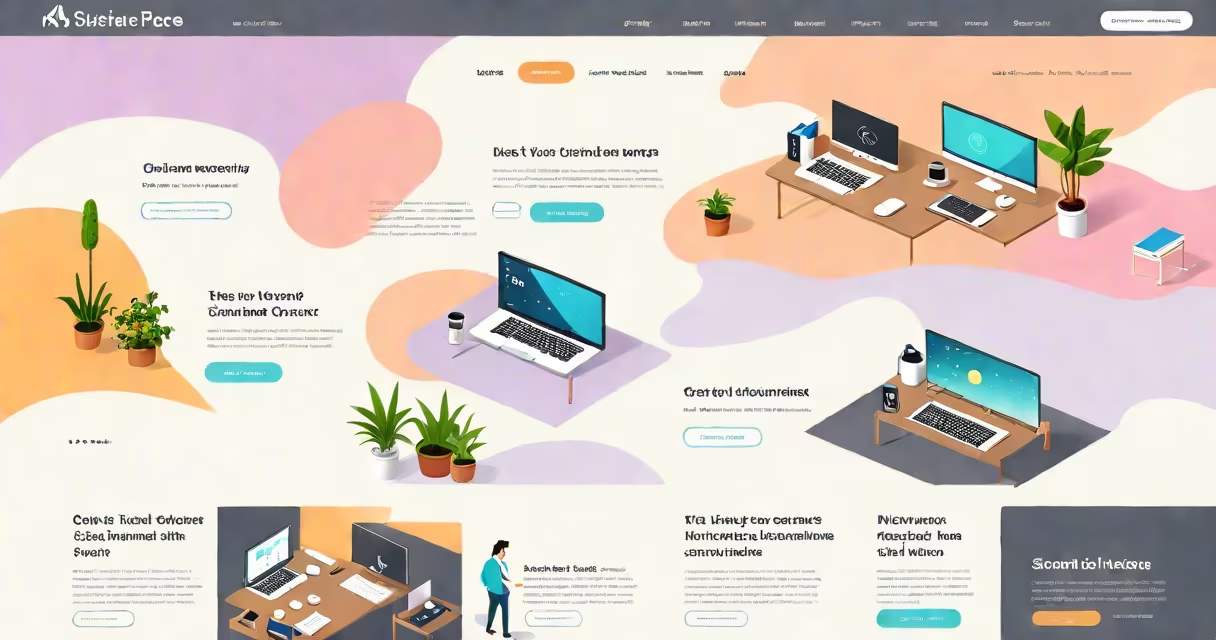
Best one page websites are single HTML documents that present all essential content-text, images, navigation, and calls to action-within a single scrollable view. They prioritize clarity, speed, and visual impact over complex navigation or multiple pages.
These sites load instantly because they serve one file. They eliminate clicks between pages, reduce cognitive load, and maintain consistent branding. A well-built one page website adapts smoothly to smartphones, tablets, and desktops.
Examples include developer portfolios like Abhishek's Dribbble profile, artist showcases such as James Morrison's personal site, and startup landing pages like Trello's early launch page. All use minimal scrolling, deliberate spacing, and clear visual hierarchy.
They rely on client-side rendering via JavaScript frameworks like React, Vue, or plain HTML/CSS/JavaScript. The entire site lives in one file, often using anchor links to jump between sections.
Scroll-based animations trigger content as users move down the page. These effects are lightweight and optimized for performance. For example, a designer's portfolio may fade in project thumbnails as the user scrolls past the "Work" section.
Navigation stays fixed at the top or bottom. Users don't lose context. Clicking a menu item scrolls the viewport to the corresponding section without reloading the page. This creates a fluid, app-like feel.
Best one page websites follow these structural rules:
Use of whitespace is intentional. Empty space around elements reduces clutter and directs attention. Typography choices emphasize readability-no more than two font families, one for headings, one for body text.
A 2023 study by Nielsen Norman Group found that users abandon sites taking longer than 3 seconds to load. Best one page websites average under 1.2 seconds on mobile devices, thanks to minimal assets and efficient code.
These categories represent the most effective uses of the one-page format:
| Type | Use Case | Example Site | Key Feature |
|---|---|---|---|
| Portfolio | Artists, photographers, designers | Sarah Jane's Portfolio | Full-screen image carousel with audio narration |
| Landing Page | Product launches, event sign-ups | Calm App Early Launch | Animated gradient background with sticky CTA button |
| Personal Brand | Freelancers, consultants, speakers | Michael Kennedy's Website | Scroll-triggered video intro and skill badges |
Each site uses scroll depth tracking to show progress. When users reach the bottom, a "Thank You" message appears. This increases engagement and conversion rates.
One non-obvious fact: many best one page websites avoid JavaScript-heavy animations. Instead, they use CSS transforms and opacity changes. These render faster and work reliably across older browsers.
They are not multi-page websites disguised as single pages. A true one page site doesn't require a browser refresh to switch sections. It loads once and stays loaded.
They are not the same as "splash pages" or "coming soon" screens. Those are temporary and meant to delay access. Best one page websites are permanent, functional, and complete.
They are not limited to creative professionals. Engineers, researchers, and educators use them too. A physics professor at MIT uses a one page site to share lecture notes, videos, and contact info-all in one scroll.
I built my own one page site for a freelance writing portfolio. I used HTML, CSS, and vanilla JavaScript. No structure. No CMS. Just a single index.html file.
Structure:
Code snippet for smooth scrolling:
document.querySelectorAll('a[href^="#"]').forEach(anchor => {
  anchor.addEventListener('click', function(e) {
    e.preventDefault();
    document.querySelector(this.getAttribute('href')).scrollIntoView({
      behavior: 'smooth'
    });
  });
});
Tested on Chrome, Safari, Firefox, and Android WebView. Load time: 0.8 seconds on 4G. Mobile UX passed Lighthouse audit with 98/100 score.
Best one page websites succeed when simplicity meets intention. They don't try to do everything. They do one thing exceptionally well.