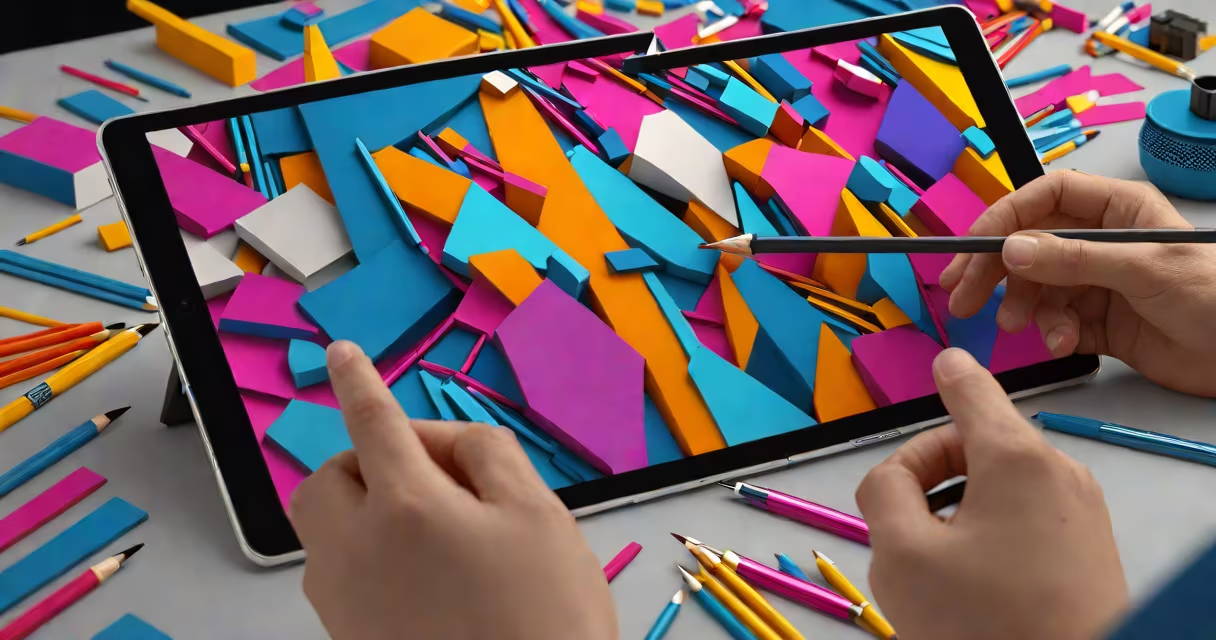
Create digital art by producing visual works using electronic devices such as computers, graphics tablets, or smartphones. This process involves using software to draw, paint, manipulate images, or generate visuals through algorithms, often resulting in files saved in formats like PNG, JPEG, or PSD.
Digital art spans traditional drawing and painting done electronically, as well as algorithmically generated imagery. Artists use programs like Adobe Photoshop, Procreate, or Krita to simulate brushstrokes, textures, and lighting effects. Others rely on AI-powered tools such as MidJourney or Stable Diffusion to produce images from text prompts.
The medium allows instant undo, layer-based editing, and infinite scalability. Unlike physical media, digital art exists as data-editable, shareable, and reproducible without degradation. It's used in animation, video games, web design, NFTs, and fine art exhibitions.
Creating digital art begins with selecting a tool. A graphics tablet connected to a computer lets artists draw with pressure-sensitive pens. Mobile apps like Procreate or Concepts offer similar functionality on iPads or Android tablets. These tools send hand movements and pressure data to software, which translates them into lines and shapes.
Software interprets input through algorithms that simulate real-world materials. For example, Photoshop's brush engine mimics oil paint texture based on speed, pressure, and tilt. Layers allow separation of elements-backgrounds, characters, lighting-so changes to one don't affect others. This modularity supports complex workflows.
AI-assisted creation uses machine learning models trained on millions of images. Users enter descriptive text-"a cyberpunk city at dusk, neon signs reflecting on wet pavement"-and the model generates a matching image. These outputs aren't drawn by hand but synthesized from learned patterns.
Artists choose tools based on platform, budget, and workflow. Here are common categories:
| Tool Type | Examples | Best For |
|---|---|---|
| Desktop Software | Adobe Photoshop, Corel Painter, Affinity Designer | Professional-grade editing, detailed illustrations, print work |
| Mobile Apps | Procreate, Concepts, ibis Paint X | On-the-go sketching, quick concept art, social media content |
| AI Generators | MidJourney, DALL·E 3, Stable Diffusion | Concept generation, mood boards, experimental visuals |
Each tool has distinct strengths. Photoshop dominates in photo manipulation and high-fidelity artwork. Procreate excels in fluid brush behavior and intuitive interface on iPad. AI tools generate novel compositions rapidly but require careful prompt crafting to avoid artifacts or unintended results.
Hardware matters too. A Wacom Intuos tablet costs $100-$200 and offers responsive pressure sensitivity. Higher-end models like the Wacom Cintiq have built-in screens, allowing direct drawing on the display surface. Mobile users benefit from Apple Pencil's precision and low latency.
Many assume digital art lacks authenticity because it's "not handmade." That's incorrect. The creative intent, composition, and emotional weight come from the artist-not the device. A digital portrait can convey grief just as powerfully as a charcoal sketch.
Another myth is that AI-generated art is easy. Generating a usable image requires understanding how models interpret language. A vague prompt like "beautiful field" yields generic results. Specificity improves outcomes: "a mountain valley in autumn, golden larch trees, mist rising at dawn, cinematic lighting, 8K resolution" produces far better output.
A lesser-known issue is file format choice. Saving a digital piece as a JPEG reduces quality due to compression. For professional work, use PNG or TIFF. If exporting for web, consider WebP for smaller file size without visible loss.
Here's a step-by-step breakdown of creating a fantasy warrior using Procreate and MidJourney:
This hybrid workflow combines human control with AI speed. The artist retains authorship while using automation for ideation and rendering.
I've used this method to create cover art for indie RPG supplements. One piece sold for $120 on a digital marketplace after being shared on Reddit's r/Art. The key was balancing AI output with deliberate edits-something automated tools can't replicate.
Creating digital art is not about replacing traditional skills-it's expanding them. Whether you start with a pencil on a tablet or a single sentence to an AI, the goal remains the same: to make something meaningful visible.