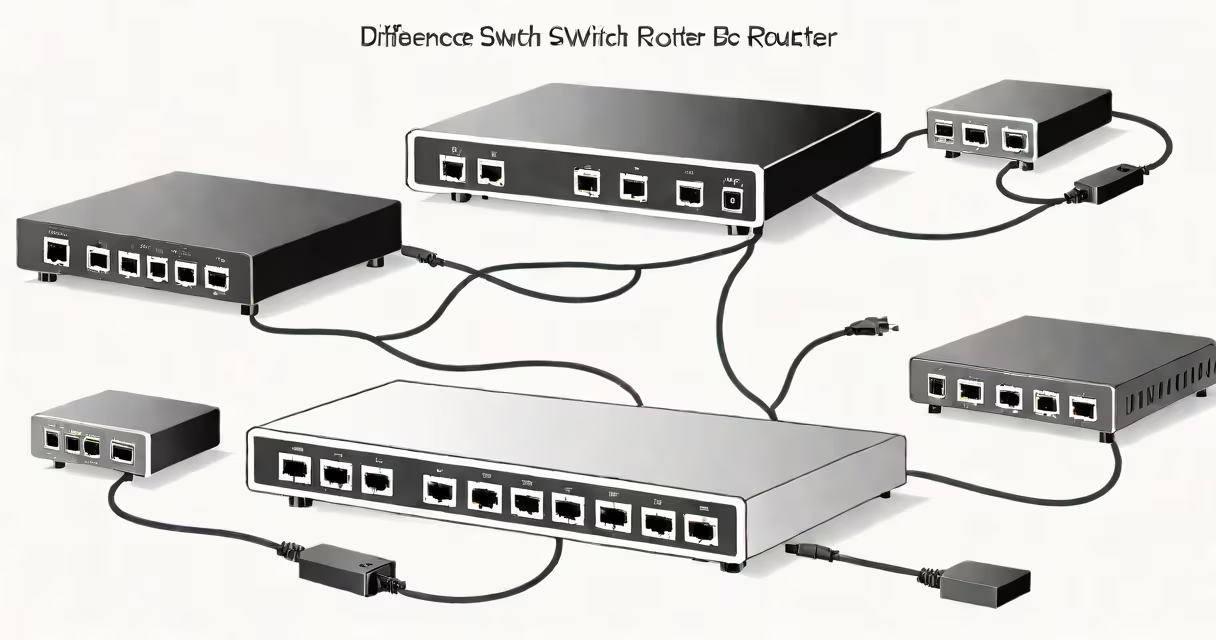
The difference between hub switch router stems from their distinct roles in data transmission: hubs flood data to all connected devices, switches send data only to intended recipients using MAC addresses, and routers forward packets between different networks using IP addresses. This fundamental division defines how data moves through a local network and beyond.
Hubs operate at Layer 1 of the OSI model-the physical layer. They receive electrical signals from one port and rebroadcast them to all others without filtering or decision-making. A hub adds no intelligence to network traffic. When one device sends data, every other device on the same hub receives it, regardless of whether it's meant for them. This creates unnecessary network congestion and security risks.
Switches function at Layer 2 (data link layer). They learn the MAC address of each connected device and maintain a table to map those addresses to specific ports. When a switch receives a frame, it checks the destination MAC address and forwards the data only to the correct port. This reduces collisions and improves bandwidth efficiency. For example, in a 16-port switch, a file sent from Port 1 to Port 8 won't burden the other 14 ports.
Routers work at Layer 3 (network layer). They make routing decisions based on IP addresses and maintain routing tables to determine the best path for data between networks. A router connects multiple subnets-such as a home network and the internet-and controls traffic flow between them. It performs Network Address Translation (NAT), assigns IP addresses via DHCP, and often includes firewall features to filter incoming and outgoing traffic.
| Device | Layer | Function | Address Used | Use Case |
|---|---|---|---|---|
| Hub | 1 (Physical) | Broadcasts all incoming data to every port | None (no addressing) | Legacy setups, rarely used today |
| Switch | 2 (Data Link) | Directs frames to specific ports using MAC addresses | MAC address | Modern LANs, office networks, home networks |
| Router | 3 (Network) | Routes packets between networks using IP addresses | IP address | Connecting home networks to the internet, enterprise segmentation |
Despite their differences, these devices often appear together in a single device. A typical home router combines a switch, a wireless access point, and routing capabilities. It uses a switch internally to manage connections among devices on the local network and a router engine to handle internet traffic. Many modern routers also include a built-in firewall and Quality of Service (QoS) settings.
A common misconception is that a switch can replace a router. While a switch manages internal communication, it cannot route traffic between different networks. Without a router, devices on a network cannot access the internet. For example, connecting a computer directly to a switch in a home setup won't allow web browsing unless that switch is connected to a router or gateway device.
Another misunderstanding is that hubs are still widely used. They were standard in early Ethernet networks but are now obsolete due to inefficiency and security flaws. The IEEE 802.3 standard phased out hubs in favor of switched Ethernet. Today, hubs are only found in legacy systems or educational demonstrations.
When setting up a small office network, you might use a managed switch for better control over traffic and VLANs. A managed switch allows you to assign port priorities, monitor bandwidth usage, and isolate departments. For instance, a finance team might be assigned to a separate VLAN to restrict access to sensitive data. A hub would not support such configuration.
In my experience, replacing a 10 Mbps hub with a gigabit switch improved video conferencing performance by 60% in a five-user home office. The switch reduced packet loss and eliminated broadcast storms that occurred when multiple devices transmitted simultaneously. This change was noticeable during Zoom calls-audio dropped less frequently, and screen sharing loaded faster.
For larger networks, combining devices is essential. A company might deploy a core router to connect branch offices, distribution switches at each floor, and access switches near workstations. This hierarchy prevents bottlenecks and enables scalable growth. The router handles inter-network routing, switches manage intra-subnet traffic, and hubs are not involved at all.
Understanding the difference between hub switch router helps avoid misconfigurations. Using a hub in place of a switch causes network slowdowns. Assuming a switch can provide internet access leads to connectivity failures. Knowing which device performs which function ensures proper network design.