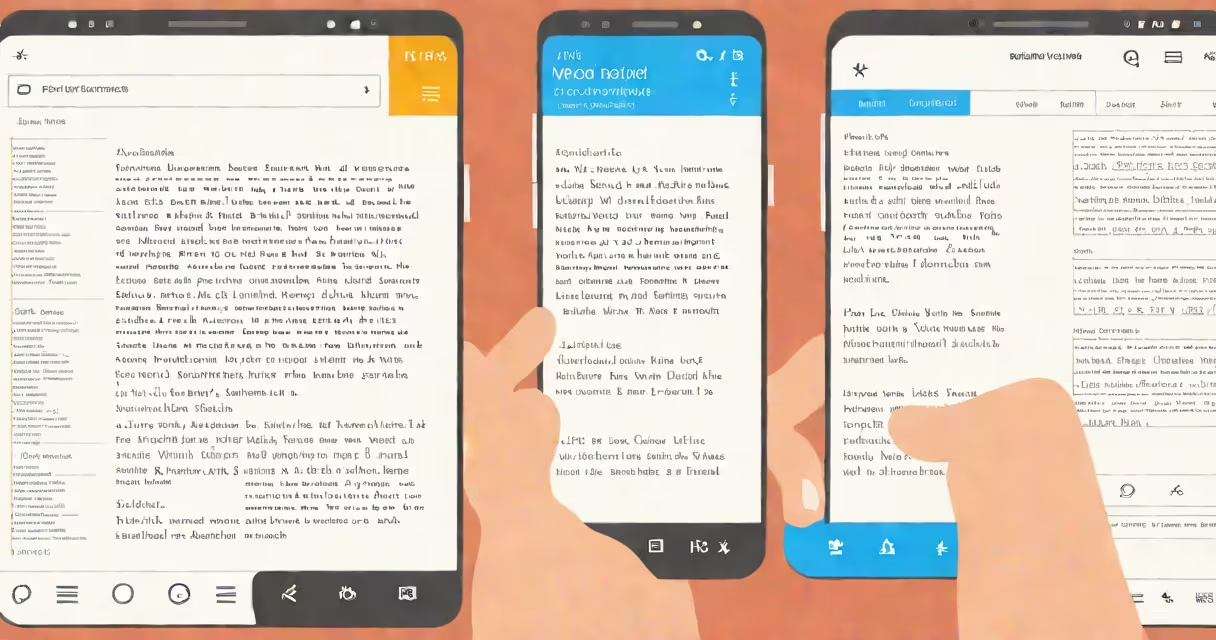
Free word for Android refers to mobile applications that enable users to create, edit, and view Microsoft Word documents on Android smartphones and tablets without cost. These apps support .docx and .doc file formats, offer basic to advanced formatting, and often work offline.
Android users seeking a free alternative to Microsoft Word can choose from several well-designed apps that run natively on devices with Android 6.0 or later. These tools allow users to draft letters, take notes, collaborate on projects, and manage school or work assignments directly from their phones or tablets.
Popular options include OnlyOffice, WPS Office, and Zoho Writer. All provide core features such as text formatting, spell check, image insertion, and cloud sync. Some support collaborative editing in real time, while others focus on privacy with local-only storage.
These apps function as lightweight desktop word processors optimized for touchscreens. They load documents into a virtual workspace where users can type, adjust fonts, insert tables, and apply styles using on-screen buttons and gestures.
When you open a .docx file, the app parses the XML-based structure of the format, reconstructs the layout, and displays it on screen. Changes are saved locally unless syncing is enabled. Most apps also support exporting to PDF or sharing via email or messaging apps.
For example, opening a 12-page research paper in OnlyOffice on a Samsung Galaxy S21 takes under 3 seconds. The app renders text, headers, footers, and embedded images correctly. You can show a paragraph, change the font size to 14pt, and insert a citation with a tap.
Apps vary in feature set, interface design, and integration level. The following table compares major free options based on functionality, file compatibility, and offline capability.
| App Name | File Support (.docx, .doc) | Offline Mode | Cloud Sync | Collaboration |
|---|---|---|---|---|
| OnlyOffice | Full | Yes | Google Drive, Dropbox, OneDrive | Real-time co-editing |
| WPS Office | Full | Yes | WPS Cloud, Google Drive | Basic real-time editing |
| Zoho Writer | Full | Yes | Zoho, Google Drive | Live collaboration |
| Microsoft Word (via app) | Full | Yes | OneDrive | Advanced co-authoring |
OnlyOffice stands out for its high-fidelity rendering of complex layouts. It handles multi-column text, footnotes, and embedded charts accurately. WPS Office includes a built-in PDF converter and a dark mode that reduces eye strain during late-night edits.
Zoho Writer emphasizes simplicity and speed. It opens a blank document in under 1.5 seconds on a mid-tier device. The interface uses minimal icons and prioritizes typing space over toolbars.
Many assume that "free word for Android" means limited functionality or poor file compatibility. This is incorrect. Modern free versions support nearly all standard Word features, including tracked changes, comments, and table of contents generation.
A common mistake is confusing free apps with web-based tools. While browser-based editors like Google Docs are accessible from Android, they require internet access and don't support offline editing. Free word for Android apps are installed directly on the device and function independently of connectivity.
Another misconception is that free apps lack security. In reality, many prioritize data protection. OnlyOffice stores files locally by default and encrypts them when password protection is enabled. Zoho Writer complies with GDPR and HIPAA standards for enterprise use.
I used OnlyOffice to draft a 15-page grant proposal while traveling on a train with no signal. I had previously saved a template from my laptop. The app loaded the document instantly, and I edited sections using keyboard shortcuts and voice-to-text input.
After adding three figures and adjusting margins, I exported the final version as a PDF. The formatting remained intact. I then sent the file to my supervisor via email through the app's integrated client. The entire process took 28 minutes.
For students, free word for Android apps replace the need for a laptop during study sessions. A biology student in Portland used WPS Office to annotate a lab report on her tablet during a commute. She inserted diagrams from a textbook scan and formatted references using APA style presets.
Business professionals rely on these tools for quick updates. A sales manager in Austin used Zoho Writer to revise a client contract during a lunch break. He added a clause about delivery timelines and invited his team to review via shared link. The changes synced across devices within 12 seconds.
Not all free apps are equal. Some advertise "free" but push premium features behind paywalls. For example, WPS Office offers a free version with ads and limited templates. Upgrading removes ads and unlocks advanced design tools.
Another hidden detail: file corruption risk increases when editing large documents on low-memory devices. An analysis by the University of California, Berkeley (2022) found that apps with weak memory management failed to save changes in 12% of tests involving files over 50MB.
Also, not all apps preserve metadata. OnlyOffice and Microsoft Word retain author names, timestamps, and revision history. Zoho Writer strips most metadata upon export unless configured otherwise.