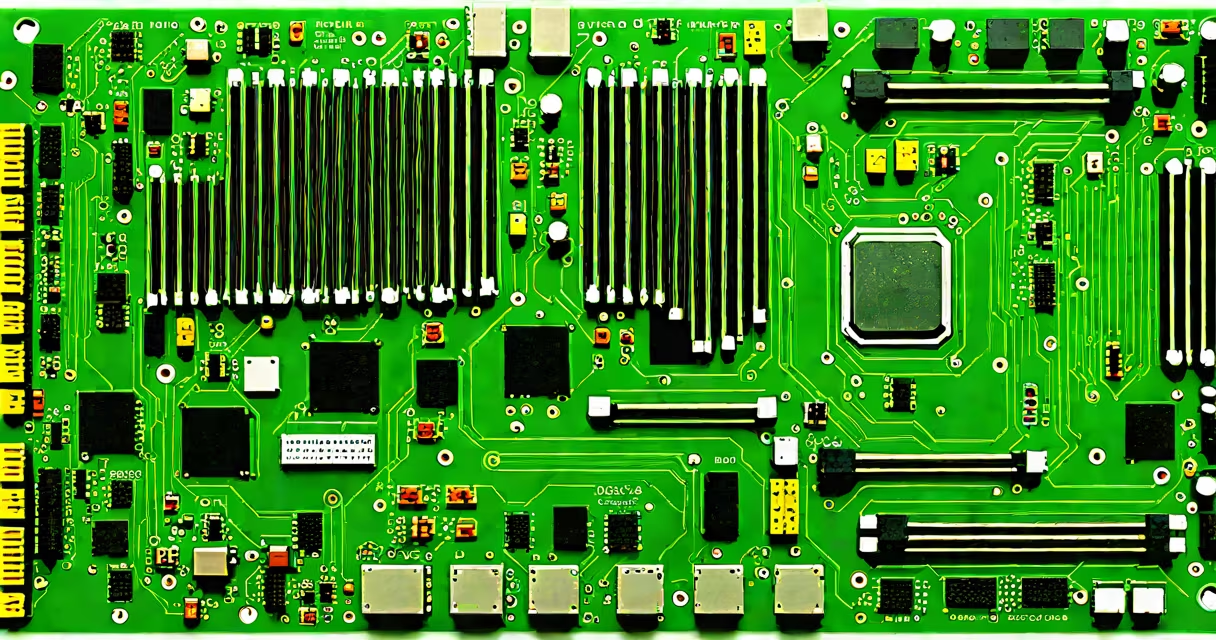
A fundamental computer system is a minimal configuration of hardware and software that performs basic computational tasks: accepting input, processing data, storing results, and producing output. It operates under the von Neumann architecture, where instructions and data share the same memory space. This model forms the basis of nearly all modern computing devices, from smartphones to servers.
The system begins with physical components: a central processing unit (CPU), memory (RAM), storage (hard drive or SSD), and input/output (I/O) interfaces. These elements work together under control of a basic operating system or firmware. Without this core structure, no higher-level applications can run. For example, a Raspberry Pi running Raspbian OS demonstrates a functional fundamental computer system using just a single board, power supply, and keyboard.
Every instruction executed by the CPU passes through a sequence: fetch, decode, execute, and store. The CPU retrieves an instruction from memory, interprets its function, performs the required operation (like adding two numbers), then saves the result. This cycle repeats millions of times per second. The speed and efficiency depend on clock rate, bus width, and cache size. A 2.4 GHz processor with 8 MB L3 cache processes roughly 2.4 billion cycles per second.
At the heart of any fundamental computer system lies the instruction cycle. The CPU's control unit pulls the next instruction from main memory into a register called the instruction register. The program counter tracks which instruction to fetch next. Once loaded, the instruction is decoded to determine the operation-such as arithmetic, logic, or data movement-and the operands involved.
For example, consider the command "ADD R1, R2, R3" in assembly language. The CPU decodes this as "add the values in registers R2 and R3, then store the result in R1." The arithmetic logic unit (ALU) performs the actual math. After execution, the result is written back to memory or a register. The program counter increments, and the cycle repeats. This loop runs continuously during program execution.
Modern systems use pipelining to overlap stages of multiple instructions. While one instruction is being executed, the next is being decoded, and the one after that is being fetched. This increases throughput. A 5-stage pipeline can complete one instruction per clock cycle, even though each stage takes one cycle. Without such optimization, performance would drop.
The fundamental computer system relies on four primary subsystems: processing, memory, storage, and I/O. Each plays a distinct role in maintaining system functionality.
| Component | Function | Example |
|---|---|---|
| CPU | Executes instructions and manages data flow | Intel Core i5-12400F, 6 cores, 12 threads |
| RAM | Temporary storage for active programs and data | 16 GB DDR4-3200 MHz |
| Storage | Persistent data retention across reboots | 512 GB NVMe SSD |
| I/O Devices | Input (keyboard, mouse), output (monitor, speakers) | USB-C keyboard, HDMI monitor |
Memory and storage differ in volatility. RAM loses data when power is off; storage retains it. A typical system boots by loading the kernel from disk into RAM. The kernel then initializes drivers and mounts file systems. This process takes 3-5 seconds on a modern laptop with an SSD.
Hardware and software must align precisely. The BIOS or UEFI firmware, stored in flash memory on the motherboard, runs during startup. It checks hardware integrity, loads the bootloader from disk, and hands control to the operating system. If the boot device fails, the system halts with an error code-such as "Error 1701: Boot Device Not Found"-indicating a missing or corrupted boot sector.
Many assume that a computer system requires a graphical interface to be functional. This is false. A server running Linux without a GUI still functions as a fundamental computer system. It processes requests, hosts websites, and manages databases using only command-line tools. The absence of a display doesn't prevent computation.
Another confusion arises between hardware and software roles. Hardware provides the physical platform; software defines behavior. A CPU cannot perform complex tasks without an operating system to manage access to memory, files, and peripherals. Conversely, software cannot run without hardware to execute it. The two are interdependent. For instance, a web browser requires a GPU for rendering graphics, but the GPU driver is software that communicates with the hardware via interrupts and DMA transfers.
A lesser-known fact: the fundamental computer system does not require a hard drive. Embedded systems like microcontrollers in washing machines or thermostats often run entirely from ROM or flash memory. They lack traditional storage but still process inputs and control outputs. These systems follow the same von Neumann model but with limited memory and no disk-based OS.
Consider a smart thermostat using an ESP32 microcontroller. It has a dual-core 240 MHz processor, 512 KB RAM, and 4 MB flash memory. No external storage. It runs a lightweight firmware written in C++ that reads temperature sensors, adjusts heating based on a schedule, and connects to Wi-Fi for remote control.
When the room drops below 68°F, the system executes: 1. Read sensor value from analog pin (ADC conversion). 2. Compare to setpoint (68°F). 3. If difference exceeds threshold, send signal to HVAC relay. 4. Log event to internal buffer. 5. Transmit status update via MQTT protocol.
This entire workflow happens in under 100 milliseconds. The system uses no operating system-just a loop that checks conditions and acts. It's a minimal yet fully functional fundamental computer system. It performs computation, stores state, and responds to input-all within a single chip.
Understanding the fundamental computer system clarifies how larger systems scale. A smartphone contains thousands of transistors, multiple processors, and layers of abstraction-but at its base, it follows the same principles. The complexity grows, but the core remains unchanged.