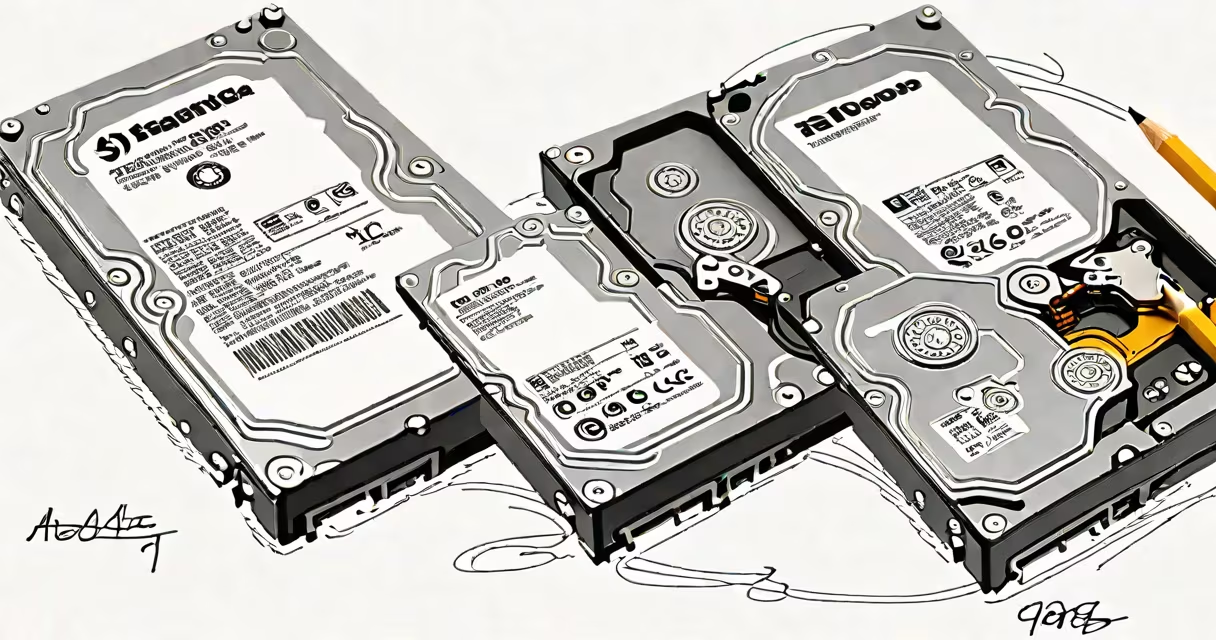
Yes, 1000GB is equivalent to 1TB in decimal notation, the standard used by manufacturers and most consumer electronics. This equivalence is based on powers of ten, not binary.
Storage devices such as hard drives, SSDs, and USB flash drives are labeled using decimal prefixes. In this system, 1 terabyte (TB) equals 1,000 gigabytes (GB). The term "terabyte" comes from the SI (International System of Units) definition, where "tera" means 10¹², or 1 trillion bytes. Thus, 1TB = 1,000,000,000,000 bytes.
When a device is advertised as having 1TB of storage, it means 1,000GB of space. This is consistent across products from Western Digital, Seagate, Samsung, and Apple. For example, a 1TB external hard drive from WD has exactly 1,000GB of usable space according to the manufacturer's specification.
Manufacturers use the decimal system (base 10) to define storage sizes. This means each step up in unit size multiplies by 1,000:
Operating systems like Windows and macOS use binary notation (base 2) to report storage. In binary, 1KB = 1,024 bytes, 1MB = 1,024² bytes, and so on. This creates a mismatch: a 1TB drive shows up as approximately 931GB in Windows.
For example, a 1TB Western Digital Blue drive lists 1,000,000,000,000 bytes. When connected to a Windows PC, the file manager reports roughly 931GB. This is not a defect-it's due to the difference between decimal and binary interpretations of the same physical space.
Many users assume their 1TB drive has less space because the OS shows fewer gigabytes. This leads to confusion, especially when comparing product specs to what appears in File Explorer or Finder.
A frequent error is believing that 1TB equals 1,024GB. That value applies only in binary systems. In reality, 1TB = 1,000GB in decimal terms. The binary equivalent of 1TB is 1,024GB, which is called a tebibyte (TiB), a unit defined by the International Electrotechnical Commission (IEC).
The IEC introduced binary prefixes in 1998 to resolve ambiguity. "Tebibyte" (TiB) means 2⁴⁰ bytes, or 1,099,511,627,776 bytes. A 1TiB drive holds about 10% more data than a 1TB drive. Most consumer hardware doesn't use TiB, though-only technical documentation and some software tools do.
Take a 1TB Seagate IronWolf NAS drive. Its spec sheet states: "1TB (1,000,000,000,000 bytes)." When installed in a Synology NAS running DSM, the system displays "931.32 GB." This discrepancy occurs because the NAS uses binary arithmetic to calculate available space.
To verify this math: divide 1,000,000,000,000 bytes by 1,073,741,824 (which is 1,024³, or 1GB in binary). The result is 931.32 GB. This confirms that 1TB (decimal) ≈ 931.32 GiB (binary).
Another example: a 1TB SSD in a MacBook Pro. The system reports "931.32 GB" under About This Mac > Storage. This is consistent with Apple's use of binary-based reporting. The actual physical capacity remains 1,000GB.
Use the following table to clarify how the same storage size appears in different systems:
| Unit Type | Definition | Value in Bytes | Common Usage |
|---|---|---|---|
| Terabyte (TB) | 10¹² bytes (1,000,000,000,000) | 1,000,000,000,000 | Manufacturer labeling, product specs |
| Tebibyte (TiB) | 2⁴⁰ bytes (1,099,511,627,776) | 1,099,511,627,776 | Technical standards, some software |
| 1,000GB | 10⁹ × 1,000 | 1,000,000,000,000 | Same as 1TB in decimal |
Despite the difference in naming, 1TB and 1,000GB refer to the same amount of data when using decimal arithmetic. The confusion arises only when switching between measurement systems.
According to the National Institute of Standards and Technology (NIST), "The term 'gigabyte' is often used to mean either 1,000,000,000 bytes or 1,073,741,824 bytes, depending on context." NIST recommends using decimal units for storage capacity to avoid misinterpretation.
Similarly, the IEEE Standards Association clarifies that "terabyte" in commercial contexts means 10¹² bytes. This aligns with how hard drives and cloud storage services advertise capacity.
I once replaced a 1TB external drive for a client who was frustrated that their backup software reported only 931GB. After explaining the decimal-binary gap, they realized the drive wasn't defective. The issue wasn't with the hardware-it was with how the operating system interpreted the space. Once they understood the difference, they stopped worrying about missing capacity.
Yes, 1000GB is 1TB. They represent the same storage size in decimal notation. The difference in reported values between a drive's label and an operating system stems from how each system counts bytes-not from a change in actual capacity.
If you're evaluating storage options, rely on the manufacturer's stated capacity. A 1TB drive offers 1,000GB of space. Any shortfall in displayed space comes from binary conversion, not lost data.