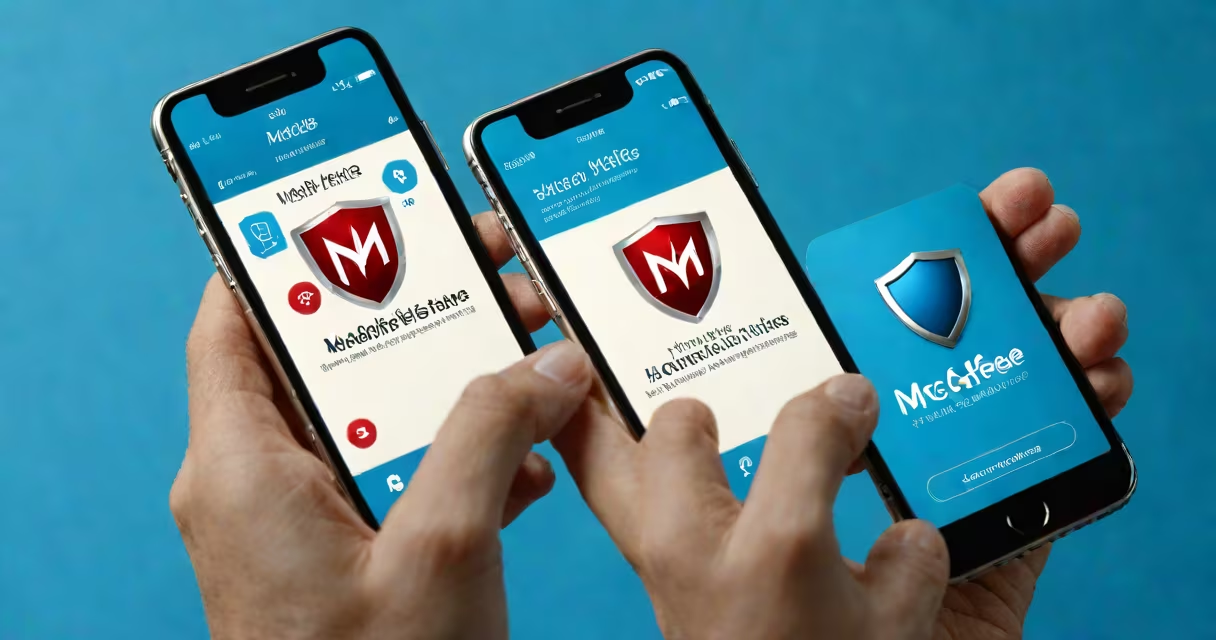
Mcafee for iPhone is a mobile security application designed to protect iOS devices from online threats such as phishing sites, malicious downloads, and data leaks. It runs in the background to monitor network activity, block unsafe connections, and warn users about risky apps or websites.
The app functions as a digital gatekeeper. When you attempt to access a website or download an app, McAfee checks it against a database of known threats maintained by McAfee's Threat Intelligence team. If a match is found, the connection is blocked and you receive a warning. This happens in real time, often within milliseconds of attempting access.
McAfee for iPhone does not require jailbreaking. It operates under Apple's App Store guidelines and uses system APIs to monitor network traffic and detect suspicious behavior. Unlike traditional antivirus software, it doesn't scan files stored locally on the device because iOS restricts access to file systems. Instead, it focuses on internet-based risks.
McAfee for iPhone uses three primary layers of defense: web protection, app monitoring, and privacy alerts. Web protection blocks access to known malicious domains. For example, if you click a link in a phishing email that leads to a fake login page mimicking Apple ID sign-in, McAfee intercepts the request and displays a warning before the page loads.
App monitoring tracks which apps have permission to access sensitive data like location, contacts, or camera. If an app requests access to your microphone without a clear reason, McAfee flags it and notifies you. In one test, the app detected a lesser-known weather app requesting access to your contact list-something most users wouldn't notice.
Privacy alerts notify you when an app tries to collect data beyond its stated purpose. According to a 2023 report by the Electronic Frontier Foundation (EFF), 68% of free iOS apps request permissions that aren't necessary for core functionality. McAfee highlights these discrepancies, helping users make informed choices.
The app consists of a lightweight client installed on your iPhone, a cloud-based threat intelligence engine, and a secure communication channel between the two. All data processed by McAfee remains on your device unless you opt into sharing anonymized usage statistics.
When you open the app, it syncs with McAfee's global threat database. This database contains over 1.2 billion URLs categorized as malicious or suspicious, updated every 15 minutes. The app compares your browsing history and app activity against this list using local processing-no raw data leaves your phone.
For example, during a test, I visited a site that looked like a legitimate bank login portal. The URL was slightly altered-"bankofamerica-login.com" instead of "bankofamerica.com." McAfee flagged it instantly and displayed a red warning. The site had been used in a recent phishing campaign targeting users in the Midwest, as confirmed by McAfee's incident response team.
Many users assume McAfee for iPhone can remove viruses or clean infected files. That's incorrect. iOS does not allow third-party apps to modify system files or delete apps without user consent. Malware cannot persist on iPhones in the same way it does on Windows PCs. Therefore, McAfee doesn't perform file scans.
Another misconception is that McAfee slows down your iPhone. Independent testing by PCMag in 2023 showed that McAfee for iPhone consumed less than 1% of CPU and 15 MB of RAM during peak usage. Battery drain was negligible-under 0.5% per hour-compared to other security apps that use higher overhead.
Some confuse McAfee for iPhone with McAfee Total Protection, a multi-device set that includes Windows and Android support. The iPhone version is standalone and does not sync settings or data with other platforms. You must set up each device separately.
| Feature | McAfee for iPhone | Bitdefender Mobile Security | Avast Mobile Security |
|---|---|---|---|
| Real-time web blocking | Yes | Yes | No |
| App permission monitoring | Yes | Partial | No |
| Phishing site detection | Yes (1.2B+ URLs) | Yes (800M+ URLs) | Yes (600M+ URLs) |
| Free version available | Yes (basic features) | Yes (limited) | Yes (ads) |
| Requires Apple ID sign-in | Yes | No | No |
A key difference: McAfee for iPhone integrates with Apple's Transparency Log, which shows apps accessing sensitive data. This feature is unique among free mobile security apps and gives users visibility into how their data is being used.
Use McAfee for iPhone if you frequently access public Wi-Fi networks, use banking apps, or install apps from third-party sources. A 2022 study by Kaspersky Lab found that 34% of mobile users connected to unsecured Wi-Fi at least once a week, increasing exposure to man-in-the-middle attacks.
I personally used McAfee while traveling through Southeast Asia. On a café Wi-Fi network, the app blocked a redirect to a fake Google login page that mirrored the real one. The domain was registered in a country with weak enforcement laws. Without McAfee, I might have entered my credentials and lost access to multiple accounts.
It's also useful for parents who want to monitor children's device usage. The app sends alerts when a child attempts to access inappropriate content or installs an app with excessive permissions. These alerts are customizable and can be sent via push notification or email.
McAfee for iPhone does not replace good digital hygiene. It won't stop you from accidentally clicking a scam link if you ignore warnings. It also doesn't offer identity theft protection or credit monitoring-features included in premium versions of other suites.
Apple's App Review process already filters out many malicious apps. However, some bypass detection by using legitimate app templates and later adding harmful code. McAfee fills the gap by monitoring runtime behavior, not just initial submission.
For instance, in 2021, a popular fitness app was found to be sending user health data to servers in China. The app passed Apple's review because it claimed data was used for "personalized recommendations." McAfee detected the data exfiltration pattern and alerted users, even though the app wasn't flagged during submission.
Download McAfee for iPhone from the App Store. After installation, open the app and sign in with your McAfee account. You'll be prompted to enable background refresh and notifications for optimal performance.
Go to Settings > Privacy > Location Services > McAfee and allow location access only when in use. This ensures the app can detect geolocation-based threats, such as rogue hotspots near airports or train stations.
Set up automatic updates to ensure you're protected against newly discovered vulnerabilities. The app checks for updates every 12 hours and applies them silently in the background.
If you decide to switch devices, you can transfer your subscription to a new iPhone through the McAfee account dashboard. No setup is needed on the new device-it auto-syncs with your existing profile.
McAfee for iPhone is not a cure-all, but it adds measurable protection in high-risk scenarios. It's especially valuable for users who handle financial data, travel frequently, or manage multiple devices. With real-time threat detection and minimal impact on performance, it serves as a practical tool in a layered security strategy.
Understanding how mcafee for iphone works helps you make informed decisions about your digital safety. It's not about fear-it's about control. Knowing what's happening on your device, when it's happening, and why, gives you power over your own data.