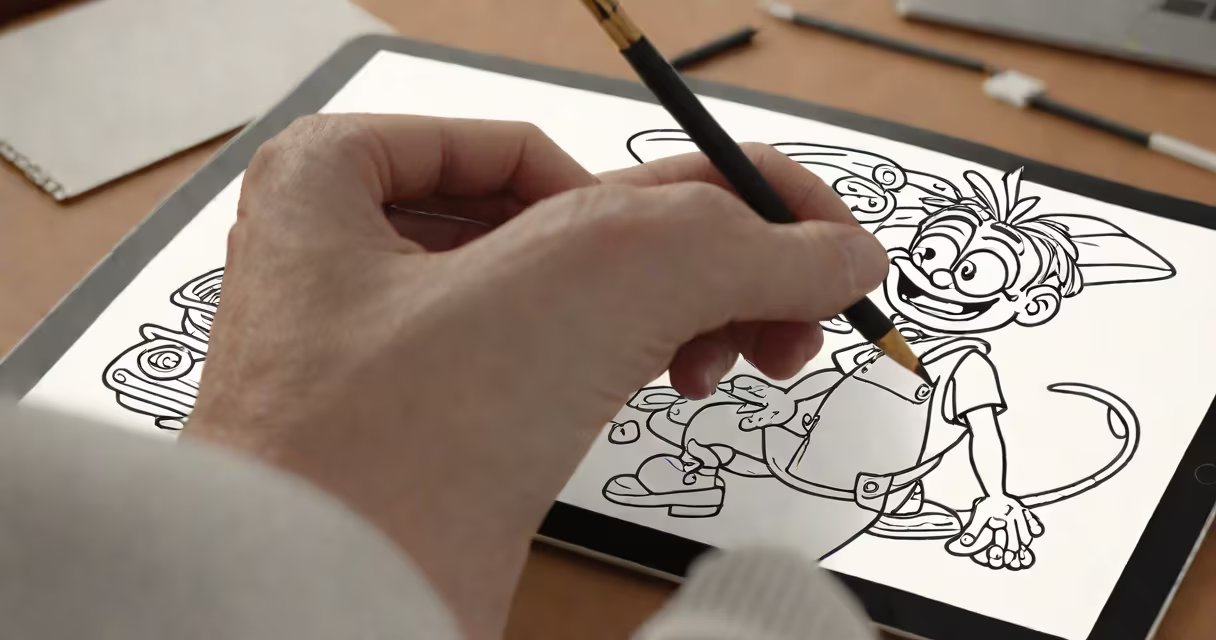
Character Animator is a real-time 2D animation tool developed by Adobe that lets users bring static characters to life through facial expressions, body movements, and voice-driven actions. It uses live tracking from a webcam or microphone to animate rigged characters instantly, making it ideal for streaming, video production, and interactive media.
The software runs within Adobe Creative Cloud and integrates directly with After Effects and Premiere Pro. It's designed for creators who want to produce animated content quickly without traditional frame-by-frame animation. Instead of drawing each pose, users control a character's movement via their own face, gestures, and voice.
For example, a YouTuber can record a video while their character mimics their mouth shapes, eye blinks, and head turns in real time. The character appears on screen with synchronized lip sync and emotional reactions, all generated automatically based on the user's performance.
Character Animator uses a system called "rigging" to define which parts of a character can move. Each element-eyes, mouth, arms, torso-is assigned a control point. These controls are linked to specific inputs: webcam feed for facial tracking, microphone input for speech, and mouse or keyboard for manual adjustments.
When a user speaks into a mic, the software analyzes pitch, volume, and phonemes. It then maps those sounds to corresponding mouth shapes (called "lip sync poses") in the character's animation. For instance, saying "hello" triggers a sequence of mouth positions that match the syllables: "h" → "e" → "l" → "o".
Facial tracking works similarly. The camera detects the user's eyes, eyebrows, jawline, and mouth. Movements like raising an eyebrow or opening the mouth are translated into the character's face. This happens in real time, with minimal delay, allowing for natural interaction during live streams or recordings.
Creating a character in Character Animator involves three main steps: designing the character, setting up the rig, and testing the animation.
First, the character is drawn in Adobe Illustrator or Photoshop. Each part-head, body, hands, clothing-must be on a separate layer. Layers are grouped into "bones" or "joints" so the software knows how to move them independently.
Next, the user assigns controls. For example, the "mouth" layer is linked to a "lip sync" control, which listens to audio input. The "eyes" layer is linked to "eye blink" and "eye movement" controls. The "head" layer may respond to "head turn" based on the user's side-to-side motion.
Finally, the user tests the animation. A green "live preview" window shows the character reacting in real time. Adjustments are made by tweaking sensitivity, adding custom poses, or assigning keyboard shortcuts to trigger specific actions like waving or jumping.
| Component | Description | Example Use |
|---|---|---|
| Lip Sync | Matches mouth shapes to spoken words | Auto-matching "b" sound to closed lips in a character |
| Facial Tracking | Uses webcam to detect user's expressions | Smiling causes character to grin and raise eyebrows |
| Body Movement | Tracks upper body and hand gestures | Waving hand triggers character to wave back |
| Audio Response | Animates character to react to sound levels | Shouting makes character flinch or cover ears |
Many assume Character Animator produces cinematic-quality animation like feature films. That's incorrect. It's optimized for speed, interactivity, and ease of use-not photorealism or complex motion.
Another mistake is thinking it replaces traditional animation. While it speeds up production, it doesn't eliminate the need for skilled artists. Characters still require careful design, rigging, and pose refinement. Poorly designed layers can cause clipping, unnatural movement, or lag.
A lesser-known fact: the software supports multiple cameras and audio sources. You can switch between different views-close-up, wide shot-or layer multiple voices for group scenes. This capability is often overlooked in tutorials.
I used Character Animator to create a weekly educational series for a nonprofit focused on climate literacy. My team designed a cartoon character named "Eco-Bot," a friendly robot with expressive features. We rigged his face using 12 facial poses and assigned voice commands for common phrases like "Let's learn!" and "That's dangerous!"
During recording, I spoke into a USB mic while facing a webcam. The software mapped my voice to Eco-Bot's mouth and tracked my facial expressions. When I smiled, the robot grinned. When I raised my voice, he reacted with surprise. All this happened live, with no post-production needed.
We exported the animation as an MP4 file and imported it into Premiere Pro for editing. The entire process-from design to export-took under 90 minutes per episode. Without Character Animator, producing the same content would have taken 6-8 hours per episode using traditional methods.
For teams, the software allows collaboration. Multiple users can work on different parts of a character, and changes sync across devices via Adobe Creative Cloud. This enables remote animation workflows, especially useful for distributed creative teams.
Character Animator is not the same as After Effects or Maya. It doesn't support 3D modeling, advanced physics simulations, or complex lighting. It's strictly 2D and designed for real-time performance, not high-end visual effects.
It also differs from traditional animation software like Toon Boom or TVPaint. Those tools require frame-by-frame drawing and offer precise control over timing and easing. Character Animator trades precision for speed and accessibility.
Compared to motion-capture systems like Faceware or iClone, Character Animator is far less expensive and easier to set up. However, it lacks the accuracy of marker-based systems used in film and game development. It's better suited for content creators than professional studios requiring high-fidelity facial animation.
Character Animator excels where speed, simplicity, and real-time feedback matter most. It's not a replacement for skilled animation-but it lowers the barrier to entry for anyone who wants to tell stories with moving images.