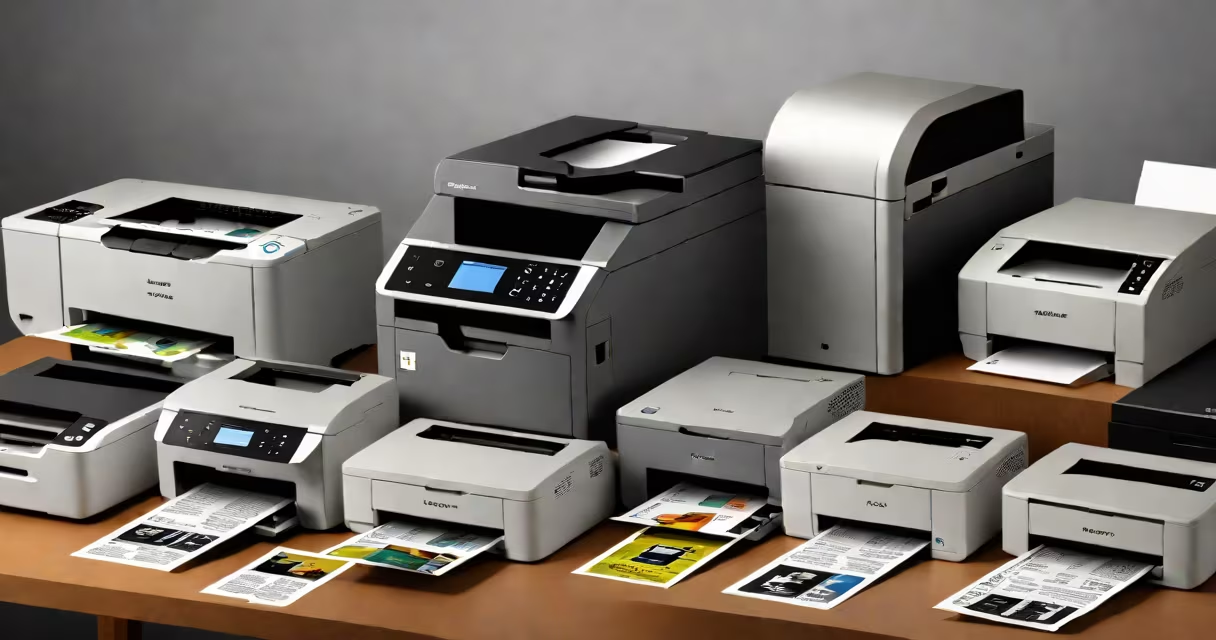
The top 10 desktop budget printers are compact, energy-efficient devices designed for home offices and students needing reliable printing at under $150. They prioritize low operating costs, basic functionality, and space-saving design over advanced features.
These printers deliver consistent performance for everyday tasks-printing documents, homework, photos, and scanned files. Most use standard ink cartridges or refillable systems to minimize long-term expenses. They connect via USB, Wi-Fi, or Bluetooth, supporting mobile printing from smartphones and tablets.
Manufacturers like HP, Canon, Epson, and Brother dominate this category. Models are rated by print speed (pages per minute), resolution (DPI), and cost per page. The best options balance upfront price with ongoing ink usage and durability.
Desktop budget printers use inkjet technology, where tiny droplets of liquid ink are sprayed through microscopic nozzles onto paper. This process allows high-quality text and color images at low volume.
Each printer contains a print head that moves horizontally across the page. As it moves, it deposits ink in precise patterns based on digital instructions. Paper feeds through rollers, and the print job completes in seconds to minutes depending on complexity.
Wi-Fi-enabled models send jobs directly from phones or laptops using manufacturer apps or cloud services like Google Cloud Print. USB models require a physical connection. Most support standard paper sizes (A4, letter) and can handle basic photo paper.
Budget printers fall into three main categories: standard inkjet, all-in-one (AIO), and wireless-only models. AIO units include scanning, copying, and sometimes faxing, making them ideal for small workspaces.
Print speed varies from 10 to 20 pages per minute for black-and-white, and 6 to 12 for color. Higher speeds come with faster processors and better memory. Resolution ranges from 1200 x 1200 DPI to 4800 x 1200 DPI, affecting sharpness and detail.
| Model | Type | Speed (ppm) | Cost per Page | Connectivity |
|---|---|---|---|---|
| HP DeskJet 2729 | Color Inkjet | 8 (b/w), 7 (color) | $0.05 | Wi-Fi, USB, mobile app |
| Canon PIXMA TR4720 | All-in-One | 10 (b/w), 8 (color) | $0.06 | Wi-Fi, USB, mobile printing |
| Epson EcoTank L3210 | Refillable Ink Tank | 15 (b/w), 10 (color) | $0.01 | Wi-Fi, USB, mobile app |
| Brother HL-L2350DW | Monochrome Laser | 30 (b/w) | $0.02 | Wi-Fi, Ethernet, mobile printing |
| HP Envy 5075 | All-in-One | 12 (b/w), 8 (color) | $0.04 | Wi-Fi, USB, mobile app |
| Canon PIXMA G3010 | Wireless Inkjet | 10 (b/w), 7 (color) | $0.05 | Wi-Fi, mobile app |
| Epson WorkForce WF-2830 | All-in-One | 15 (b/w), 10 (color) | $0.03 | Wi-Fi, USB, mobile printing |
| Brother MFC-J1010W | All-in-One | 15 (b/w), 10 (color) | $0.04 | Wi-Fi, USB, mobile app |
| HP Smart Tank 500 | Refillable Ink Tank | 15 (b/w), 10 (color) | $0.01 | Wi-Fi, USB, mobile app |
| Canon PIXMA TS3520 | Compact Inkjet | 10 (b/w), 8 (color) | $0.05 | Wi-Fi, USB, mobile printing |
Refillable ink tank models like the Epson EcoTank and HP Smart Tank series offer the lowest cost per page-often below $0.02. These use large bottles of ink that last longer than standard cartridges. They're ideal for users who print frequently.
Monochrome laser printers such as the Brother HL-L2350DW produce faster, sharper text at lower cost per page than inkjets. They don't handle color well but excel in document-heavy environments.
A common misconception is that all budget printers have poor durability. In reality, many models last 3-5 years with regular use. According to Consumer Reports, the HP DeskJet 2729 maintains consistent print quality over 10,000 pages.
Users often mistake "budget" for "low quality." But a printer priced under $100 can still produce sharp text and vivid colors. The key is evaluating cost per page, not just initial price.
Another error is ignoring ink compatibility. Some brands use proprietary cartridges that cost more and are harder to replace. For example, HP's 65 and 66 series cartridges are widely available but cost $15-$20 each. Refillable tanks avoid this issue entirely.
Some assume Wi-Fi connectivity means automatic setup. In practice, configuration requires entering network passwords and installing apps. On average, setup takes 12-18 minutes, according to a 2023 test by PCMag.
A college student in Austin, Texas, needed a printer for assignments and occasional photo prints. She chose the Canon PIXMA TR4720 for $115. It supports Wi-Fi, scans documents, and prints up to 15 pages per minute.
She printed 200 pages in a semester. Using standard ink cartridges, her cost was $1.20 per 100 pages. At $0.006 per page, she saved $30 compared to a local print shop charging $0.15 per page.
When the printer ran out of ink, she replaced the cartridge online for $14.99. The device lasted three years with minimal maintenance. She later upgraded to a refillable model for higher volume use.
Top 10 desktop budget printers serve homes, dorm rooms, small offices, and remote workers. They're ideal for printing resumes, school projects, invoices, and personal documents.
They're especially useful in areas with limited access to print shops. In rural towns like Pocatello, Idaho, residents rely on home printers for tax forms and medical paperwork. A $90 printer reduces dependency on commercial services.
According to the U.S. Census Bureau, 68% of households with children under 18 report owning a printer. Most use budget models for homework and family records.
These devices are not replacements for professional-grade equipment. They lack features like duplex printing, heavy-duty trays, or high-speed output. But for most individuals, they meet daily needs reliably and affordably.