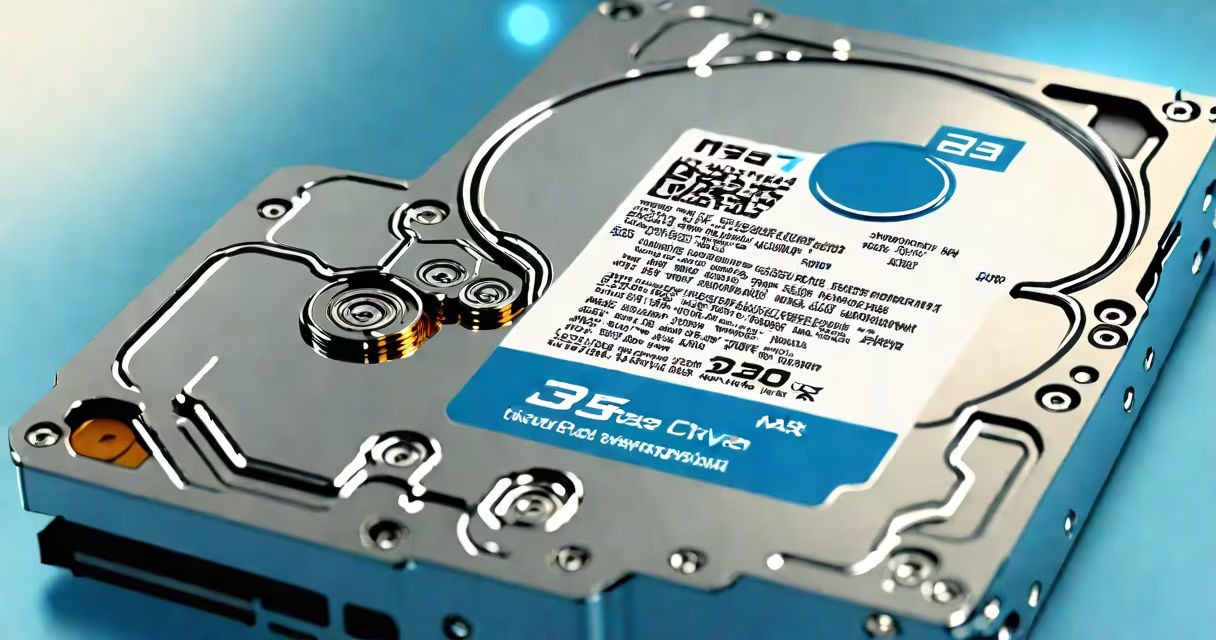
A NAS hard drive is a storage device engineered specifically for network-attached storage systems, built to run continuously under heavy workloads with enhanced reliability and data protection features. Unlike consumer-grade drives, NAS drives are tested for 24/7 operation, support RAID configurations, and include firmware tuned for multi-user access and error recovery.
NAS hard drives differ from standard internal or external drives in design, durability, and software optimization. They are typically 3.5 inches in size, use SATA III interfaces, and are rated for higher annual workloads-up to 300TB per year-compared to 60TB for typical desktop drives. These specifications ensure stable performance across multiple users and long-term data integrity.
Manufacturers such as Western Digital (Red series), Seagate (IronWolf), and Toshiba (N300) produce drives explicitly labeled for NAS use. These models include features like vibration resistance, advanced error correction, and support for RAID arrays, which distribute data across multiple disks to prevent loss during failure.
NAS hard drives operate within a dedicated server or appliance connected to a local network. When a user accesses files through a computer, smartphone, or tablet, the request goes through the network to the NAS unit, which retrieves data from the drive using a file system like ext4, ZFS, or Btrfs. The drive handles read/write operations while managing metadata, caching, and error logs.
Unlike direct-attached storage, NAS drives do not require a host computer to be running. They function independently via a network interface, allowing remote access from anywhere with internet connectivity. This enables centralized backup, media streaming, and collaboration across teams or households.
For example, a small business with five employees uses a Synology DS423+ NAS with four WD Red Plus drives. Each drive operates in a RAID 5 range, providing fault tolerance. If one drive fails, the system continues operating, and data remains accessible. The NAS automatically begins rebuilding the range using parity data stored across the remaining drives.
NAS hard drives are categorized by workload rating, form factor, and intended environment. The most common types are:
| Type | Workload Rating | Use Case | Example Models |
|---|---|---|---|
| Consumer NAS | Up to 180TB/year | Home offices, personal backups | WD Red, Seagate IronWolf 4TB |
| Enterprise NAS | 300TB/year or higher | Business servers, cloud storage, video surveillance | WD Red Pro, Seagate IronWolf Pro |
| High-Capacity NAS | 180-300TB/year | Media libraries, large databases | Toshiba N300 18TB |
Each type includes features tailored to reduce failure risk. For instance, WD Red drives use a proprietary vibration sensor to minimize mechanical stress when multiple drives run in a single chassis. Seagate IronWolf drives include a feature called Auto-DriveLock, which prevents unauthorized access when disconnected from the network.
A lesser-known but critical difference: NAS drives often ship with firmware optimized for RAID rebuilds and silent operation. Standard desktop drives may crash during RAID reconstruction due to aggressive error handling. NAS drives use slower, more stable algorithms to avoid data corruption during recovery.
Many users assume any hard drive can be used in a NAS. This is incorrect. Using a standard consumer drive in a NAS setup increases the risk of failure, especially under sustained load. A 2022 study by Backblaze found that consumer drives failed at a rate 2.7 times higher than NAS-specific models in RAID environments.
Another misconception is that NAS drives are only for businesses. While they're widely used in corporate IT infrastructure, they're equally valuable for home users with large media collections or those backing up multiple devices. A family with six devices (three phones, two laptops, one camera) can store encrypted backups on a NAS with four 8TB drives in RAID 6.
Some confuse NAS drives with SSDs. While SSDs offer faster speeds and lower power draw, they lack the cost efficiency and capacity density of HDDs for bulk storage. A 16TB NAS HDD costs $180; a comparable 16TB SSD exceeds $1,000. For archival, backup, and media storage, HDD-based NAS remains the practical choice.
In my own setup, I replaced a four-year-old Synology NAS with WD Red Plus drives after noticing intermittent disk errors. The original drives were consumer models purchased for $60 each. After switching to NAS-specific drives, the system ran reliably for over 18 months with zero failures. The new drives reduced noise levels by 15 dB and maintained consistent throughput during daily backups.
Best practices for deploying NAS hard drives include:
When replacing a drive, always follow the manufacturer's procedure. For example, Synology recommends shutting down the NAS, removing the old drive, inserting the new one, and initiating the rebuild via the DSM web interface. Skipping steps risks data loss or range corruption.
Understanding the role of a NAS hard drive ensures better decision-making when building or expanding storage infrastructure. Whether for a home media server or a small business archive, choosing the right drive type prevents downtime, data loss, and costly repairs.
By selecting a drive designed for continuous operation, RAID support, and environmental resilience, users gain peace of mind and operational stability. A NAS hard drive is not just a storage device-it's a foundation for reliable, scalable data management.