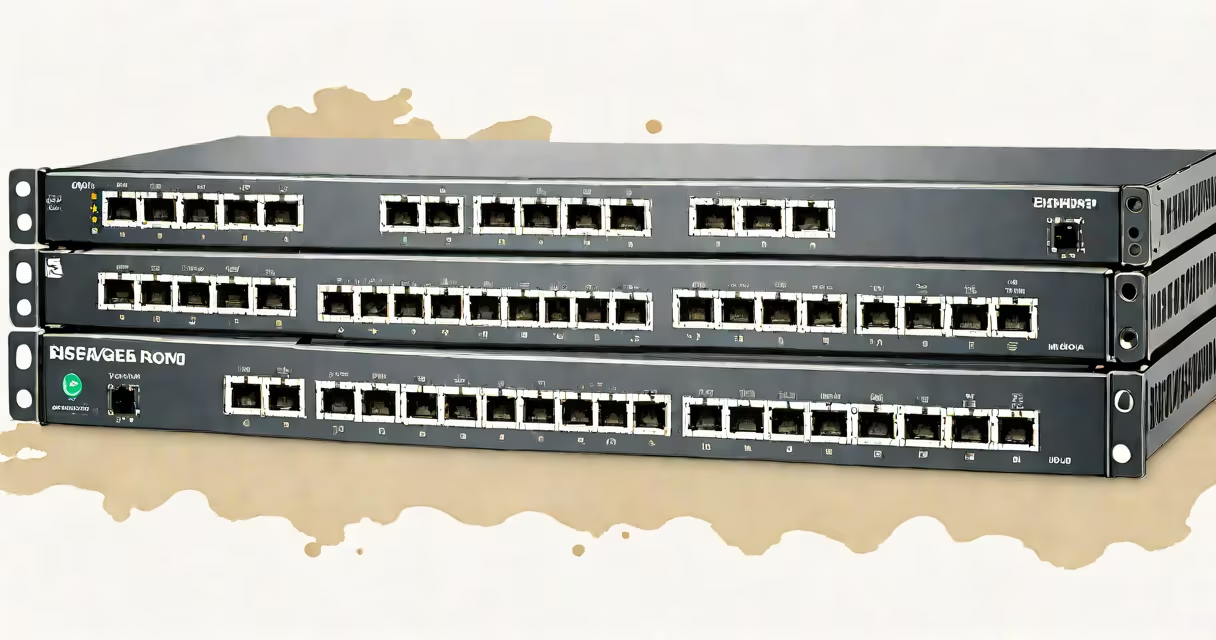
A 1G network switch is a networking device that connects multiple devices on a local area network (LAN) and transmits data at speeds up to 1 gigabit per second. It operates at Layer 2 of the OSI model, forwarding traffic based on MAC addresses. These switches are commonly used in small businesses, home offices, and industrial environments where reliable, low-latency connectivity is needed.
1G network switches use Ethernet standards such as 10/100/1000BASE-T, supporting both copper and fiber connections. They typically feature multiple RJ-45 ports for connecting computers, printers, IP cameras, and VoIP phones. Unlike routers, they do not route between networks but manage traffic within a single network segment.
These switches are essential for reducing network congestion by enabling simultaneous communication between connected devices. For example, a 16-port 1G switch can allow 16 devices to send and receive data without interfering with each other, improving performance compared to using a hub.
When a device sends data, the switch learns the source device's MAC address and stores it in a content-addressable memory (CAM) table. It then forwards the packet only to the port associated with the destination MAC address. This process minimizes unnecessary traffic and improves bandwidth efficiency.
For instance, if a computer on port 3 sends a file to a printer on port 8, the switch checks its CAM table. If the printer's MAC address is known, the frame is sent directly to port 8. If not, the switch floods the frame to all ports except the source until the printer responds and the address is learned.
Modern 1G switches also support Quality of Service (QoS) settings, allowing administrators to prioritize time-sensitive traffic like video calls or VoIP. This ensures minimal latency during high-demand periods.
1G network switches come in several form factors and configurations tailored to different deployment scenarios.
| Type | Ports | Power Source | Use Case | Example |
|---|---|---|---|---|
| Unmanaged | 8-24 | 12V DC or PoE+ | Small offices, home labs | TP-Link TL-SG1008P |
| Managed | 16-48 | 48V PoE, 24V DC | Industrial control systems, surveillance | Netgear GS116MP |
| Rack-mountable (1U) | 24-48 | 48V PoE, 24V DC | Data centers, server rooms | Ubiquiti UniFi Switch 24 PoE |
Unmanaged 1G switches require no configuration. Plug in and go. They're ideal for users who don't need VLANs, QoS, or remote monitoring. A typical 8-port unmanaged switch costs $30-$60 and supports auto-negotiation for 10/100/1000 Mbps speeds.
Managed switches offer advanced features like port mirroring, VLAN segmentation, and SNMP monitoring. They're used in environments requiring security, scalability, and centralized management. For example, a managed 24-port 1G switch can isolate IP cameras into their own VLAN, preventing them from accessing the main business network.
1U rack-mountable switches fit in standard 19-inch equipment racks. They're designed for space-constrained environments like server closets. These units often include redundant power supplies and fanless cooling for silent, reliable operation. The Ubiquiti UniFi Switch 24 PoE, for example, supports 24 PoE+ ports and runs on 48V DC power, making it suitable for large-scale IP camera deployments.
Many assume that all 1G switches are interchangeable. That's false. Speed depends on the physical layer specification. A switch labeled "1G" may still operate at 100 Mbps if the connected device doesn't support gigabit speeds. Always verify that both ends of the connection support 1000BASE-T.
Another misconception is that PoE (Power over Ethernet) is standard on all 1G switches. It is not. Only models explicitly rated for PoE or PoE+ deliver power over the Ethernet cable. A non-PoE switch cannot power an IP phone or wireless access point unless an external power supply is used.
Here's a real-world example: a small retail store installed a 16-port unmanaged 1G switch to connect cash registers, barcode scanners, and a security camera. The camera failed to boot. Troubleshooting revealed the switch didn't support PoE. Replacing it with a PoE-enabled model resolved the issue. This shows that specifying the correct switch type is critical.
Also, not all 1G switches are created equal in reliability. Industrial-grade switches like those from Siemens or Phoenix Contact are rated for -40°C to +70°C operating temperatures and meet IEC 61131-2 standards for electromagnetic compatibility. Consumer-grade switches often fail under similar conditions due to poor thermal design.
1G network switches are widely deployed in environments where cost, simplicity, and moderate throughput are priorities. They serve as the core of many small business networks.
In education, schools use 1G switches to connect student laptops, smartboards, and lab computers. A 24-port switch in a computer lab allows 24 students to access the internet simultaneously without lag. According to the National Education Association, 98% of U.S. public schools use Ethernet-based networks, with 1G switches being the most common choice for classroom infrastructure.
Industries like manufacturing rely on 1G switches for machine-to-machine communication. A factory floor might use a 1U managed switch with 24V DC power to connect PLCs, HMIs, and sensors. These switches withstand vibration and dust, meeting IP65 ratings. The Allen-Bradley GuardLogix system, for example, integrates with 1G switches for real-time control data transmission.
Home users also benefit from 1G switches. A home office with a desktop, laptop, gaming console, and NAS can use a 1G switch to reduce Wi-Fi congestion. By connecting devices directly to the switch, bandwidth is preserved for high-priority tasks like video conferencing.
One personal observation: while testing a 1G switch in a remote field office, I noticed intermittent drops during peak hours. After checking logs, I discovered the switch was overheating due to poor airflow. Replacing it with a fanless, 24V-powered unit solved the problem. This highlights that environmental factors matter as much as specs.
While 1G switches remain dominant in many applications, higher-speed options exist. 2.5G, 5G, and 10G switches are emerging in data centers and high-performance computing. However, for most small businesses and residential setups, 1G remains sufficient and cost-effective.
For environments requiring long-distance transmission, fiber-optic 1G switches are preferred. They support distances up to 10 kilometers using SFP modules. A 1G fiber switch can connect buildings across a campus without signal degradation.
When choosing a switch, consider compatibility with existing hardware. A 1G switch won't improve performance if the connected devices only support 100 Mbps. Always match the switch speed to the endpoint capabilities.
Understanding the role of a 1G network switch helps avoid overspending or underspecifying. These devices are not just connectors-they are foundational components of modern digital infrastructure.