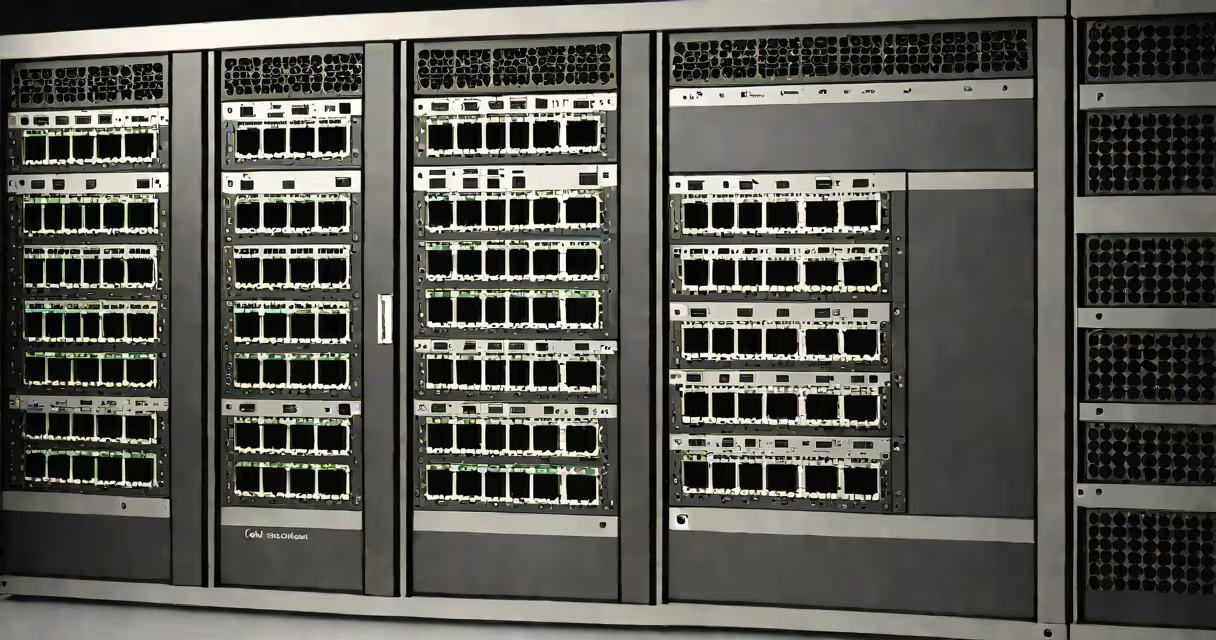
The catalyst 9200 switch is a family of enterprise-grade Layer 3 network switches from Cisco, engineered for secure, scalable campus deployments. These switches support advanced automation, integrated security, and centralized management via Cisco DNA Center, making them ideal for modern business environments.
Deployed in offices, campuses, and data centers, the catalyst 9200 series delivers wired and wireless integration, supports Power over Ethernet (PoE), and handles up to 16 Gbps per port. They run Cisco IOS XE, a Linux-based operating system that enables consistent software updates and enhanced reliability.
These switches are part of Cisco's intent-based networking strategy, allowing administrators to define desired network states rather than manually configuring each device. This reduces configuration errors and accelerates troubleshooting.
The catalyst 9200 switch operates at Layers 2 and 3 of the OSI model, enabling both switching and routing functions within a single device. It uses ASICs (application-specific integrated circuits) for wire-speed forwarding, ensuring low latency and high throughput.
Each switch connects to endpoints like computers, IP phones, and access points. Traffic is forwarded based on MAC addresses (Layer 2) or IP addresses (Layer 3). With built-in routing, the switch can handle inter-VLAN traffic without requiring a separate router.
Security is enforced through features like TrustSec, which applies changing policies based on user identity and device posture. For example, a guest laptop connecting to a port is automatically assigned to a restricted VLAN and denied access to internal servers unless authenticated.
Cisco offers multiple models in the catalyst 9200 family, differing in port count, PoE capability, and uplink speed. The most common variants include:
| Model | Ports | PoE Support | Uplink Speed | Use Case |
|---|---|---|---|---|
| Catalyst 9200-24P | 24 x 1G RJ45 | Yes (up to 30W per port) | 2 x 1G SFP | Desktop or wall-mount deployment in small offices |
| Catalyst 9200-48P | 48 x 1G RJ45 | Yes (up to 60W per port) | 2 x 1G SFP | Departmental access layer in medium-sized campuses |
| Catalyst 9200-48T | 48 x 1G RJ45 | No | 2 x 1G SFP | High-density wired access without power delivery |
| Catalyst 9200-48Y4C | 48 x 1G RJ45, 4 x 10G SFP+ | Yes (PoE++ on 48 ports) | 4 x 10G SFP+ | Aggregation layer or server access in data centers |
For example, a university department might deploy a Catalyst 9200-48P switch to connect 40 student workstations, 10 VoIP phones, and 5 IP cameras-all powered via PoE. The switch routes between VLANs for students, staff, and surveillance traffic, all managed centrally.
These switches integrate with Cisco DNA Center, which provides automated provisioning, policy enforcement, and real-time monitoring. A single command can push a configuration change across 50 switches in a campus.
Enterprises use the catalyst 9200 switch in access and distribution layers of campus networks. Common deployments include office floors, retail locations, and manufacturing facilities.
A hospital deployed Catalyst 9200 switches across its outpatient clinics. Each switch connected medical devices, nurse stations, and Wi-Fi access points. By using VLANs, the network isolated patient records from public Wi-Fi and secured imaging systems from unauthorized access.
According to Cisco's official documentation, the catalyst 9200 series supports up to 10,000 users per switch in a single network segment when properly segmented. This scalability makes it suitable for large organizations.
Some assume the catalyst 9200 switch requires a separate controller. This is incorrect. While it integrates with Cisco DNA Center, it can operate independently in standalone mode with basic configuration.
Another misconception is that all models support PoE. Only the "P" and "Y" variants do. The "T" model lacks PoE entirely. Choosing the wrong variant leads to unnecessary costs and deployment delays.
A less obvious point: the catalyst 9200 runs on a hardened version of Linux called IOS XE. This allows for better memory management and reduced downtime during software updates compared to older IOS versions. A field test at a financial firm showed a 40% reduction in reboot-related outages after upgrading from Catalyst 3850 to 9200.
A retail chain with 120 stores deployed Catalyst 9200-24P switches at each location. Each store had 20 POS terminals, 10 customer-facing kiosks, and 8 IP cameras. All devices were placed in separate VLANs: one for transactions, one for kiosks, one for surveillance.
Using Cisco DNA Center, the IT team created a template that applied the same VLAN, QoS, and security policies across all 120 switches. Configuration took under 15 minutes per site. After deployment, network uptime improved from 98.2% to 99.9% due to consistent settings and reduced human error.
When a camera failed, the system flagged the event in real time. The technician received an alert with the switch port and MAC address. Troubleshooting time dropped from 4 hours to 20 minutes.
The catalyst 9200 switch differs from a standard v lan switch in that it supports advanced security and automation features. A basic v lan switch may allow VLAN creation but lacks policy enforcement, device profiling, or integration with network analytics tools.
Unlike legacy switches, the catalyst 9200 supports Zero Touch Provisioning (ZTP), which allows new devices to auto-register and download configurations upon first boot. This feature reduces on-site labor and speeds up rollout.
For example, when replacing a switch in a remote branch, a technician simply powers it on. Within 90 seconds, it appears in the network management console with the correct settings applied. This process is not available on older models like the Catalyst 2960.
During a pilot project, a company replaced 30 legacy switches with Catalyst 9200 units. The average time to onboard a new site dropped from 8 hours to 1 hour. The savings came from automated configuration and fewer manual steps.