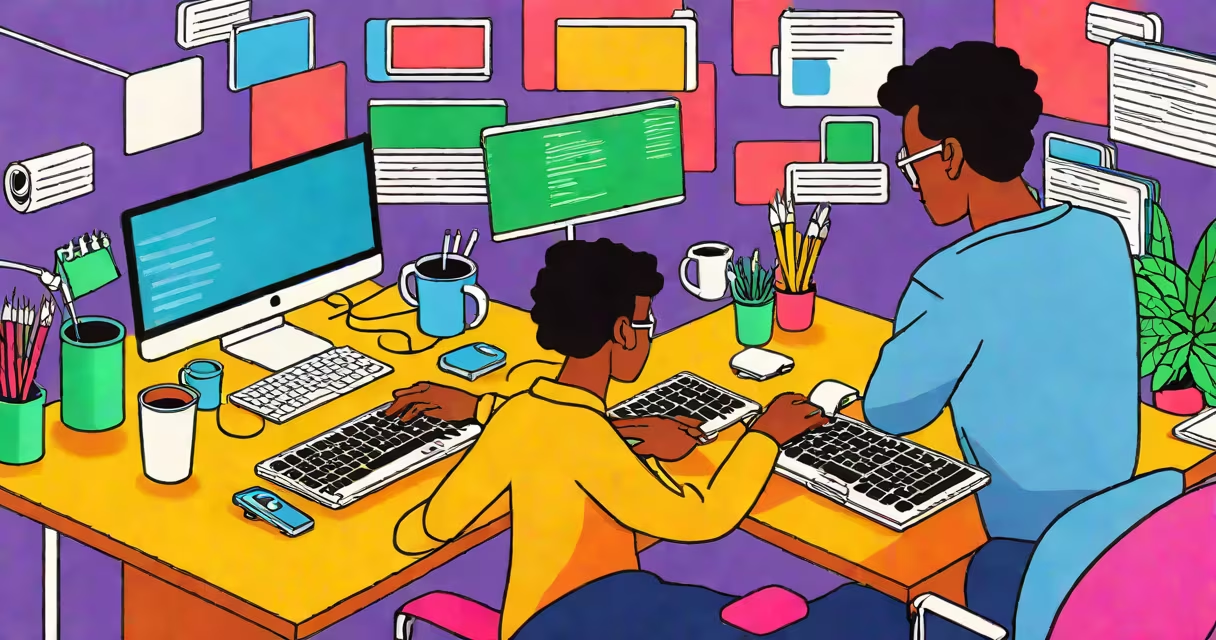
Computer learning for beginners free refers to no-cost educational materials and interactive platforms that teach fundamental digital literacy and entry-level technical skills, including operating systems, file organization, internet safety, and basic programming concepts. These resources require no prior experience and are designed for users aged 13 and up.
These programs typically include video tutorials, quizzes, downloadable guides, and hands-on practice environments. They cover core topics such as using a mouse and keyboard, going through desktop interfaces, managing files and folders, sending emails, and understanding common software applications like web browsers and office suites. Many also introduce logic, problem-solving, and introductory coding through visual tools like Scratch or block-based editors.
Platforms like Khan Academy, Google's Digital Garage, and the free tier of Coursera offer structured modules with progress tracking. All are accessible via standard web browsers and mobile apps. Completion certificates are often available at no charge, making them useful for job seekers or students building digital portfolios.
Most free computer learning programs follow a modular structure. Each unit builds on the previous one, introducing one concept at a time. For example, a typical course might begin with identifying hardware components-monitor, keyboard, mouse-then move to booting a system, logging in, and opening applications.
After mastering navigation, learners proceed to file management: creating folders, saving documents, renaming files, and organizing content. This phase includes practical tasks like downloading a PDF from a website and moving it into a designated folder. Tools like Microsoft's Learn platform provide guided walkthroughs with immediate feedback.
Advanced modules introduce cybersecurity basics-creating strong passwords, recognizing phishing emails, enabling two-factor authentication. These are critical for safe online behavior. A 2023 report by the National Cyber Security Alliance found that 68% of adults who completed free digital literacy training reported improved confidence in handling online risks.
Free computer learning for beginners typically includes four core elements: instructional content, interactive exercises, assessments, and community support. Instructional content appears as short videos (3-7 minutes), written guides, or animated explainers. Interactive exercises simulate real-world actions-dragging files, clicking buttons, typing commands.
Assessments are usually multiple-choice or fill-in-the-blank quizzes. They appear at the end of each module and confirm retention. Some platforms, like Code.org, use gamified challenges where learners earn badges for completing tasks. These reinforce motivation and track progress.
| Format | Best For | Example Platform | Time Commitment |
|---|---|---|---|
| Video Tutorials | Visual learners, quick overviews | Khan Academy | 15-30 min per lesson |
| Interactive Simulations | Hands-on practice, muscle memory | Google Digital Garage | 20-45 min per module |
| Text-Based Guides | Reference, self-paced study | Microsoft Learn | 10-20 min per section |
| Project-Based Learning | Application, portfolio building | Code.org | 1-2 hours per project |
Many programs integrate real-life scenarios. For instance, a lesson on email might ask users to compose a message to a teacher requesting a deadline extension, attach a document, and send it-all within a simulated inbox interface.
Some assume that free computer learning for beginners requires advanced math or prior tech exposure. This is incorrect. Programs are designed for absolute novices. You don't need to know how to code to start learning how to use a computer.
Another misconception is that free resources lack credibility. While quality varies, reputable institutions like MIT OpenCourseWare, the University of London's FutureLearn, and the U.S. Department of Labor's CareerOneStop offer peer-reviewed, curriculum-aligned content. These are vetted by educators and updated regularly.
A lesser-known fact: many free platforms allow offline access. For example, the Mozilla Foundation's "Webmaker" toolkit downloads to devices and functions without internet. This supports learners in low-bandwidth areas or those with unreliable connectivity.
I once taught a six-week free computer learning for beginners program at a community center in rural Iowa. Participants ranged from 18 to 72 years old. Most had never used a computer before. We started with turning on a machine, using a mouse, and opening a browser.
By week three, everyone could search for local events online, save results as bookmarks, and print pages. By week five, half the group had created personal email accounts and sent messages to family members. One participant, a retired farmer, later used his new skills to apply for a state-sponsored job training program online.
This outcome reflects findings from a 2022 study by the Pew Research Center: 71% of adults who completed free digital literacy programs reported increased ability to perform daily tasks like banking, shopping, and accessing healthcare services online.
Computer learning for beginners free is used in schools, libraries, nonprofits, and workplaces. Public libraries in cities like Chicago and Seattle offer free computer labs with staff-led sessions. Nonprofits such as EveryoneOn provide free devices and internet access alongside training.
Employers use these programs to onboard staff with minimal IT support. A retail chain in Texas reduced onboarding time by 40% after implementing a free, internal training path covering inventory software, customer databases, and digital receipts.
For individuals, these resources lower barriers to education and employment. According to the World Economic Forum, 50% of all employees will need reskilling by 2025. Free computer learning for beginners is a low-risk way to begin that process.
Computer learning for beginners free is not a shortcut. It is a foundation. With consistent practice, users gain the confidence and competence to adapt to evolving technologies, pursue further education, or enter the workforce with measurable digital skills.