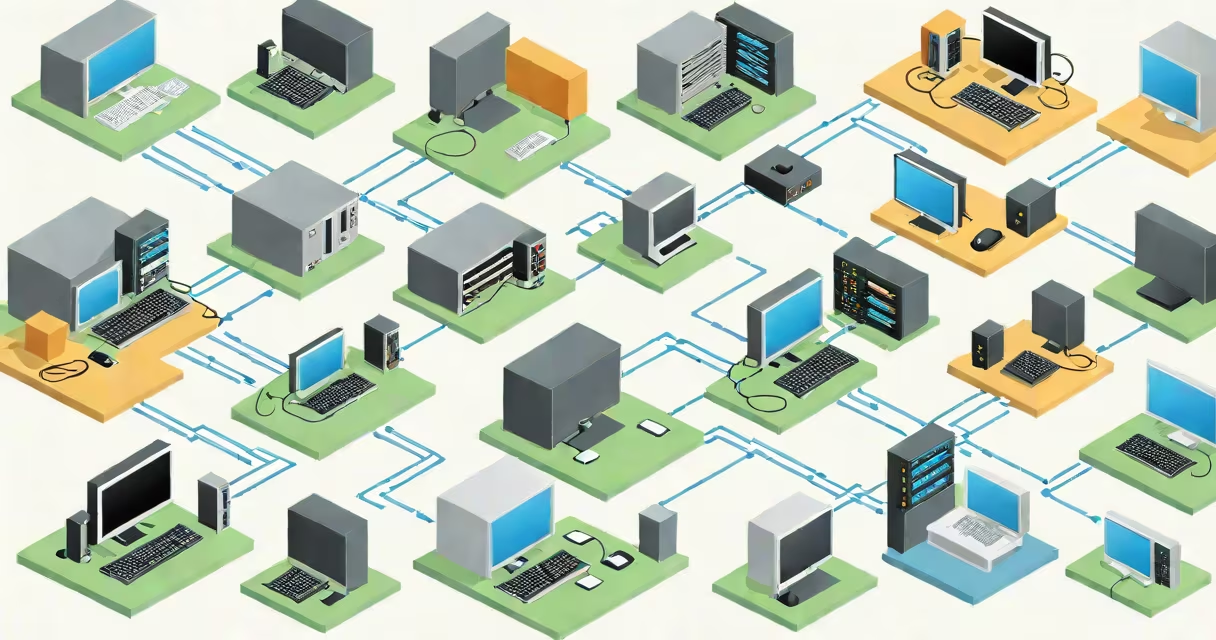
Computer network topology types describe how devices connect and communicate within a network, defining both physical layout and data flow patterns. These configurations determine reliability, speed, cost, and maintenance complexity in local and wide-area networks.
Topologies fall into two categories: physical (how cables and hardware are laid out) and logical (how data travels between nodes). A single network may use different physical and logical topologies simultaneously. For example, Ethernet often uses a physical star but a logical bus for data transmission.
Understanding topology types helps design efficient, resilient networks. Choosing the wrong one can lead to bottlenecks, single points of failure, or high maintenance costs. The most common types include star, bus, ring, mesh, and hybrid configurations.
Each topology defines how devices are interconnected and how data moves between them. In a physical star topology, all devices connect to a central hub or switch. Data sent from one device passes through the hub to reach its destination. This centralization simplifies troubleshooting and allows easy expansion.
In contrast, a bus topology uses a single core cable. All devices connect directly to this shared medium. When one device sends data, it broadcasts along the entire cable. Other devices listen, and only the intended recipient processes the signal. This setup is simple and inexpensive but suffers from collisions and limited scalability.
Ring topology forms a closed loop. Data travels in one direction around the ring, passing through each node until it reaches its destination. Each node acts as a repeater, regenerating the signal. While this ensures consistent timing, a single break in the ring can halt all communication.
The following table summarizes major computer network topology types, their strengths, weaknesses, and typical applications.
| Topology Type | Physical Layout | Logical Flow | Best For | Key Limitation |
|---|---|---|---|---|
| Star | Devices connect to a central switch or hub | Point-to-point via central device | Office LANs, home networks | Failure of central switch disables entire network |
| Bus | All devices share one main cable | Broadcast to all nodes | Small networks, legacy systems | High collision rate; hard to troubleshoot |
| Ring | Devices form a closed loop | Unidirectional data flow | Token Ring networks, industrial control | Single node failure can break the chain |
| MESH | Every device connects to every other | Multiple paths available | High-reliability environments, military networks | Extremely high cabling cost and complexity |
| Hybrid | Combination of two or more topologies | Varies by design | Large enterprise networks | Complex to plan and maintain |
Mesh topologies offer the highest redundancy. In a full mesh, every node connects directly to every other. This ensures multiple failover paths. However, the number of connections grows quadratically with the number of nodes-10 devices require 45 connections. Partial mesh networks reduce cabling by connecting only critical nodes, balancing cost and resilience.
Hybrid topologies combine elements of two or more types. For example, a large company might use a star topology for individual departments but connect them via a ring core. This approach balances scalability and manageability while reducing dependency on any single component.
Star topology dominates modern office and residential networks. Its simplicity, ease of installation, and centralized monitoring make it ideal for environments where uptime and security are priorities. Most home routers and switches use a star configuration with Ethernet cables running from each device to the central unit.
Bus topology was widely used in early Ethernet networks (10BASE2 and 10BASE5). It required minimal cabling and was cheap to deploy. However, its inability to scale beyond 30 devices and frequent signal degradation led to its decline. Today, it's mostly found in older industrial systems or educational demonstrations.
Ring topology powered IBM's Token Ring networks in the 1980s and 1990s. It ensured fair access to bandwidth through a token-passing mechanism. Despite its efficiency, it fell out of favor due to higher latency and lower throughput compared to switched Ethernet. Some modern ring-based protocols still exist in fiber-optic networks for data centers.
MESH networks are used in mission-critical infrastructure. The U.S. Department of Defense employs mesh topologies in battlefield communications because they remain functional even if several nodes are destroyed. Similarly, smart city projects use mesh networks for sensor grids, where losing one node doesn't disrupt function.
Many assume that physical topology determines data flow. That's incorrect. A network can have a physical star but a logical bus-such as in classic Ethernet using hubs. Data is broadcast to all ports, regardless of physical layout. This distinction is important for diagnosing network issues.
Another misconception is that mesh topologies are always superior. While they provide redundancy, they aren't practical for most small or medium-sized networks. The cost of cabling and switching equipment increases dramatically with each additional node. A full mesh with 20 devices requires 190 connections-far more than needed for typical business operations.
A lesser-known fact: the choice of topology impacts network latency and jitter. In a ring, data must travel through every node until it reaches its destination. With 10 hops, delay accumulates. In a star, the path is direct through the central switch-latency remains low. This matters in real-time applications like VoIP or video conferencing.
I once observed a small business using a daisy-chained bus topology with 12 computers. As traffic increased, the network slowed to a crawl. Replacing the central cable and adding a managed switch improved speeds by 80%. The issue wasn't the topology itself-it was poor implementation. A properly configured star topology solved the problem.
Consider a 50-person office with departments in separate wings. The IT team chooses a hybrid topology:
This design offers scalability-adding new departments only requires linking another switch. It provides fault isolation: if one department's switch fails, others remain online. Centralized management simplifies updates and security policies.
Compare this to a single bus network with all 50 devices on one cable. A single cable fault or high traffic spike would bring down the entire office. Performance degrades quickly as more users join. This setup is impractical for modern workloads.