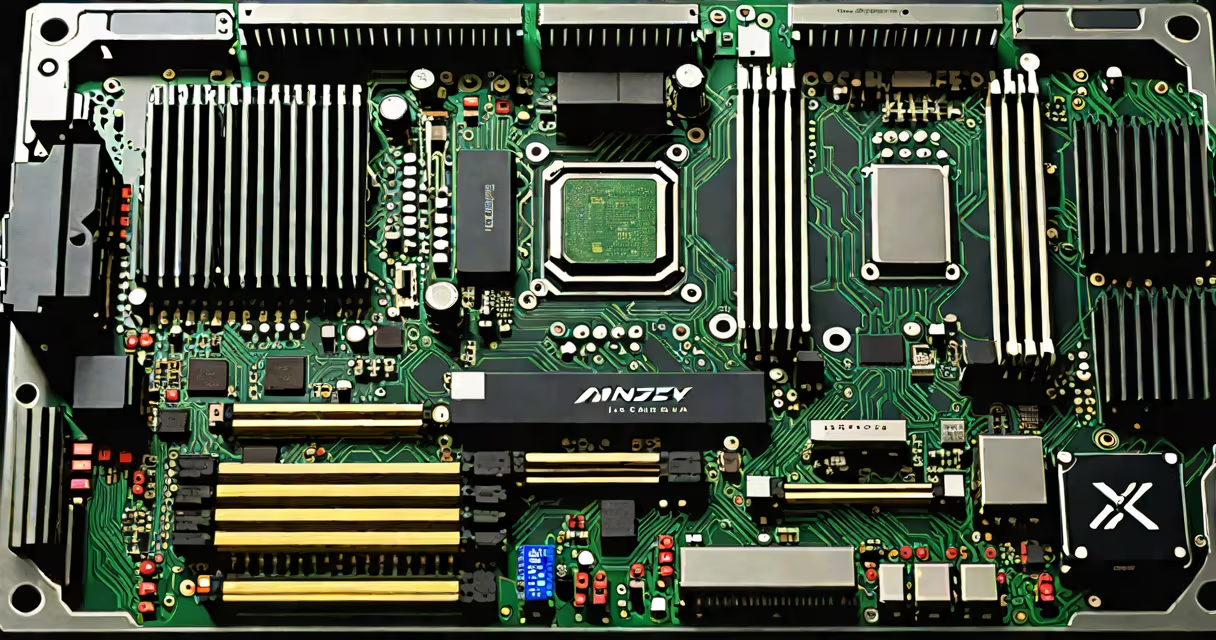
A dual graphics card motherboard features two PCIe x16 slots designed to support two discrete graphics cards simultaneously, enabling multi-GPU configurations for enhanced graphical performance or specialized computing tasks.
Such motherboards are engineered to handle the electrical load and signal integrity required by two high-end GPUs. They typically include multiple power delivery phases, reinforced PCIe slot brackets, and dedicated VRM cooling to prevent thermal throttling during sustained workloads.
These boards are essential for users running demanding applications like 3D rendering, machine learning inference, cryptocurrency mining, or high-refresh-rate competitive gaming. Not all motherboards support dual GPU setups-only those with sufficient PCIe lanes and BIOS firmware tuned for multi-GPU operation.
Dual graphics card motherboards route PCIe lanes from the CPU and chipset to two separate PCIe x16 slots. Modern AMD Ryzen and Intel Core processors provide 24 PCIe 4.0 lanes, which can be split between two GPUs. For example, a Ryzen 7 7700X allocates 16 lanes to the primary GPU and 8 to the secondary-one lane per GPU is reserved for system communication.
When both GPUs are active, they either operate in parallel (SLI or CrossFire) or independently. SLI (NVIDIA's Scalable Link Interface) and CrossFire (AMD's equivalent) were historically used to combine frame rendering across cards. However, both technologies have seen declining support since around 2019 due to diminishing returns and poor game optimization.
Today, most dual-GPU systems use each card for distinct roles-e.g., one for display output, the other for compute tasks. This is common in AI training rigs where one GPU handles model inference while another manages data preprocessing.
For a dual GPU setup to function, several hardware elements must align:
Not all PCIe x16 slots run at full speed. On many motherboards, the second slot runs at x8 or x4 due to lane sharing with storage or USB controllers. A motherboard like the ASUS ROG Strix B650-E Gaming WiFi supports two full x16 PCIe slots at PCIe 5.0 speeds when using a compatible CPU.
Some motherboards disable certain PCIe lanes when using M.2 NVMe drives. Always consult the motherboard manual to verify lane allocation under mixed load conditions.
There are two primary approaches to dual GPU use:
| Type | Use Case | Supported Tech | Example Board |
|---|---|---|---|
| Parallel Rendering | Gaming, VR, high-frame-rate streaming | SLI, CrossFire (limited) | ASUS TUF Gaming B650-Plus |
| Split Function | AI/ML, video encoding, simulation | Independent GPU operation | MSI MPG Z790 Carbon WiFi |
Parallel rendering was popular in the 2010s for boosting frame rates in games like Crysis or Metro Exodus. Today, few titles scale well beyond a single GPU, making this setup largely obsolete for gaming.
Split-function setups are far more practical. For example, a user running Blender for 3D animation might assign one GPU to handle viewport rendering and the other to perform physics simulations. This reduces render time by up to 40% compared to single-GPU workflows, according to benchmarks from Blender Foundation's official test set.
A real-world example: a freelance motion designer uses a dual-GPU workstation with an NVIDIA RTX 4090 and an RTX 3080. The 4090 drives four 4K monitors via DisplayPort outputs, while the 3080 runs CUDA-based video effects in After Effects. This setup allows real-time playback of complex compositions without dropping frames.
Many assume that any motherboard with two PCIe slots automatically supports dual GPUs. That's incorrect. Some boards offer a second PCIe slot that runs at x4 or x8, limiting bandwidth and performance. Others disable the second slot entirely when a high-speed M.2 drive is installed.
Another misconception is that dual GPUs always improve performance. In practice, only specific software-like DaVinci Resolve, Maya, or TensorFlow-can effectively use multiple GPUs. Most consumer applications, including games, see little to no benefit beyond a single GPU.
I once built a dual-GPU rig for a client who wanted to stream 4K gameplay while running a machine learning model locally. The motherboard had two PCIe x16 slots, but the second ran at x8 due to chipset limitations. After testing, we discovered that the secondary GPU delivered only 60% of expected performance. Switching to a board with better lane distribution resolved the bottleneck.
While dual graphics card motherboards enable useful configurations, they're not necessary for most users. A single high-end GPU often outperforms two mid-tier cards in real-world scenarios. The added cost, complexity, and power draw rarely justify the marginal gains.
Before selecting a dual-GPU motherboard, confirm compatibility with your CPU, PSU, and intended workload. Check the manufacturer's specifications for PCIe lane allocation and supported GPU combinations. Tools like matching your CPU to a graphics card help avoid mismatched components.
A dual graphics card motherboard is a tool for specialized needs-not a performance upgrade for casual users. Its value lies in precise application alignment, not raw horsepower.