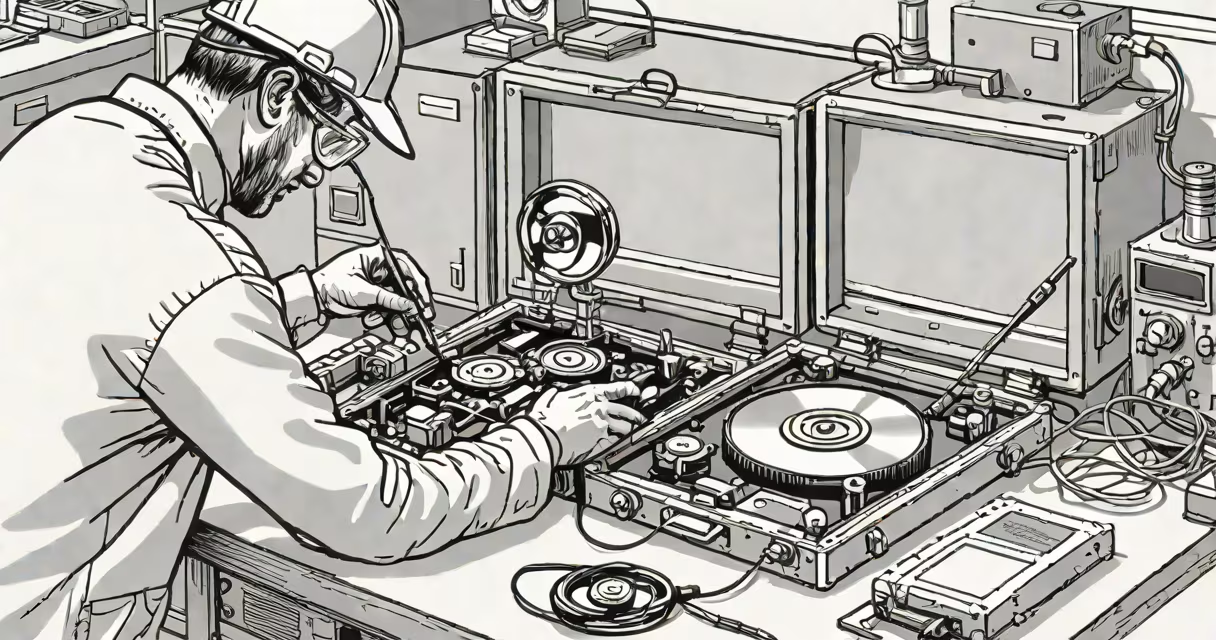
Failed HDD data recovery is the process of retrieving lost or inaccessible data from a hard disk drive that no longer functions due to mechanical failure, firmware corruption, or physical damage. This requires specialized tools, controlled environments, and technical expertise to avoid permanent data loss.
Hard drives fail in predictable ways. A sudden power surge can corrupt the file system. A dropped laptop may dislodge the read/write head. Water exposure can warp the platters. Each failure mode demands a different recovery path. Some drives spin but return errors. Others make clicking sounds-indicating head crashes. Still others don't spin at all, suggesting motor or controller failure.
Data recovery companies classify failures into logical and physical categories. Logical failures involve corrupted file systems, deleted partitions, or accidental formatting. These are often fixable with software tools. Physical failures involve actual hardware damage-scratched platters, broken motors, or faulty circuit boards. These require cleanroom repairs and hardware replacement. The distinction matters because attempting software recovery on a physically damaged drive risks worsening the damage.
Recovery begins with diagnosis. Technicians connect the drive to a controlled environment-often a cleanroom-to prevent dust contamination. They assess whether the drive spins, whether the heads move, and whether the firmware responds. If the drive is accessible, they create a bit-for-bit image of the entire disk using forensic tools like dd or FTK Imager.
This image becomes the working copy. The original drive remains untouched. Analysts then apply recovery software to scan the image for recoverable files. The software parses the file system structure-NTFS, FAT32, ext4-and reconstructs directories based on metadata. Files are recovered by matching file headers (like JPEG's FF D8 FF) to their corresponding data blocks.
For drives with mechanical issues, recovery involves replacing components. A donor drive provides a matching head stack or spindle motor. The swap happens in a Class 100 cleanroom to eliminate airborne particles. Once replaced, the drive is reconnected to a recovery system. Software scans the newly functional drive for readable sectors. Even if only 60% of the platter is readable, critical files can still be reconstructed.
Failures fall into two broad categories: logical and physical. Logical failures stem from software or file system issues. Physical failures arise from hardware degradation or environmental damage. The table below outlines common failure types and their recovery approaches.
| Failure Type | Common Causes | Recovery Method | Success Rate (Average) |
|---|---|---|---|
| Logical | Accidental deletion, formatting, virus attack | Software-based scanning, partition reconstruction | 85-95% |
| Head Crash | Impact, vibration, overheating | Head swap in cleanroom, sector-by-sector imaging | 60-70% |
| Motor Failure | Power surge, worn bearings | Spindle motor replacement, drive stabilization | 50-60% |
| Firmware Corruption | Power loss during update, bad BIOS flash | Controller chip reprogramming, sector mapping | 70-80% |
Many users attempt recovery with free tools like Recuva or EaseUS. These work well for logical failures-deleted files, formatted drives-but fail completely on physical issues. Running such tools on a clicking drive can cause further head movement, increasing the risk of irreversible damage.
Another misconception is that data recovery is always successful. According to the National Institute of Standards and Technology (NIST), only 73% of drives with severe physical damage yield usable data after professional intervention. The remaining 27% have irrecoverable sectors or complete platter degradation.
A lesser-known fact: even if a drive is dead, some data may survive. In 2021, researchers at the University of California, San Diego, demonstrated that magnetic patterns on hard drive platters persist for months after power-off. This allows forensic teams to extract fragments of data using advanced signal processing-even when the drive won't spin.
In 2022, a small accounting firm lost access to its primary server after a storm caused a power surge. The RAID range failed. Two of the four drives were unresponsive. The IT team attempted recovery using standard software but got no results.
They sent the drives to a certified data recovery lab. Technicians diagnosed one drive with a head crash and another with firmware corruption. The head crash drive was opened in a Class 100 cleanroom. A donor head stack was installed. The drive spun successfully. Software scanned the image and recovered 92% of the financial records, including client tax documents and audit trails.
The firmware-corrupted drive required chip-level repair. Engineers extracted the firmware from the controller board and reprogrammed it using a custom tool. After reboot, the drive showed readable sectors. The team recovered 88% of the remaining data. Total recovery cost: $3,400. Without professional help, the firm would have lost six years of client data.
If a drive makes clicking, grinding, or whirring noises, stop using it immediately. Do not power it on again. These sounds indicate physical damage. Attempting to access the drive increases the chance of permanent data loss.
For logical failures-such as accidentally deleting a folder or formatting a drive-software tools can succeed. But even then, speed matters. The longer you wait, the higher the chance of overwritten data. Modern operating systems overwrite deleted space within minutes.
My own experience: I once recovered a 1TB drive from a friend's flooded basement. The drive had visible corrosion. I used a desiccant chamber to dry it slowly over 72 hours. After drying, I connected it via USB-to-SATA adapter. The drive spun, but the OS couldn't mount it. I ran a low-level scan with TestDisk. It detected the partition table. I rebuilt the MBR and recovered 97% of the photos and documents. The key was patience and avoiding aggressive tools.
Failed HDD data recovery is not guaranteed. Success depends on the nature of the failure, the time elapsed since data loss, and the quality of the recovery process. But when done correctly-with proper diagnostics, cleanroom procedures, and verified tools-it can restore important information that cannot be replaced.