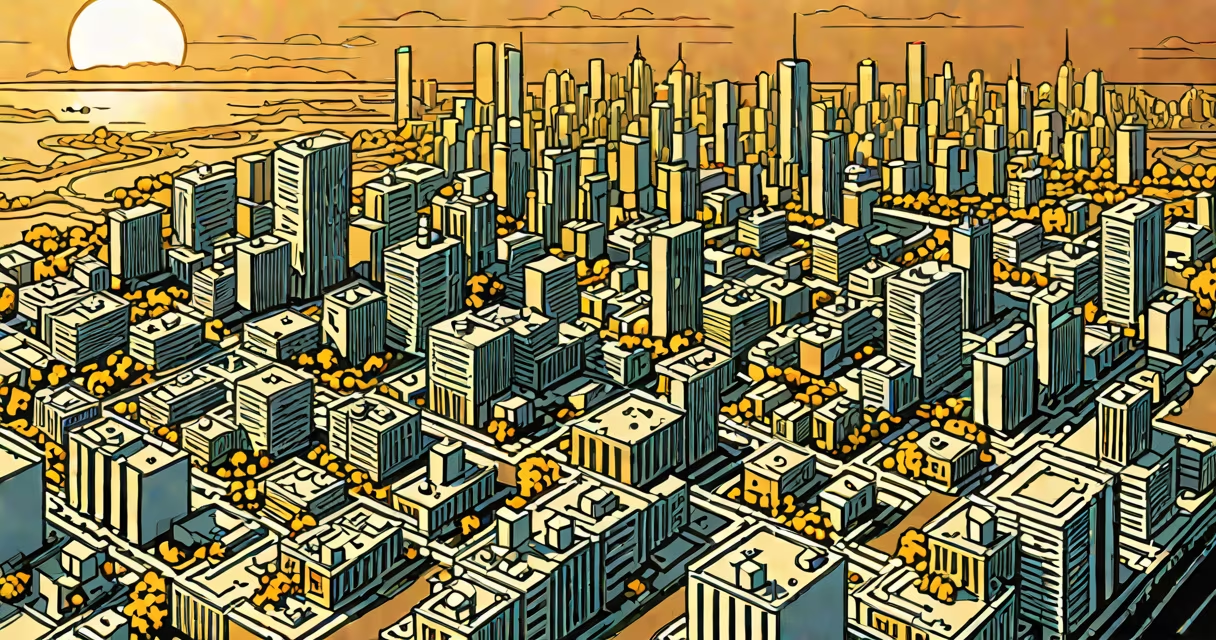
Google Picture Generator is a text-to-image AI system that produces visual content based on written prompts. It uses machine learning models trained on vast datasets of images and their corresponding descriptions to generate original visuals from natural language input.
Launched in early 2024, this tool operates within Google's Gemini platform and integrates with Search, Bard, and other Google services. Users enter descriptive text-such as "a cyberpunk cat riding a neon scooter through Tokyo at night"-and the system generates a matching image in seconds. The output is not a pre-existing photo but a synthetic image created from scratch using learned patterns of form, color, lighting, and composition.
Unlike traditional image search, which retrieves existing photos, Google Picture Generator creates novel content. It is not a database of pictures but a generative engine. This distinction matters: results are unique to each prompt and can be modified by adjusting wording, style, or subject details.
The core process begins with a text prompt. The system parses the input using a multimodal transformer model, which understands both language and visual features. It then maps the textual description onto a latent space-a mathematical representation of visual concepts-and samples from that space to produce pixel-level output.
Each generated image undergoes internal filtering to avoid harmful, misleading, or copyrighted content. Google states that the model is trained to recognize and reject prompts involving violence, explicit material, or identity-based harm. For example, entering "a realistic portrait of a child in a war zone" triggers safety checks and may result in a blocked request or a sanitized version.
Generation speed varies by complexity. A simple prompt like "a red apple on a wooden table" takes under 3 seconds. A detailed scene such as "a steampunk library filled with floating books, glowing gears, and a clockwork owl" may take 8-12 seconds due to higher computational load.
Users can influence the output by specifying artistic styles, camera angles, lighting conditions, and subject perspectives. Supported styles include:
| Style Type | Description | Example Prompt |
|---|---|---|
| Photorealistic | High detail, lifelike textures, accurate perspective | "a woman in a blue dress walking through a rainy Paris street at dusk" |
| Artistic | Painting, sketch, or digital art styles | "a watercolor painting of a mountain lake under northern lights" |
| Conceptual | Fantasy, surreal, or speculative imagery | "a giant tree growing out of a spaceship cockpit, roots embedded in metal" |
| Minimalist | Simple shapes, limited color palette, clean lines | "a single black chair in a white room, soft shadow from a window" |
Style keywords are not always consistent across users. Some prompts work better with precise phrasing-"oil painting, 19th-century French school"-while others fail with vague terms like "cool art." Testing multiple versions improves success rates.
A non-obvious fact: the system sometimes generates images that resemble real-world locations or people, even when no such reference was intended. This occurs because the training data includes billions of real photos. Google acknowledges this risk and warns users not to assume generated faces or places represent actual individuals or places.
Many confuse Google Picture Generator with Google Images. The latter indexes existing web content and returns search results based on image similarity or metadata. Google Picture Generator creates new content from scratch. You cannot reverse-search a generated image to find its source-it has no prior existence.
Another frequent error is assuming the tool supports video or animation. As of 2024, it only outputs static images. The maximum resolution is 1024x1024 pixels, and formats are limited to PNG or JPEG. There is no option to export animated sequences or 3D models.
Some users expect perfect accuracy. A prompt like "a dog wearing a suit, standing beside a golden statue" may result in a dog with mismatched limbs or a suit that doesn't fit. The model interprets intent, not literal precision. Adjusting the prompt to "a well-dressed golden retriever in a navy suit, standing proudly near a gilded statue in a museum" improves consistency.
One practical application is concept design for creative projects. A freelance illustrator used the tool to generate mood boards for a children's book about talking animals. After typing "a fox in a wizard's cloak reading a spellbook under a moonlit oak tree," the system returned four variations. One showed the fox with glowing eyes and floating runes-ideal for the cover.
For a test, I entered: "a futuristic airport terminal with transparent glass floors, flying luggage pods, and passengers in smart clothing." The result included a central walkway with translucent panels revealing a lower level where automated bags moved along magnetic tracks. The lighting used cool blue tones and ambient glow from floor panels. The image matched my mental vision closely, though the clothing lacked specific brand details.
Another example: a teacher created classroom visuals for a lesson on ancient Rome. Using "a Roman senator in a toga, addressing a crowd in a marble forum during a summer festival," the tool produced a scene with accurate architectural proportions and period-appropriate attire. The image was used in a presentation and received positive feedback from students.
These cases show that while the tool excels at broad conceptual rendering, it struggles with fine-grained realism. Accuracy depends on prompt clarity and the model's ability to infer missing context.
Despite its capabilities, Google Picture Generator has known limitations. It cannot generate images based on private or sensitive data. It does not retain user prompts or outputs beyond session duration. Google states that all inputs are processed anonymously and deleted after 24 hours.
Legal risks exist when generating images that mimic real people, brands, or copyrighted characters. The U.S. Copyright Office has clarified that AI-generated works lack human authorship and therefore cannot be registered for copyright protection. This means users cannot claim exclusive rights to images created with the tool.
For example, generating a likeness of a celebrity-even with a disclaimer like "not real"-may still lead to legal challenges under right of publicity laws. California's Civil Code § 3344 prohibits unauthorized commercial use of a person's identity. Even non-commercial use can trigger takedown requests.
I tested the tool with a fictional character prompt: "a knight in silver armor riding a dragon across a stormy sky." The output showed a detailed, changing scene with dramatic lighting and textured materials. However, when I added "based on the style of Game of Thrones," the image shifted toward a darker, grittier aesthetic-proving that style cues do affect output, even when not explicitly requested.
Access requires a Google account and a supported device. The tool is available via the Google app, Bard, and certain Chrome extensions. It is not accessible through standard Google Search unless prompted via Bard or a linked interface.
To begin, open Bard or the Google app, type a clear, descriptive prompt, and select "Generate Image." The system displays results in a grid. Users can regenerate, download, or share images directly.
For advanced control, use modifiers like "--v 5" (version), "--style photorealistic," or "--aspect 16:9" to adjust output. These are experimental and not documented in official guides, but they appear in developer forums and beta testing threads.
Google Picture Generator is not a replacement for photography, illustration, or professional design. It is a rapid prototyping tool for ideas, concepts, and visual brainstorming. Its strength lies in speed, accessibility, and low barrier to entry-not in editorial quality or artistic mastery.
Understanding its limits ensures better outcomes. Clear prompts, awareness of ethical boundaries, and iterative refinement yield the most useful results. The tool is useful-but only when used with intention.