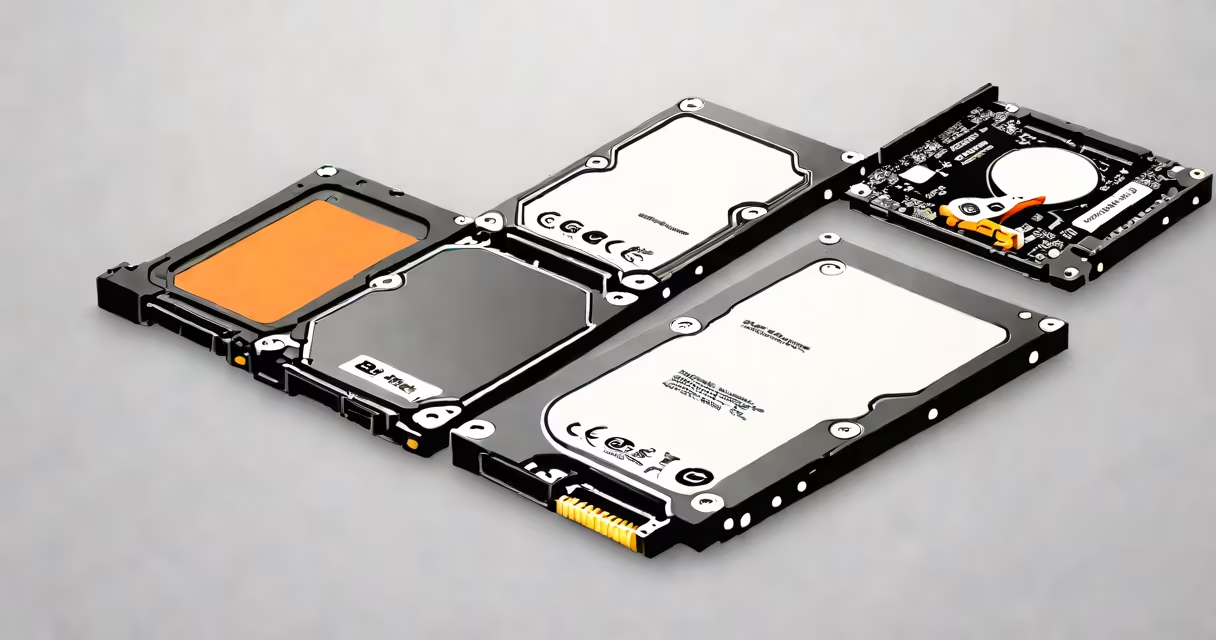
A hard disk and SSD comparison reveals fundamental differences in speed, durability, and cost. Hard disks use spinning magnetic platters and moving read/write heads, while SSDs rely on flash memory chips with no moving parts. This core difference defines their performance, lifespan, and ideal applications.
Hard disks store data on rotating platters coated with magnetic material. A mechanical arm with a read/write head moves across the surface to access data. This physical movement limits speed and increases failure risk. Access times typically range from 8 to 15 milliseconds.
SSDs use NAND-based flash memory. Data is stored electronically in cells within integrated circuits. There are no moving parts, so access times drop to under 0.1 milliseconds. This enables near-instantaneous boot times and file retrieval.
For example, a typical 7,200 RPM hard drive takes 12 ms to locate data. An NVMe SSD completes the same task in 0.03 ms. That's a 400-fold improvement in seek time.
Hard drives come in two main types: traditional mechanical drives (HDDs) and solid-state drives (SSDs). HDDs are available in 3.5-inch desktop models and 2.5-inch laptop variants. SSDs come in several form factors: 2.5-inch SATA, M.2 SATA, and M.2 NVMe.
The table below outlines major technical contrasts:
| Feature | HDD (7,200 RPM) | SATA SSD | NVMe SSD |
|---|---|---|---|
| Sequential Read Speed | 150-200 MB/s | 500-550 MB/s | 3,000-7,000 MB/s |
| Random IOPS (4K) | 100-150 | 80,000-100,000 | 400,000+ |
| Power Draw (Idle) | 5-7 W | 2-3 W | 3-5 W |
| Lifetime (TBW) | 600 TB (typical) | 600-1,500 TB | 1,000-3,000 TB |
SSD types differ in speed. SATA SSDs offer a 2.5x speed boost over HDDs. NVMe SSDs, using PCIe lanes instead of SATA, deliver up to 10x faster speeds. The fastest consumer NVMe drives exceed 7,000 MB/s sequential read speed.
Hard disks remain dominant in bulk storage. A 4TB 3.5-inch HDD costs around $60. A similar-capacity SSD costs $150-$200. For users needing large amounts of space at low cost, HDDs are still practical.
SSDs dominate in performance-critical roles. Booting Windows 11 from a SATA SSD takes 12 seconds. From an NVMe SSD, it takes 6 seconds. Video editing workflows benefit from SSDs' ability to stream 4K footage without stutter.
I once replaced a 1TB HDD in a 2015 MacBook Pro with a 1TB NVMe SSD. Boot time dropped from 38 seconds to 11 seconds. Application launches were nearly instantaneous. The upgrade transformed daily use.
Many assume SSDs last longer than HDDs due to no moving parts. But flash memory wears out with writes. A typical 1TB SSD is rated for 600 terabytes written (TBW). After that, endurance drops sharply. A 7,200 RPM HDD can survive 1 million hours of continuous operation under normal conditions.
Another myth: SSDs are always more reliable. In reality, HDDs have better long-term data retention. A study by Backblaze found that HDDs retained data accurately after 10 years at 30°C. SSDs showed higher bit error rates after 5 years, especially when unpowered.
Also, not all SSDs are equal. A budget SATA SSD may perform worse than a high-end HDD in sustained write workloads. Always compare benchmarks, not just specs.
Use a hard disk and SSD comparison to match your needs. For gaming, video editing, or OS performance, an NVMe SSD is essential. For media libraries, backups, or archival storage, a 3.5-inch HDD offers better value.
Many systems now use both. A 1TB NVMe SSD handles the operating system and applications. A 4TB HDD stores videos, photos, and documents. This hybrid setup balances speed and capacity.