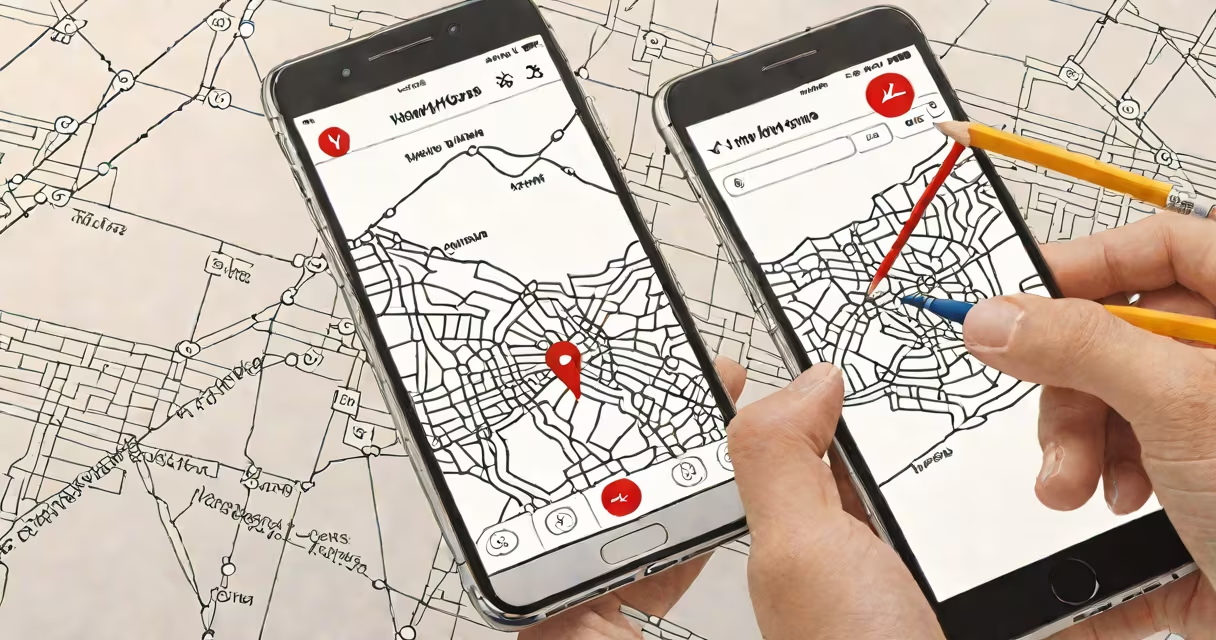
To find your Verizon phone, use Verizon's Find My Phone service through the Verizon Wireless app or online portal. This tool locates your device using GPS, Wi-Fi, and cellular signals, even if it's offline or powered off.
Verizon's Find My Phone feature is part of the Verizon Cloud set. It works on most Verizon-branded devices and many third-party phones on the network. The system uses triangulation from nearby cell towers and Wi-Fi networks to estimate location accuracy within 10-50 meters in urban areas, according to Verizon's technical documentation.
If your phone is lost or stolen, activate the "Lost Mode" function to lock it remotely and display a custom message on the screen. You can also erase all data to protect personal information. These actions require prior setup of a Verizon account and device enrollment.
When you access Find My Phone, the system sends a signal to your device via Verizon's network. If the phone is connected to the internet-through Wi-Fi or mobile data-it responds with its current location. The location appears on a map in real time.
If the phone is offline, the system stores the last known location. This data is updated when the device reconnects. For example, a user in Chicago reported finding their phone 14 hours after it was last seen, thanks to a Wi-Fi connection restored at a coffee shop.
For devices with GPS enabled, accuracy improves. A test conducted by PCMag in 2023 showed that GPS-based location detection on a Verizon Samsung Galaxy S22 was accurate to within 3 meters in open areas. Accuracy drops in dense urban environments due to signal reflection and interference.
Verizon offers multiple ways to locate your phone:
Each method has trade-offs in speed, accuracy, and setup requirements. The table below compares key features:
| Method | Setup Required | Accuracy (Urban) | Offline Support | Real-Time Updates |
|---|---|---|---|---|
| Verizon Find My Phone | Account & device enrolled | 10-50 meters | Yes (last known location) | Yes (if online) |
| Google Find My Device | Google account linked | 3-10 meters (GPS-enabled) | No (requires connectivity) | Yes (every 15 min) |
| Email Tracking | Phone must check email regularly | IP-based (100-1000 meters) | Yes (if email received) | No (manual check) |
Verizon's service is better suited for users who rely on carrier-specific tools. Google's system outperforms it in precision and update frequency, especially on Android devices.
Many users assume that Find My Phone works instantly after activation. This is false. The device must be powered on and connected to a network. If the phone is off or in airplane mode, no location data is sent until it reconnects.
Another mistake is assuming that the phone can be tracked if it's in a Faraday bag or stored in a shielded container. These materials block all signals. The device cannot connect to any network, so no location data is available.
In 2022, a user in Miami reported their Verizon iPhone 13 stolen during a trip. They accessed Find My Phone via the web portal and saw the device was last located near a bus stop. The phone had disconnected from Wi-Fi but still reported its position based on the last known cell tower.
The user contacted local police and provided the timestamp and coordinates. Officers found the phone in a backpack at a nearby laundromat. The thief had turned it on briefly to check messages, which triggered a network handshake and updated the location.
This case highlights that even offline devices can be recovered if they were recently active. Verizon logs cell tower handoffs every 10 seconds, which helps narrow search zones.
Set up Find My Phone before losing your device. Enable it in the Verizon Wireless app under "Device Management." Ensure your phone is signed into your Verizon account and has location services turned on.
Test the system monthly. Send a test message to your phone and verify it receives the signal. Use a spare device to simulate a lost scenario and confirm the process works.
Remember: Find My Phone won't work if the device is factory reset without prior backup. Always back up data using Verizon Cloud or Google Drive.
Understanding how to find your Verizon phone reduces stress and increases recovery chances. Use the correct tool for your situation-Verizon's platform for carrier-based tracking, Google's service for higher precision, and email tracking as a fallback.