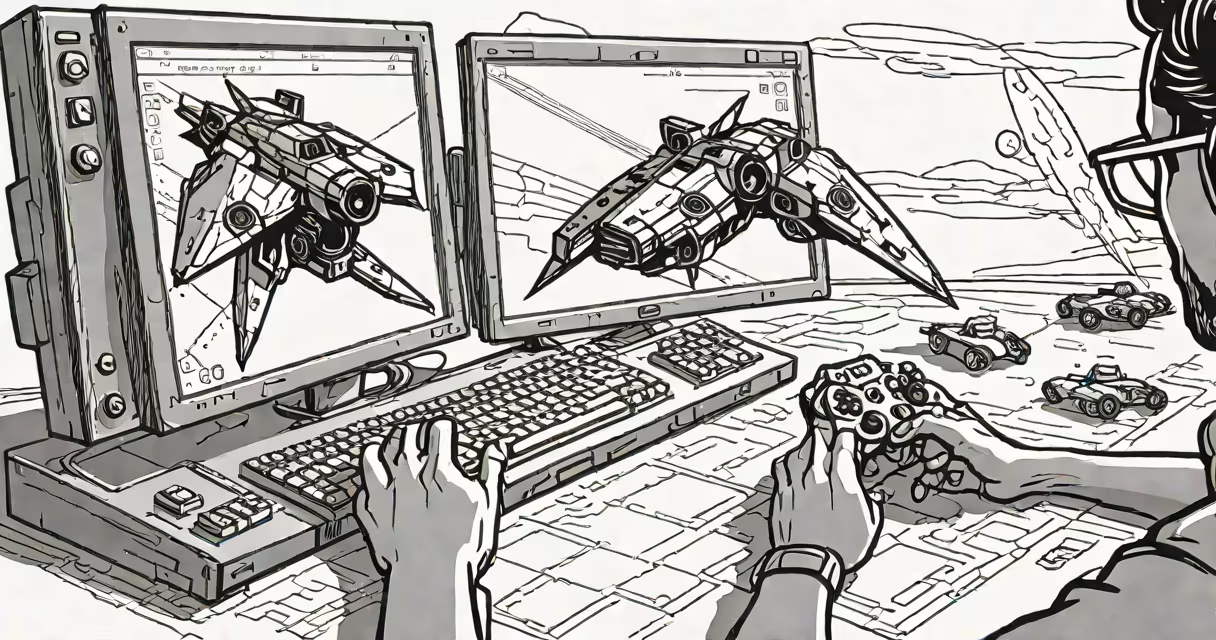
JavaScript games development builds interactive, playable games that run directly in web browsers using JavaScript, HTML, and the Canvas API or WebGL. These games require no installation and work across devices with internet access.
Games created this way execute client-side, meaning the processing happens on the user's device rather than on a server. This enables low-latency responses and real-time gameplay. Popular examples include browser-based puzzle games, platformers, and multiplayer shooters built with frameworks like Phaser.js or Three.js.
Unlike native app development, which targets specific operating systems, JavaScript games run on any device with a modern browser-desktops, tablets, and smartphones. This universality makes JavaScript a dominant choice for lightweight, accessible gaming experiences.
At its core, JavaScript games development relies on the browser's ability to render graphics and respond to user input in real time. The primary tools are the HTML <canvas> element, the Canvas Rendering Context API, and event listeners for keyboard, mouse, and touch input.
Game logic runs in a loop called the game loop. This loop updates game state-such as player position, enemy movement, or score-then redraws the scene on the canvas. The loop typically uses requestAnimationFrame() to sync rendering with the display's refresh rate, ensuring smooth animation at 60 frames per second.
For example, a simple 2D platformer might track the player's x and y coordinates, detect collisions with platforms using bounding box checks, and update the canvas every frame based on input. A single game loop might look like:
function gameLoop() {
  updatePlayer();
  checkCollisions();
  drawScene();
  requestAnimationFrame(gameLoop);
}
gameLoop();
This structure ensures consistent timing and avoids lag spikes common in older setInterval-based loops.
While vanilla JavaScript can build basic games, developers often use libraries and frameworks to simplify complex tasks like sprite animation, physics, audio handling, and networking.
| Tool | Use Case | Example Game Type |
|---|---|---|
| Phaser.js | 2D game engine with built-in physics, asset loading, and input management | Side-scrolling adventures, arcade shooters |
| Three.js | 3D rendering using WebGL; supports lighting, textures, and camera control | First-person explorers, 3D puzzles, virtual galleries |
| PIXI.js | High-performance 2D rendering focused on speed and GPU acceleration | Real-time multiplayer games, particle-heavy effects |
These tools handle low-level details such as texture management and coordinate transformation. For instance, Phaser.js includes a built-in physics system that automatically calculates collision resolution between objects, reducing the need to write custom math routines.
A non-obvious distinction: many developers assume WebGL is required for 3D games. But Three.js abstracts WebGL into a simpler API, allowing developers to create 3D scenes with minimal direct GPU manipulation. You don't need to understand shader programming to render a rotating cube.
One widespread error is treating JavaScript games development as equivalent to native game engines like Unity or Unreal Engine. While both produce playable games, Unity uses C# and compiles to native code, offering higher performance and advanced features like terrain generation and AI pathfinding. JavaScript games are limited by browser security and performance constraints.
Another misconception is that all JavaScript games must be small or simple. Modern browser capabilities allow for complex, high-fidelity games. For example, "The Legend of Zelda: Breath of the Wild" was adapted into a browser version using WebAssembly and WebGL, running at near-native quality.
Performance bottlenecks often stem from inefficient DOM manipulation. Avoid updating HTML elements repeatedly during gameplay. Instead, use the canvas for animations and reserve DOM for UI elements like menus or score displays.
To illustrate, consider creating a match-3 puzzle game similar to Candy Crush. The game uses a 6x6 grid of colored tiles. Players swap adjacent tiles to form lines of three or more matching colors.
Steps to implement:
With this structure, the game runs smoothly in any modern browser. Performance remains stable even with frequent redraws because the canvas operates independently of the DOM.
I built a version of this game during a weekend hackathon. It ran flawlessly on mobile Safari and Chrome, with no noticeable lag. The entire codebase fit within 500 lines, including comments and error handling.