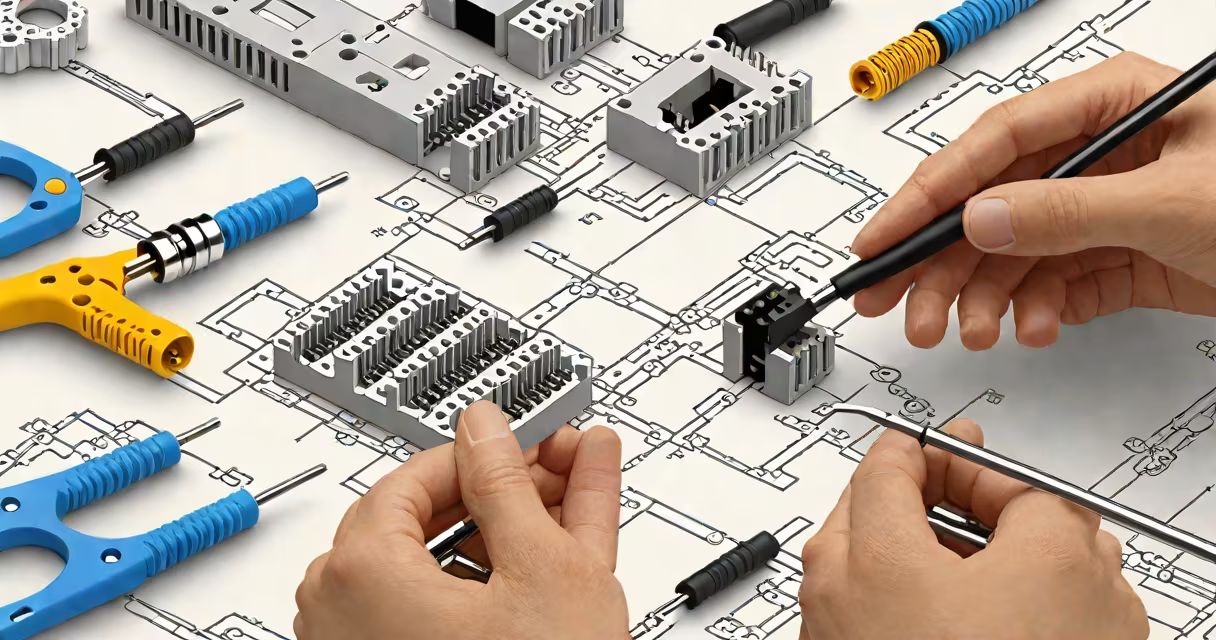
Making ethernet cable means assembling a custom network cable by terminating twisted-pair wires into RJ45 connectors using a crimping tool and following standardized wiring patterns like T568A or T568B.
Each ethernet cable consists of four twisted pairs of insulated copper wires. These pairs reduce electromagnetic interference and ensure signal integrity over distances up to 100 meters. The most common types are Cat5e, Cat6, and Cat6a, each supporting different bandwidths and maximum speeds. For example, Cat5e supports up to 1 Gbps at 100 MHz, while Cat6 handles 10 Gbps at higher frequencies.
The process begins with measuring and cutting the cable to length. Next, strip the outer jacket to expose the eight individual wires. Untwist the pairs carefully-no more than 13 mm (0.5 inches)-to prevent crosstalk. Arrange the wires in the correct sequence according to either T568A or T568B standard. Insert the wires into an RJ45 connector, then use a crimping tool to secure the pins and compress the connector's strain relief.
When data travels through an ethernet cable, electrical signals pass through the twisted pairs. Twisting the wires reduces crosstalk-the interference between adjacent pairs-and improves signal-to-noise ratio. The cable's shielding (if present) further blocks external electromagnetic noise.
At each end, the RJ45 connector mates with a port on a router, switch, or device. Inside the connector, eight metal contacts align with the corresponding wire. When plugged in, these contacts make physical contact with the mating pins on the device's port, completing the circuit.
For a connection to work reliably, all eight wires must be properly terminated and aligned. A single misaligned or broken wire causes signal loss, reduced speed, or complete failure. Testing with a cable tester confirms continuity and identifies faults such as shorts, opens, or reversed pairs.
Common materials include PVC or LSZH (low-smoke zero-halogen) jackets, oxygen-free copper conductors, and nylon mesh shielding in shielded variants. The choice affects durability, fire safety, and performance in high-interference environments.
| Type | Max Speed | Frequency | Use Case |
|---|---|---|---|
| Cat5e | 1 Gbps | 100 MHz | Home networks, basic office setups |
| Cat6 | 10 Gbps (up to 55 m) | 250 MHz | High-speed offices, server rooms |
| Cat6a | 10 Gbps (up to 100 m) | 500 MHz | Data centers, industrial settings |
Two wiring standards exist: T568A and T568B. Both define the order of wire colors in the connector. T568B is more widely used in North America, especially in commercial installations. Using mismatched standards at both ends creates a crossover cable, which connects devices directly (e.g., PC to PC). Standard straight-through cables use the same pattern at both ends.
A non-obvious fact: the order of wire placement matters more than color. Even if the wires are the correct colors, placing them out of sequence causes signal degradation. For example, swapping the green and orange pairs results in improper impedance matching and increased error rates during transmission.
Custom ethernet cables are essential when off-the-shelf lengths don't fit. A 150ft ethernet cable may be needed for connecting a security camera to a NVR across a large warehouse. Pre-made cables often come in standard sizes like 1m, 3m, or 5m-rarely 150ft. Making your own avoids excess slack and reduces clutter.
Another reason is quality control. Store-bought cables sometimes use thin copper or poor insulation. By sourcing your own materials, you ensure consistent performance. For instance, a 100mbps ethernet cable made with proper Cat5e cable and quality connectors will maintain stable throughput under load, unlike cheap knockoffs that degrade over time.
I once built a 75-foot Cat6 cable for a home theater setup. The original cable failed intermittently due to poor termination. After remaking it with a proper crimping tool and testing with a Fluke LinkRunner, the connection stabilized at 1 Gbps with zero packet loss.
Many assume that any cable with an RJ45 plug is an ethernet cable. But some cables-like those used for phone lines or PoE lighting-have similar connectors but lack the required twist rate and shielding. These won't support network speeds.
Another confusion: thinking that longer cables equal better range. Ethernet has a hard limit of 100 meters (328 feet) for reliable operation. Beyond that, signal attenuation increases, leading to dropped connections. A 150ft ethernet cable exceeds this limit and will fail unless a repeater or switch is used.
Some users believe that twisting the wires tighter improves performance. In reality, the twist rate is factory-set and critical. Over-twisting damages the insulation and increases crosstalk. Always follow the manufacturer's recommended twist per inch (TPI) for the cable type.
Using a wrong connector type-such as inserting an 8-pin ethernet cable into a modular jack designed for telephone lines-results in physical damage and signal failure. The 8-pin design is specific to data networking and must be paired with compatible jacks and tools.
Essential tools include a wire stripper, crimper, and cable tester. A good crimper applies uniform pressure across all eight pins. Poor crimping leaves gaps, causing intermittent connectivity.
Always measure twice, cut once. Leave extra length for routing around corners or behind walls. Trim the ends flush after crimping to avoid bent pins. Label both ends with purpose-e.g., "Router - Office" or "Camera - NVR".
After making a cable, test it with a cable tester. A passing test shows all eight wires connected correctly, with no shorts or opens. If a pair fails, re-strip and re-crimp the connector. Never reuse a damaged connector.
For reliable 100mbps ethernet cable performance, stick to T568B standard, use Cat5e or higher, and terminate with precision. If you're building long runs, consider using a patch panel and structured cabling system to manage complexity.
Understanding how to make ethernet cable gives you control over network reliability and cost. installing a surveillance system, knowing the process prevents downtime and ensures compatibility.