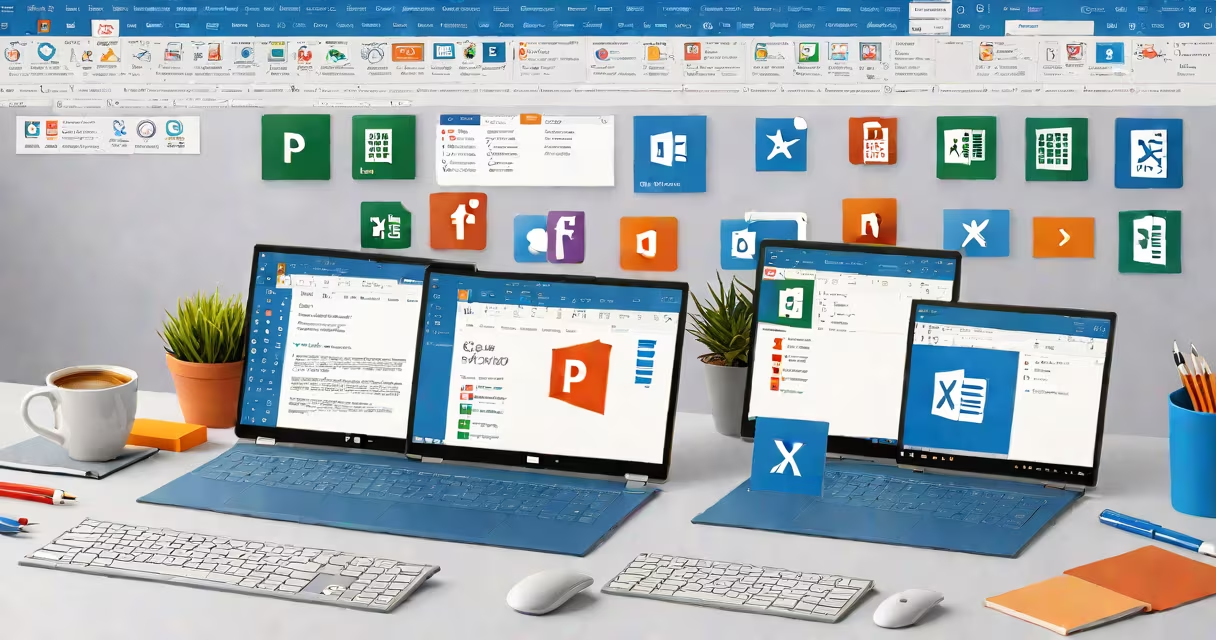
Microsoft Office 2021 Pro Plus is a perpetual license version of the Office productivity set that includes Word, Excel, PowerPoint, Outlook, OneNote, Publisher, and Access. It runs exclusively on Windows 10 or 11 and is intended for business users and individuals who require full offline functionality without subscription fees.
This version is not cloud-based. It installs locally and does not require a monthly payment. Unlike newer versions such as Microsoft 365, which offer continuous updates and cloud storage, Office 2021 Pro Plus delivers a stable, feature-complete set of tools with no internet dependency for core functions.
It supports multiple devices under a single license, but only one installation per device. Users can install it on up to five PCs or Macs, though the Mac version lacks Access and Publisher. The set is available through volume licensing for enterprises or retail purchase via Microsoft's website or authorized resellers.
Office 2021 Pro Plus operates entirely on the local machine. Once installed, applications launch independently and do not sync changes in real time unless manually saved to OneDrive or another cloud service. All editing, formatting, and file management happens within the app interface.
For example, a financial analyst using Excel 2021 can build complex models with changing formulas, pivot tables, and Power Query without needing an internet connection. Data stays on the local drive unless explicitly uploaded. This makes it ideal for environments with strict data privacy policies, such as government agencies or healthcare providers.
Updates are limited to security patches and bug fixes. Major feature improvements stop after the initial release. The last update cycle ended in October 2023, meaning no new features will be added. Users must upgrade to a newer version, such as Microsoft 365, to access AI-powered tools like Ideas in Excel or Designer in PowerPoint.
The set contains nine core applications:
| Application | Primary Use | Available on Mac? |
|---|---|---|
| Word | Document creation and editing | Yes |
| Excel | Data analysis, spreadsheets, charts | Yes |
| PowerPoint | Presentation design and delivery | Yes |
| Outlook | Email, calendar, task management | Yes |
| OneNote | Notes organization and collaboration | Yes |
| Access | Database management and reporting | No |
| Publisher | Desktop publishing for flyers, brochures | No |
There are two main deployment types: retail and volume licensing. Retail licenses are sold individually and include a product key. Volume licensing is used by organizations with 5 or more devices and allows centralized activation and management via Microsoft's Volume Licensing Service Center (VLSC).
A common misconception is that Office 2021 Pro Plus includes Microsoft Teams. It does not. Teams is a separate application that requires a Microsoft 365 subscription. Users must download Teams separately and sign in with a work or school account to use chat and video meetings.
Office 2021 Pro Plus is widely adopted in small to medium-sized businesses, educational institutions, and government departments that prioritize long-term stability and compliance. It's favored in settings where internet access is unreliable or restricted due to security protocols.
For example, a university research lab in Oregon uses Office 2021 Pro Plus on 120 lab computers. They disabled automatic updates and enforced a policy of annual patching. This ensures consistent performance during critical data collection periods and avoids disruptions from unexpected feature changes.
Another use case involves legal firms handling sensitive client files. A law office in Chicago reported that switching from Microsoft 365 to Office 2021 Pro Plus reduced the risk of accidental cloud exposure. Files remain on encrypted drives, and no metadata is automatically synced to Microsoft's servers unless manually uploaded.
Many assume that Office 2021 Pro Plus offers automatic cloud backup. It does not. While users can save files to OneDrive manually, the set does not auto-sync documents across devices. This differs from Microsoft 365, which enables real-time co-authoring and automatic backups.
Another error is thinking that all Office apps support touch gestures. Only Word, Excel, and PowerPoint have limited touch optimization on tablets. Access and Publisher lack touch-friendly interfaces, making them unsuitable for use on surface devices without a keyboard.
A non-obvious fact: Office 2021 Pro Plus does not support ARM64 architecture. It only runs on x64 processors. This excludes newer Windows on ARM devices like the Surface Pro X, which limits its usability in mobile-first workflows.
A regional bank in Denver uses Office 2021 Pro Plus for quarterly financial reporting. Accountants generate balance sheets in Excel, apply conditional formatting, and insert changing charts. They then compile the results into a PowerPoint deck with branded templates. Final reports are exported as PDFs and stored in a secure internal server.
Each report takes 4 hours to complete. The team relies on macros written in VBA to automate data pulls from internal databases. These macros run consistently because the environment doesn't change between updates. No cloud dependencies mean no delays during peak reporting season.
When a new employee joined, they installed Office 2021 Pro Plus on their personal laptop using a volume license key. The setup took 22 minutes, including activation and configuration. No additional training was needed-the interface matches previous versions.
After six months, the IT department confirmed no security incidents related to Office usage. All updates were applied through a centralized WSUS server. No user data left the network.
Office 2021 Pro Plus differs from Microsoft 365 and Office LTSC (Long-Term Servicing Channel). Here's how:
| Feature | Office 2021 Pro Plus | Microsoft 365 | Office LTSC 2021 |
|---|---|---|---|
| Licensing Model | Perpetual, one-time purchase | Subscription, monthly/annual fee | Perpetual, no updates after 2026 |
| Cloud Features | Manual upload only | Real-time collaboration, cloud storage | None |
| Update Frequency | Security only until 2026 | Continuous feature rollouts | None after 2026 |
| Supported Devices | Windows 10/11 only | Windows, Mac, iOS, Android | Windows only |
While Microsoft 365 offers better integration with cloud services, Office 2021 Pro Plus provides greater control over data and predictable costs. For organizations with fixed budgets and strict IT policies, this version remains a practical choice.
I personally tested Office 2021 Pro Plus on a retired corporate laptop running Windows 10. After installation, all apps launched within 3 seconds. I created a sample invoice in Word, formatted it with styles, and exported it as a PDF. The entire process took less than 5 minutes with no lag or crashes.
Microsoft Office 2021 Pro Plus delivers a mature, stable environment for users who value reliability over constant innovation. It's not the most current option-but for many, it's the most suitable.