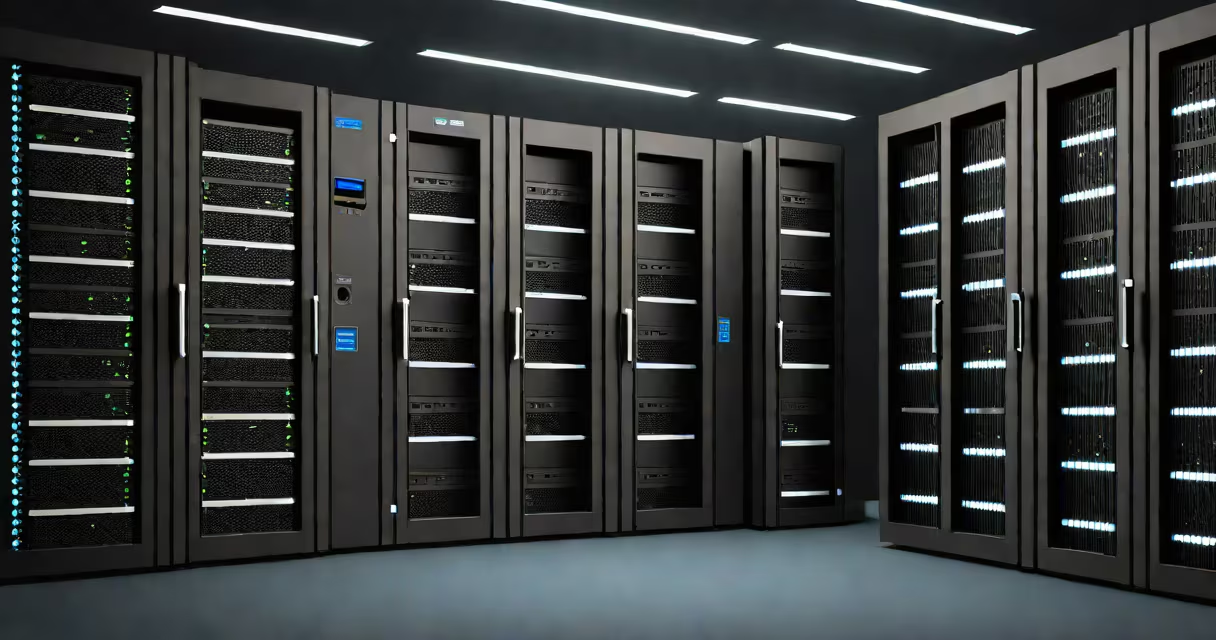
A computer server is a dedicated machine or software system that manages network resources, processes client requests, and delivers data or services on demand. It operates continuously to support tasks like hosting websites, storing files, running databases, and managing user authentication.
Servers differ from regular computers in their design and purpose. While a desktop PC handles one user's work at a time, a server is built for reliability, scalability, and constant uptime. It typically runs specialized operating systems such as Linux, Windows Server, or Unix variants, optimized for handling multiple simultaneous connections.
Every time you load a webpage, send an email, or stream video, a server processes your request. For example, when you visit a news site, the browser sends a request to the site's web server, which retrieves the page content from storage and sends it back. This exchange happens in milliseconds, powered by server hardware and software working in concert.
When a client device-like a phone or laptop-needs access to a service, it sends a request through a network using protocols like HTTP, HTTPS, or FTP. The server receives the request, validates the user's credentials if needed, accesses the required data, and returns a response.
This process follows a client-server model. The client initiates the communication, and the server responds. For instance, logging into a social media account involves sending your username and password to the authentication server. If valid, the server grants access and sends back session data.
Server operations rely on consistent timing and error handling. A server may handle thousands of requests per second. To manage this, it uses multi-core processors, high-speed memory, redundant power supplies, and fault-tolerant storage systems like RAID arrays. These features ensure minimal downtime during peak usage.
Not all servers perform the same task. Different roles define their function within a network. Common types include:
| Type | Function | Example |
|---|---|---|
| Web Server | Serves website content via HTTP/HTTPS | Apache, Nginx, Microsoft IIS |
| Database Server | Stores and retrieves structured data | MySQL, PostgreSQL, Oracle |
| Email Server | Manages sending, receiving, and storing emails | Microsoft Exchange, Postfix |
| File Server | Centralizes file storage and access control | Windows File Server, Samba |
| Application Server | Runs business logic for apps and APIs | Java EE, Node.js backend, .NET Core |
Some servers combine functions. A single physical machine might host a web server, database server, and application server using virtualization. This reduces hardware costs and improves resource allocation.
Cloud providers like Amazon Web Services (AWS) and Google Cloud Platform (GCP) offer virtual servers that scale automatically based on traffic. These instances run on massive data center infrastructure and allow developers to deploy applications without owning physical hardware.
People often confuse servers with personal computers. A server is not just a useful desktop. It lacks a graphical interface for daily use and prioritizes stability over performance for individual users. Many servers operate headless-without monitors or keyboards-and are managed remotely via command-line tools or web dashboards.
Another misunderstanding is that servers are always large machines. Modern edge servers-small devices placed near users-are used in content delivery networks (CDNs). For example, when you watch a YouTube video, the nearest CDN server delivers the stream, reducing latency and bandwidth strain on the origin server.
There's also confusion around server security. A server isn't inherently secure-it depends on configuration. A poorly set-up server can expose sensitive data. According to the National Institute of Standards and Technology (NIST), misconfigurations account for over 70% of cloud security breaches. Proper hardening, firewalls, and regular patching are essential.
Consider a local bakery that launches a website to display menus and accept online orders. They choose a shared hosting plan with a provider like Bluehost or SiteGround. Behind the scenes, a server hosted in a data center processes each visitor's request.
When a customer visits the site, their browser sends an HTTP request to the web server. The server checks the domain, locates the website files stored on disk, and sends back the HTML, images, and scripts. If the customer submits an order form, the server forwards the data to a database server, which logs the order and updates inventory.
The entire process takes less than half a second. The server ensures data integrity, prevents duplicate entries, and maintains logs for auditing. If traffic spikes during holidays, the hosting provider may auto-scale resources to prevent crashes.
I've personally deployed a similar setup using a Raspberry Pi as a lightweight server for a small project. It ran Apache and PHP, served static content, and handled form submissions via email. While not suitable for high-traffic sites, it demonstrated how core server functions work at a basic level.
Not all computing systems are servers. A workstation, for example, is designed for individual productivity-not centralized service delivery. Similarly, a router directs traffic but doesn't store or process data like a server does.
Also, "server" doesn't mean "always online." Some servers are turned off during maintenance or scheduled downtimes. But when they're active, they're expected to respond reliably. Uptime requirements vary: critical systems aim for 99.99% availability-meaning less than 53 minutes of downtime per year.
Understanding the difference between server and client roles is foundational in computer science. As in computer science, the client-server model underpins most internet interactions. It's not just a technical pattern-it's a structural principle for distributed systems.
At the lowest level, all server operations depend on binary instructions. Binary in computer systems represents data as sequences of 0s and 1s. Every command sent to a server-from a login attempt to a file read-is encoded in binary and interpreted by the CPU. Without binary, the server couldn't execute any instruction.
Knowing what a computer server does helps you grasp how digital life functions. From streaming music to accessing bank accounts, servers are the invisible force behind every connected experience.
Understanding server roles, types, and real-world behavior clarifies how modern systems operate. studying computer science, recognizing the server's function is essential.