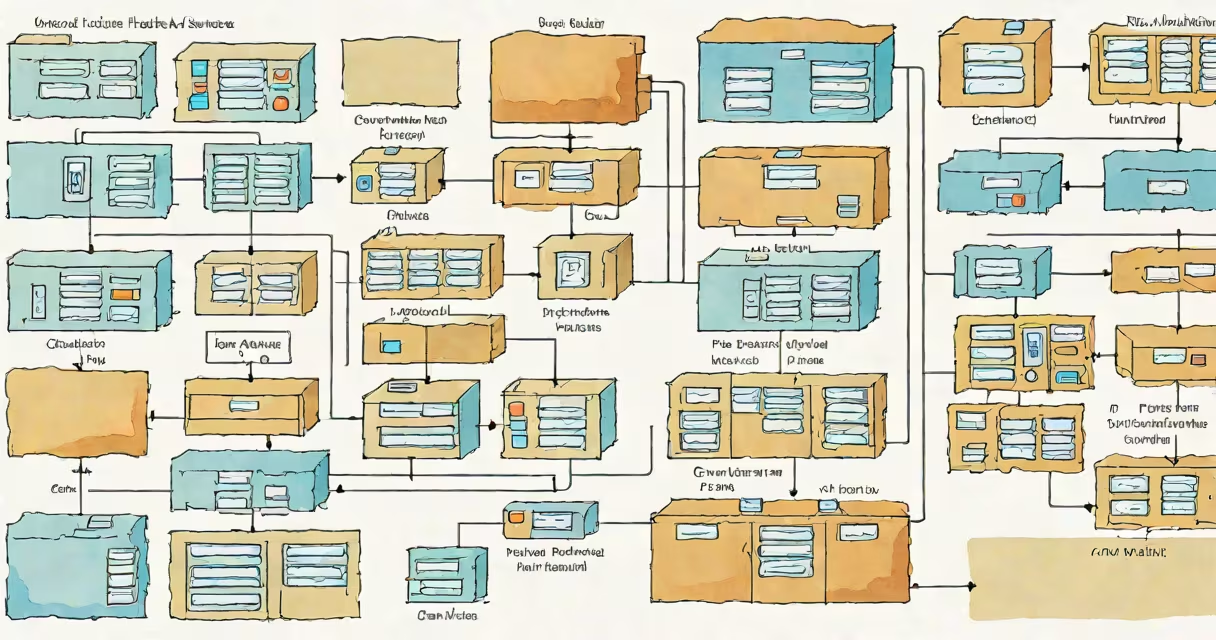
Object block and file storage are distinct data persistence models used in computing systems. Object storage manages unstructured data as objects with metadata, block storage treats data as fixed-size blocks for direct disk access, and file storage organizes data in hierarchical directories with file names and paths.
These three storage types serve different purposes based on access patterns, performance needs, and data structure. Object storage excels with large volumes of unstructured data like images, videos, and backups. Block storage delivers low-latency access ideal for databases and virtual machines. File storage supports shared access via network protocols such as NFS or SMB, common in collaborative workspaces.
Each model uses a different interface and underlying architecture. Object storage uses REST APIs and HTTP-based operations. Block storage appears as raw disks to operating systems. File storage presents a directory tree accessible through standard file system calls. Choosing among them depends on workload requirements, scalability demands, and integration constraints.
Object storage stores data as objects-each with a unique identifier, metadata, and the actual payload. Objects are typically stored in a flat namespace, meaning there are no folders or subdirectories. Instead, metadata fields define relationships and attributes. For example, a photo uploaded to AWS S3 might have metadata tagging it as "uploaded by [email protected]," "April 2024," and "high resolution."
Block storage divides storage into fixed-size chunks called blocks. Each block has a unique address, and the system allows random read/write access to any block. This enables high-performance operations such as database transactions, where specific data regions must be updated quickly. A 1 TB virtual machine disk using block storage can be accessed at the sector level, allowing precise updates without rewriting entire files.
File storage organizes data in a hierarchical structure similar to a computer's file system. Files exist within directories, which can contain subdirectories. Access is controlled through pathnames like /home/user/documents/report.pdf. This model supports standard file operations: open, read, write, close. It's widely used in shared environments where multiple users need consistent access to documents and applications.
The following table outlines the primary characteristics and typical deployment scenarios for each storage type:
| Type | Access Method | Performance | Scalability | Common Use Cases |
|---|---|---|---|---|
| Object | REST API, HTTP(S) | Low to medium latency | Massive scale (exabytes) | Backups, media files, logs, static websites |
| Block | Direct disk mapping (iSCSI, Fibre Channel) | High performance, low latency | High, limited by hardware | Databases, VMs, transactional systems |
| File | Network file systems (NFS, SMB/CIFS) | Medium latency | Medium to high, constrained by server | Shared workspaces, document management, development environments |
For example, a company running a customer relationship management (CRM) platform may use block storage for its PostgreSQL database backend due to the need for consistent, low-latency writes. Meanwhile, the same company might store customer photos and support tickets in object storage for long-term retention and global accessibility.
A non-obvious distinction: object storage does not support atomic file updates. You cannot modify a single byte in a 10 GB video file-you must overwrite the entire object. This design choice enhances consistency and scalability but limits editing efficiency. Block storage allows partial updates, making it better suited for frequently modified data.
Enterprise IT departments deploy object block and file storage based on application behavior. Cloud-native applications often rely on object storage because it scales horizontally and integrates natively with web services. For instance, Netflix uses Amazon S3 to store movie assets globally, enabling streaming from edge locations with minimal delay.
Block storage remains essential for stateful applications. A financial institution running a trading engine uses block storage for its transaction log because it requires immediate durability and predictable response times. Even in cloud environments, virtual machines still attach block volumes to maintain performance parity with physical servers.
File storage dominates in collaborative settings. A law firm using Salesforce for client records might store scanned contracts and legal briefs in a centralized file share accessible via SMB. This setup allows teams to browse, search, and version documents using familiar tools like Windows Explorer or macOS Finder.
I once configured a hybrid storage solution for a healthcare provider. The electronic health record (EHR) system ran on block storage for speed and reliability. Patient imaging scans were stored in object storage with lifecycle policies moving older data to lower-cost tiers. Clinical notes were managed via file storage mounted on shared servers. This layered approach balanced cost, compliance, and performance.
Many assume object storage is simply "cloud storage," but that's inaccurate. While most public cloud providers offer object storage, it's a specific architectural pattern-not synonymous with cloud. On-premises systems can also implement object storage using software like MinIO or Ceph.
Another misconception: file storage is inherently slower than block storage. That's not always true. Modern NAS devices with SSD caching and optimized networking can deliver file access speeds comparable to local block storage. Performance depends more on implementation than category.
Some believe object storage lacks security. In reality, major providers enforce encryption at rest and in transit, along with fine-grained access controls. AWS S3 offers bucket policies, IAM roles, and server-side encryption. These features meet HIPAA and GDPR compliance standards when properly configured.
When selecting between object block and file storage, evaluate data access patterns, performance requirements, and integration needs. For example, a media company archiving 50 TB of video footage should use object storage for cost-effective, durable storage. A developer building a real-time analytics dashboard should use block storage for low-latency database queries.
Understanding the differences between object block and file storage prevents misalignment between infrastructure and application goals. Misconfigurations lead to performance bottlenecks, increased costs, or compliance failures.
Object block and file storage are foundational components of modern data infrastructure. Each serves a distinct role based on access patterns, performance needs, and data structure. Choosing the right one ensures efficient, reliable, and cost-effective data management.