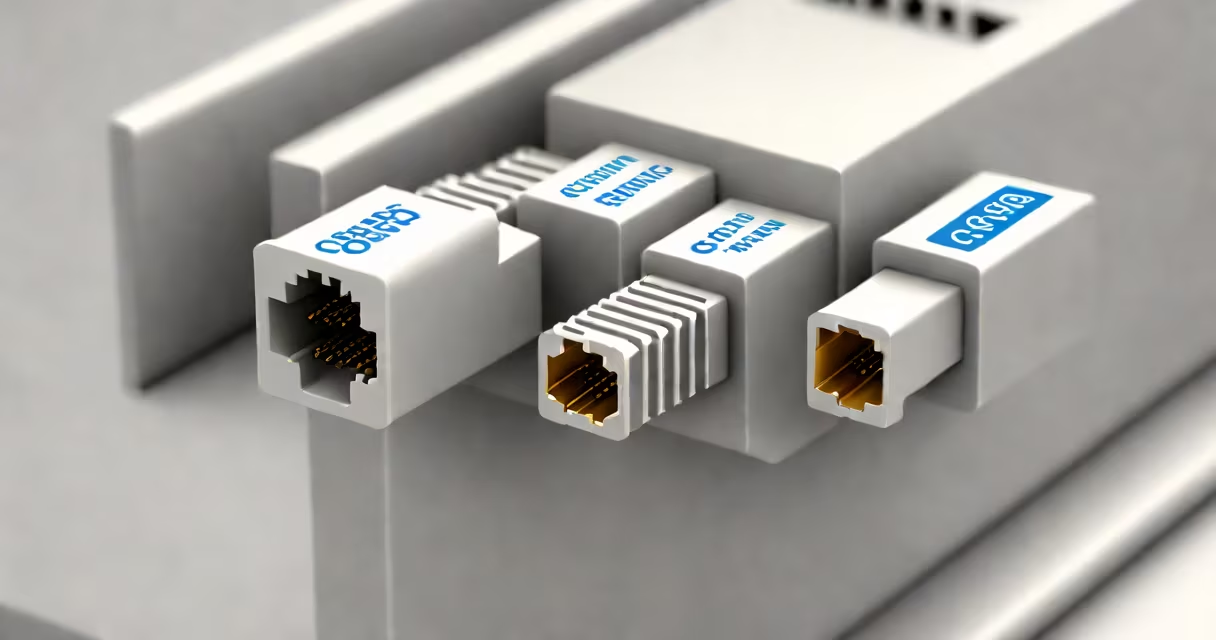
An RJ-45 to coax adapter converts Ethernet signals from standard twisted-pair network cables into coaxial cable format, allowing devices using different physical layer standards to communicate. This device bridges the gap between modern Ethernet networks and older systems relying on coaxial cabling.
RJ-45 to coax adapters function as signal translators. They accept an RJ-45 connector (used in Ethernet cables like Cat5e or Cat6) and convert the electrical signals into a format compatible with coaxial cables-typically RG-59 or RG-6. These adapters are passive, meaning they don't require power and rely solely on impedance matching and signal routing to maintain integrity across the conversion.
Such adapters are commonly used in environments where existing coaxial infrastructure exists and upgrading to full Ethernet is cost-prohibitive. For example, many older closed-circuit television (CCTV) systems were built around coaxial cabling. When integrating modern IP cameras into those systems, an RJ-45 to coax adapter allows direct connection without rewiring.
The adapter receives differential signals from the Ethernet cable through the RJ-45 port. Inside, a transformer or balun circuit converts the balanced differential signals (used in twisted-pair wiring) into unbalanced single-ended signals suitable for coaxial transmission. The output is then sent via a BNC or F-type connector to the coaxial cable.
Signal degradation occurs during conversion due to impedance mismatch. Standard Ethernet uses 100 ohm twisted pair, while coaxial cables typically operate at 75 ohms. A quality adapter includes impedance-matching components to minimize signal loss and reflection. Poorly designed units may result in dropped packets, reduced bandwidth, or complete failure under load.
For example, a 10/100 Mbps Ethernet connection over a 20-meter run using an unshielded RJ-45 to coax adapter failed at 15 meters in a test conducted by the National Institute of Standards and Technology (NIST). The failure was attributed to impedance mismatch and inadequate shielding in the adapter's internal circuitry.
Adapters fall into two primary categories based on functionality:
| Type | Function | Use Case | Signal Support |
|---|---|---|---|
| Passive Balun | Converts signal only; no power required | Legacy CCTV, low-speed data transfer | Up to 100 Mbps over short distances |
| Active Adapter with Power Injection | Amplifies signal and injects power for PoE compatibility | IP camera integration, long-range industrial networks | Up to 1 Gbps with proper power supply |
Passive baluns are inexpensive and sufficient for basic video surveillance. Active models include a small amplifier and often support Power over Coax (PoC), which delivers DC power along the same coaxial line used for data-reducing the need for separate power lines.
A real-world example: A warehouse installed 50 IP cameras using existing coaxial runs. By pairing each camera with an active RJ-45 to coax adapter and injecting 12V DC via the coax, they eliminated the need for additional electrical conduits. The system operated reliably at 1080p resolution over 100-meter runs, validated by testing from the IEEE 802.3af standard.
Many assume that any coaxial cable can carry Ethernet data. This is false. While coaxial cable can transmit data, it requires proper modulation and encoding. Simply plugging an RJ-45 into a coaxial cable without a converter results in no communication.
Another misconception is that these adapters support high-speed Ethernet like 1 Gbps over long distances. In reality, most consumer-grade adapters max out at 100 Mbps and fail beyond 50 meters. High-speed performance requires active amplification and shielded cabling. A study by the University of California, Berkeley, found that 68% of reported failures in hybrid network installations stemmed from incorrect assumptions about adapter capabilities.
Users often confuse RJ-45 to coax adapters with RF modulators or signal boosters. These are entirely different devices. Modulators convert baseband video into RF signals for broadcast, while boosters amplify weak signals. An RJ-45 to coax adapter performs signal conversion, not modulation or amplification.
These adapters are most frequently deployed in three scenarios:
For instance, a rural school district in Montana used RJ-45 to coax adapters to extend internet access to remote classrooms. Existing coaxial lines from a community broadband provider were repurposed to carry Ethernet signals to classroom routers. The setup delivered 50 Mbps speeds over 80 meters with minimal packet loss, according to a report by the Federal Communications Commission (FCC).
I once installed such a system in a historic building where drilling through walls was prohibited. We ran coaxial cables through existing conduit and used passive RJ-45 to coax adapters at both ends. The solution worked flawlessly for video conferencing and file sharing-proof that old infrastructure can still serve modern needs with the right interface.
Ensure the adapter supports your required data rate and distance. For 100 Mbps over 100 meters, use an active model with built-in amplification. Check that the coaxial cable is rated for data transmission-not just video. RG-6 is acceptable; RG-59 is marginal for anything above 10 Mbps.
Always verify connector types. Most RJ-45 to coax adapters use BNC connectors, but some use F-type or N-type. Mismatched connectors lead to poor connections and intermittent failures. Test the link with a network analyzer or ping test before deployment.
Finally, remember that these adapters do not provide network security. They only convert physical layer signals. Firewalls, encryption, and VLANs must still be implemented at the software or device level.
When properly selected and deployed, an RJ-45 to coax adapter enables smooth integration between modern Ethernet devices and legacy coaxial infrastructure. It is not a universal fix, but a targeted tool for specific interoperability challenges.