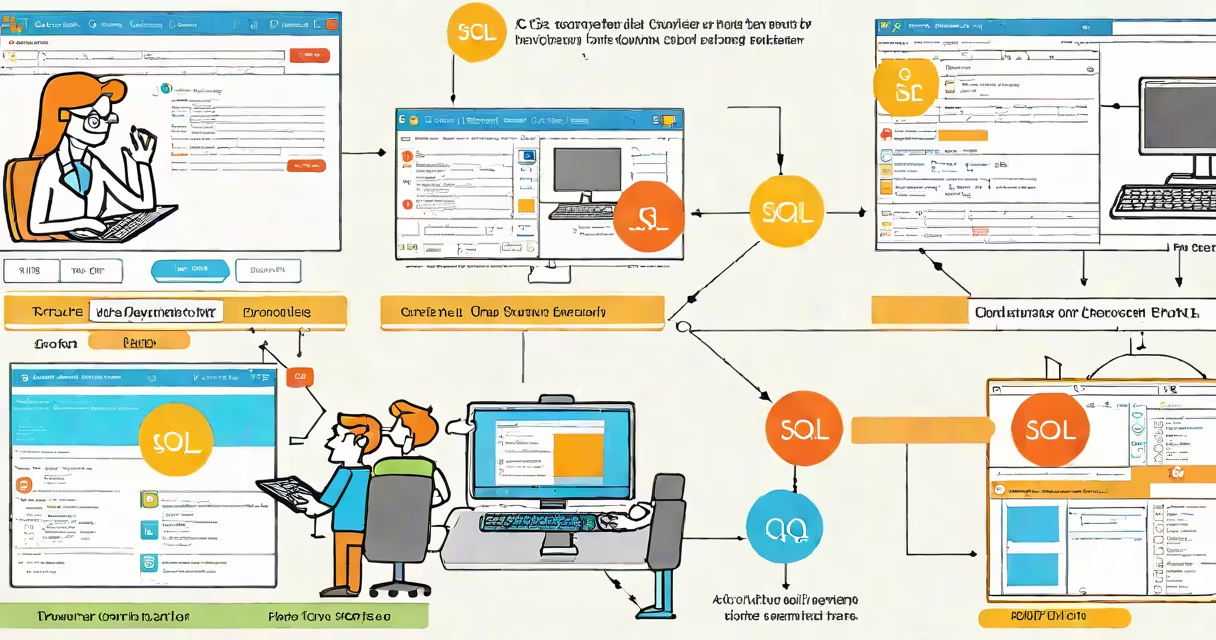
sql online compare is a web-based tool that analyzes and highlights differences between two SQL statements, database schemas, or query results. It enables developers and DBAs to quickly identify changes in structure, logic, or data without manual inspection.
These tools run entirely in a browser. They accept SQL input-either raw code or schema definitions-and return a side-by-side view showing added, removed, or modified elements. This is especially useful during migrations, version control reviews, or debugging complex queries.
For example, comparing two versions of a stored procedure in Oracle PL/SQL reveals whether a WHERE clause was altered or a column was dropped. The tool flags each change with color coding and line numbers, reducing review time from minutes to seconds.
When you enter two SQL inputs into a sql online compare tool, the system parses both as abstract syntax trees (ASTs). This parsing step converts the text into structured representations that preserve logical relationships, not just visual layout.
The tool then performs a structural diff. It compares nodes-such as SELECT clauses, JOIN conditions, or table references-across both inputs. If a condition appears in one but not the other, or if the operator changed from = to <>, the difference is marked.
Some tools support result set comparison. You can run two queries against the same database and compare the output rows. This detects data drift, such as missing records or incorrect values after a migration.
sql online compare tools fall into three categories based on function:
| Type | Input Focus | Best For | Example Tool |
|---|---|---|---|
| Code-level diff | SQL syntax, structure | Reviewing query logic changes | Programiz SQL Online Compiler |
| Scheme-level diff | Table definitions, indexes, constraints | Database migration planning | Redgate SQL Compare (web version) |
| Result-set diff | Query output rows | Validating data consistency | dbForge Schema Compare for MySQL (online mode) |
Code-level tools focus on syntax and logic. They show changes like renaming a column or adding a subquery. These are ideal for reviewing pull requests in version-controlled SQL files.
Schema-level tools analyze database metadata. They compare entire tables, views, or stored procedures. For instance, if a foreign key constraint was removed in one environment, the tool flags it as a potential integrity risk.
Result-set diff tools execute queries and compare outputs. They handle sorting, null handling, and data type mismatches. A query returning 100 rows in dev but 98 in prod triggers a red flag, even if the SQL is identical.
Many users assume sql online compare tools detect all meaningful differences. That's false. A tool may show no change between two queries that differ in performance or data semantics.
For example, two queries may both select * from customers where country = 'US'. One uses an index on country; the other doesn't. The syntax is identical. The tool reports no difference-but execution time may vary by 100x.
Another misconception: that all tools understand context. Some treat "SELECT * FROM orders" and "SELECT id, amount FROM orders" as equivalent because both return data. But the first includes sensitive fields like customer email. A proper diff should flag this as a security risk.
A non-obvious fact: most free online tools do not store your SQL input. They process it client-side and discard it after rendering. But some enterprise tools log queries for auditing. Always check privacy policies before pasting production code.
I used a sql online compare tool while upgrading a legacy PostgreSQL database. The old schema had a table called sales_report with columns: id, date, revenue, and notes. The new version renamed revenue to gross_revenue and added a new column, margin_percent.
Pasting both versions into the tool showed three changes: one rename, one addition, and one missing index. The tool highlighted the rename in yellow and the new column in green. I verified the migration script included all required ALTER TABLE commands.
For teams using Git, integrating sql online compare into CI pipelines prevents accidental schema drift. A failed build occurs if a PR introduces a breaking change, such as dropping a non-nullable column.
Advanced users often combine multiple tools. Run a schema diff with one service, then test the resulting SQL in a programiz sql online compiler to validate behavior. This layered approach reduces deployment risks.
Always verify results manually. Tools can miss subtle issues like implicit type conversions or timezone handling in date functions. A query that runs in one environment may fail in another due to configuration differences.
sql online compare is not a substitute for testing. It's a diagnostic aid. Use it to narrow down problems, not to approve changes without verification.