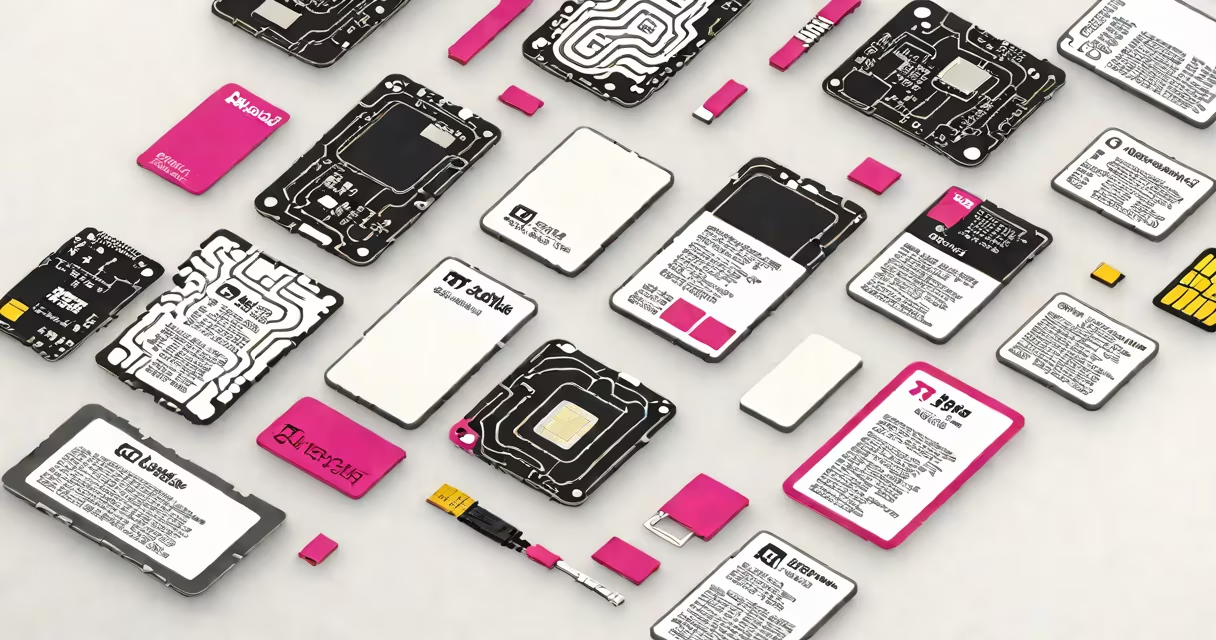
A T-Mobile prepaid SIM kit is a physical package containing a SIM card, activation instructions, and sometimes a promotional code that allows you to activate a new phone on T-Mobile's prepaid wireless network without signing a contract.
The kit enables users to switch to T-Mobile's prepaid service quickly. It includes everything needed to start using a mobile device on T-Mobile's network within minutes. You don't need a credit check or long-term agreement-just insert the SIM into your phone and follow the setup steps.
These kits are sold at retail locations like Walmart, Best Buy, and online through T-Mobile's official store. They're designed for customers who want to avoid carrier contracts and pay only for what they use. The SIM card is compatible with most GSM-enabled smartphones, including many models from Apple, Samsung, and Google.
When you purchase a T-Mobile prepaid SIM kit, you receive a nano-SIM card (standard size for most modern phones), a quick-start guide, and often a scratch-off code for activating your plan. The process begins by inserting the SIM into your phone's SIM tray.
After insertion, power on the device. The phone will detect the T-Mobile network and prompt you to enter the activation code. This code unlocks your account and assigns a phone number. You can complete the setup via the T-Mobile website or app, which guides you through selecting a plan, adding a payment method, and verifying your identity.
Once activated, your phone connects to T-Mobile's 4G LTE and 5G networks. Data speeds depend on your location and plan tier. For example, T-Mobile's $30/month Magenta plan offers unlimited high-speed data, while lower-tier plans cap usage at 5GB per month.
T-Mobile prepaid SIM kits typically include:
Some kits may also include a free trial period (e.g., 30 days of free data) or a promotional offer like a discounted first month. However, the kit does not include a phone, charger, or warranty. You must provide your own compatible device.
Important: The SIM card is not interchangeable with other carriers' networks. While T-Mobile's SIMs work on unlocked devices from major brands, they won't function on locked or CDMA-only phones (like older Verizon devices).
T-Mobile offers several versions of the prepaid SIM kit, each tailored to different needs. The most common types are:
| Type | Best For | Key Features | Price Range |
|---|---|---|---|
| T-Mobile Prepaid Starter Kit | New users, first-time prepaid customers | Includes SIM, instructions, 30-day free data trial | $10-$15 |
| T-Mobile Triple SIM Kit | Multiple devices, family sharing, backup lines | Three SIM cards, shared data pool, family plan options | $25-$35 |
| T-Mobile New SIM (digital-only) | Existing T-Mobile customers upgrading devices | Downloadable SIM profile, no physical card | Free with account access |
While the starter kit is ideal for beginners, the triple SIM kit is better suited for households needing multiple lines. The digital-only "new SIM" option is not a physical kit-it's a software-based profile sent via email or app.
One common mistake is assuming all SIM kits are the same. A T-Mobile prepaid SIM kit from a third-party retailer may lack the promotional code or support features found in official T-Mobile packages. Always verify the source.
I purchased a T-Mobile prepaid SIM kit at a local Walmart for $14.99. Inside was a nano-SIM card, a small instruction sheet, and a scratch-off panel with a 16-digit code.
I inserted the SIM into my unlocked iPhone 13. After powering on, the phone displayed "T-Mobile" and prompted me to set up my account. I opened the T-Mobile app, selected "Activate a New Line," and entered the code from the kit.
The app guided me through choosing a plan ($30/month Magenta), entering my payment info, and confirming my address. Within 12 minutes, I had a working number, 5G connectivity, and 100GB of data. My old phone was deactivated automatically after the transfer.
This process took less time than setting up a new email account. The entire experience was handled through the app-no calls to customer service were needed.
Many assume that a T-Mobile prepaid SIM kit activates instantly. That's not true. The SIM card is not active until you enter the activation code and complete the account setup. Without doing this step, the phone shows "No Service."
Another misconception is that the kit includes a phone. It does not. You must have a compatible, unlocked smartphone. Devices like the Google Pixel 6 or iPhone 12 series work out of the box. Older models may require a factory reset or firmware update to connect properly.
Some users try to use the SIM in a tablet or hotspot device. While technically possible, the device must support T-Mobile's frequency bands (700 MHz, 1700/2100 MHz, 2500 MHz). Many tablets lack support for 5G bands, limiting speed and coverage.
T-Mobile prepaid SIM kits are available at major retailers and online. Official T-Mobile stores offer the most reliable versions with full support. Third-party sellers on Amazon or eBay may offer cheaper prices-but they may sell expired or unactivated SIMs.
Always check the expiration date printed on the kit. Some promotional codes expire within 30 days of purchase. If you buy a kit with a 30-day free trial, you must activate within that window or lose the offer.
For users switching from another carrier, remember that porting your existing number takes 3-5 business days. You'll need your current account number and PIN from your old provider. The T-Mobile app can track the progress in real time.
If you're setting up a line for someone else-like a parent or child-be aware that T-Mobile requires a government-issued ID for activation. You can't use a school ID or driver's license from another state.
A T-Mobile prepaid SIM kit is a straightforward way to begin using T-Mobile's network without a contract. It's ideal for travelers, students, or anyone seeking affordable, flexible mobile service.
With clear instructions and real-world compatibility, the T-Mobile prepaid SIM kit delivers immediate access to a reliable network. Just remember: the SIM card is only half the solution. Activation and device compatibility complete the setup.