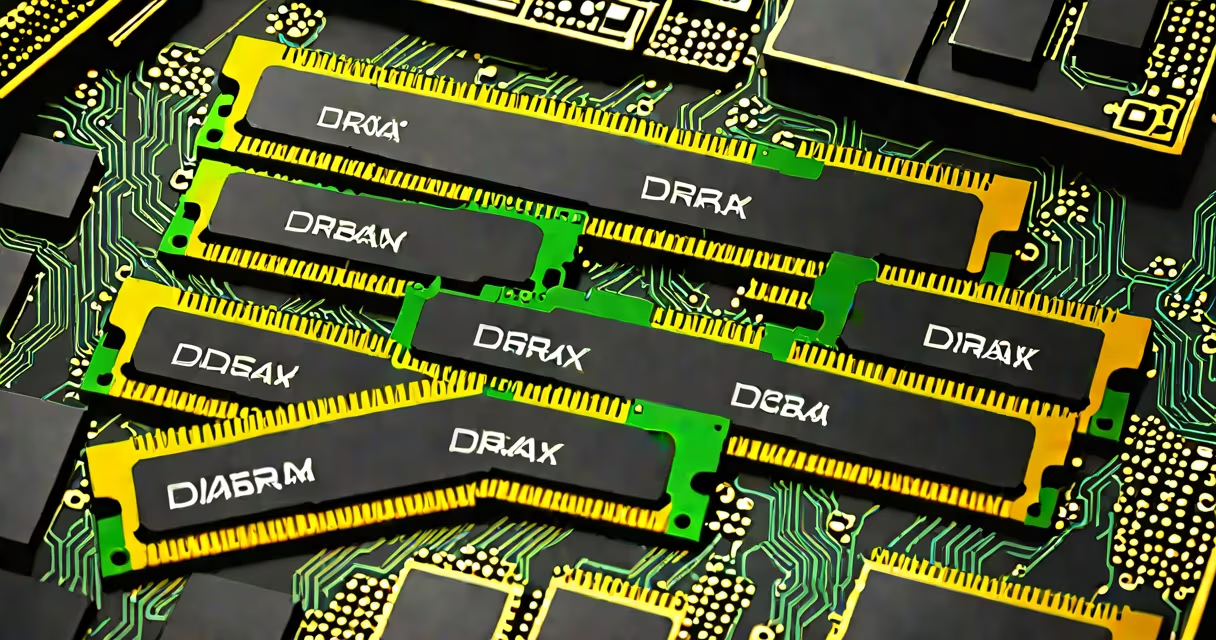
24GB RAM DDR4 is a memory configuration using four 6GB or three 8GB DDR4 modules, delivering high-capacity system memory ideal for demanding applications like video editing, 3D rendering, and high-end gaming.
DDR4 is the fourth generation of double data rate synchronous changing random-access memory, designed to operate at lower voltages (1.2V) than its predecessor, DDR3, while offering higher bandwidth and improved power efficiency. The 24GB capacity represents a significant step up from standard 8GB or 16GB setups, enabling systems to handle multiple large programs simultaneously without slowdowns.
Most modern desktops and laptops support DDR4, though compatibility depends on the motherboard's chipset and CPU socket. Not all motherboards accept 24GB configurations-some require matching module pairs for dual-channel operation. For example, a system with a Ryzen 5 5600X or Intel Core i7-12700K typically supports up to 128GB of DDR4, making 24GB a feasible and effective upgrade.
RAM stores active data that the CPU accesses quickly. When a program runs, its instructions and data load into RAM. More RAM reduces reliance on slower storage like SSDs or HDDs, preventing lag during complex tasks.
A 24GB DDR4 setup allows the system to run multiple virtual machines, high-resolution video timelines in Adobe Premiere Pro, or several browser tabs with heavy web apps-all without swapping to disk. This reduces latency and improves responsiveness, especially when using resource-heavy software such as Blender or MATLAB.
For example, a user running a 4K video edit with color grading, audio mixing, and real-time preview in DaVinci Resolve may consume 18GB of RAM. With only 16GB, the system begins using swap space, causing stuttering. Upgrading to 24GB eliminates this bottleneck, maintaining smooth playback and faster export times.
There are two common ways to build a 24GB DDR4 system:
| Configuration | Modules Used | Channel Mode | Use Case |
|---|---|---|---|
| Three 8GB modules | 3 x 8GB DDR4-3200 | Dual-channel (2 channels) | Gaming, productivity, light creative work |
| Four 6GB modules | 4 x 6GB DDR4-2666 | Dual-channel (2 channels) | Legacy systems, budget builds |
Using three 8GB modules is the most efficient way to reach 24GB. Motherboards with four DIMM slots can run in dual-channel mode with two modules per channel. Adding a third 8GB stick in the fourth slot maintains dual-channel operation, though performance gains are marginal beyond 16GB.
Some users mistakenly assume that four identical modules are required for optimal performance. However, modern chipsets like AMD B550 and Intel Z690 support asymmetric configurations. A mix of 8GB and 16GB sticks works, but the system runs in single-channel mode for the mismatched portion, reducing bandwidth.
Non-obvious fact: DDR4 modules labeled "3200MHz" do not always run at that speed. The actual clock rate depends on the motherboard's memory controller and BIOS settings. Enabling XMP (Extreme Memory Profile) in the BIOS unlocks higher speeds. Without XMP, the RAM defaults to 2133MHz, limiting performance.
24GB DDR4 is commonly used in gaming PCs, content creation workstations, and servers handling virtualization. Gamers benefit from smoother frame rates during long sessions with mods, overlays, and streaming software. A system running Minecraft with OptiFine, Discord, OBS, and Chrome may use 14GB of RAM. With 24GB, the system avoids memory pressure and maintains stable performance.
Creative professionals rely on 24GB for real-time effects processing. Adobe After Effects can consume 20GB when rendering complex compositions. According to Adobe's documentation, 16GB is the minimum recommended for 4K workflows, but 24GB ensures buffer space for cache and temporary files.
Content creators using DaVinci Resolve report 15-20% faster render times when upgrading from 16GB to 24GB, particularly with multi-layered edits and HDR grading. This improvement stems from reduced disk swapping and better memory allocation during GPU-accelerated processing.
Many people confuse 24GB DDR4 with 2400MHz speed. These are unrelated: 24GB refers to capacity, while 2400MHz describes data transfer rate. A 24GB DDR4 kit can run at 2400MHz, 3200MHz, or higher depending on the model.
Another misconception is that more RAM always equals better performance. While 24GB outperforms 8GB in multitasking, adding RAM beyond system needs offers diminishing returns. A basic office PC running Word, Excel, and email uses under 4GB. Upgrading to 24GB provides no noticeable benefit and wastes money.
Consider a user with a 2020 Intel i5-10400F system running Windows 10. The original 16GB (2x8GB) DDR4-2666 setup was sufficient for daily use. But when they began streaming Twitch while playing Cyberpunk 2077 at 1440p, the system dropped frames and froze occasionally.
After diagnosing the issue, they upgraded to a 24GB kit: three 8GB DDR4-3200 modules. They enabled XMP in the BIOS, which increased the RAM speed from 2666MHz to 3200MHz. The system now handles the game, stream encoder, chat overlay, and browser with 12GB free. Frame drops ceased, and average FPS rose from 58 to 67.
This upgrade cost $120 and took 15 minutes. The user confirmed the change via Task Manager and HWiNFO64, which showed consistent memory usage below 80% during peak loads.
24GB RAM DDR4 is not a universal solution-but for users pushing their systems beyond basic tasks, it delivers measurable gains in speed, stability, and capability.