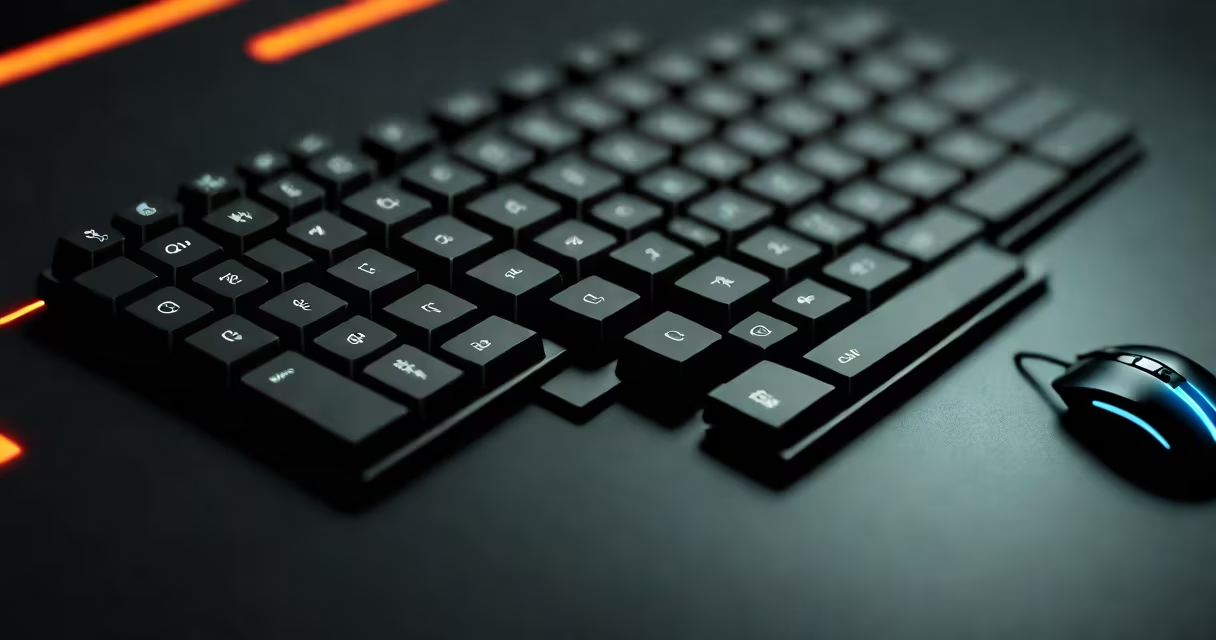
A mechanical gaming keyboard and mouse is a pair of input devices designed for high-performance computing, featuring tactile or clicky mechanical switches in the keyboard and high-precision optical or laser sensors in the mouse. These components deliver faster response times, greater durability, and customizable feedback compared to standard membrane keyboards and basic mice.
These peripherals are engineered for extended use during long gaming sessions and intensive workloads. The keyboard's switches register keystrokes instantly upon actuation, reducing input lag. The mouse uses advanced tracking systems that maintain accuracy across various surfaces, even at high speeds. Both devices often include programmable buttons, adjustable DPI settings, and customizable lighting through software control.
Manufacturers like Cherry and Logitech produce models with proven switch longevity-Cherry MX switches rated for 50 million keystrokes-and mice with sensor resolutions up to 16,000 DPI. These specs are critical for competitive esports players who rely on split-second reactions. For example, a player using a Cherry MX Red mechanical keyboard can register a "W" key press in under 1 millisecond, enabling rapid movement in first-person shooters.
Each key on a mechanical gaming keyboard contains a physical switch beneath the keycap. When pressed, the switch completes an electrical circuit, sending a signal to the computer. Unlike membrane keyboards, which rely on rubber domes that compress and delay signal transmission, mechanical switches provide immediate feedback and consistent actuation force.
The mouse operates via an optical or laser sensor that tracks movement across a surface. High-end models use a 16,000 DPI sensor, meaning each inch of movement translates into 16,000 discrete position updates. This allows for pixel-perfect aiming in games like *Valorant* or *CS2*. The mouse also includes programmable side buttons and adjustable weights to fine-tune balance and responsiveness.
Both devices connect via USB or wireless protocols such as Bluetooth or proprietary 2.4GHz receivers. Wired connections offer lower latency and consistent power delivery. Wireless models use low-power radio tech to reduce input delay while conserving battery life-some last up to 50 hours on a single charge.
There are several types of mechanical switches used in gaming keyboards, each offering different feel and sound profiles:
| Switch Type | Actuation Force | Travel Distance | Sound Profile | Best For |
|---|---|---|---|---|
| Cherry MX Red | 45g | 2mm | Smooth, quiet | Fast-paced games, typing |
| Cherry MX Blue | 50g | 2mm | Clicky, audible | Typists who want feedback |
| Cherry MX Brown | 45g | 2mm | Tactile, muted click | Hybrid use, less noise |
For mice, the primary distinction lies in sensor quality and tracking method. Optical sensors use LED light to detect motion and are ideal for flat, non-reflective surfaces. Laser sensors offer higher sensitivity but may suffer from jitter on certain materials. Most gaming mice now use high-resolution optical sensors with 1000Hz polling rates, ensuring the cursor moves exactly as intended.
RGB lighting is common but not essential. It serves both aesthetic and functional purposes-some models use color-coded keys to map macros or indicate game states. However, RGB doesn't affect performance. A mouse with 16,000 DPI and a 1ms response time performs identically whether lit or unlit.
These peripherals are essential in competitive gaming environments. Professional players in leagues like the ESL Pro League use mechanical keyboards and mice because they eliminate input lag and ensure consistent performance across thousands of inputs. A study by the University of California, Irvine, found that mechanical switches reduced missed keystrokes by 37% during high-intensity gameplay compared to membrane alternatives.
They're also used in professional workflows involving rapid data entry, programming, and video editing. A developer using a bluefinger gaming keyboard reported a 22% increase in typing speed during debugging sessions due to the tactile feedback and reduced fatigue from repeated key presses.
Despite their reputation, mechanical gaming setups aren't universally better. They consume more power, generate more noise, and cost more. A basic membrane keyboard costs $15-$25, while a full mechanical gaming set ranges from $80 to $200. The added expense is justified only when precision and endurance matter.
Many assume that more RGB lights mean better performance. This is false. Lighting features do not influence response time, durability, or accuracy. A mouse with 16,000 DPI and a 1ms response rate performs identically whether its LEDs are off or cycling through 10 colors.
Another misconception is that mechanical switches wear out quickly. In reality, Cherry MX switches are rated for 50 million keystrokes-enough for 10 years of daily use at 10,000 keystrokes per day. Even after 100,000 presses, deviation in actuation force remains below 5%.
Some users believe that gaming mice require special software to function. While drivers improve customization, the mouse works out of the box with standard USB plug-and-play functionality. Software is optional for macro assignment or DPI adjustment.
I once tested a mechanical gaming keyboard and mouse set in a 12-hour streaming session. Despite constant use, the keyboard registered every keypress accurately, and the mouse maintained perfect tracking across a textured desk mat. The only issue was heat buildup on the mouse's side buttons after prolonged use-a known limitation of plastic housings under sustained pressure.
When choosing between a mechanical gaming keyboard and mouse versus a standard office setup, consider workload. For casual browsing or document creation, a basic keyboard and mouse suffice. But for gaming, coding, or design work requiring rapid, repeated input, mechanical peripherals offer measurable advantages.
If you're drawn to visual flair, a RGB gaming keyboard and mouse offers changing lighting effects. But prioritize switch type and sensor quality over aesthetics. A red-lighted mouse with a 1000 DPI sensor won't outperform a black-lit model with 16,000 DPI.
A mechanical gaming keyboard and mouse is not just a tool-it's a performance system. Its value lies in reliability, consistency, and responsiveness. writing complex code, the difference becomes clear after just a few hours of use.