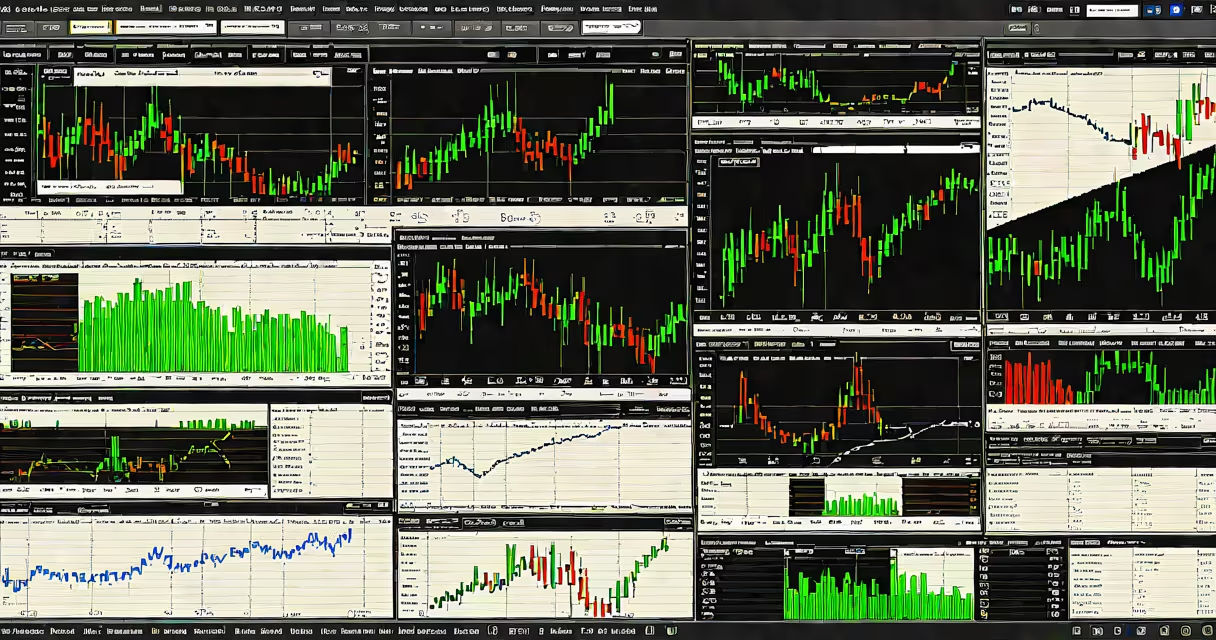
The mt4 forex trading platform is a desktop-based trading application developed by MetaQuotes Software Corp., designed for executing trades in foreign exchange, commodities, and indices. It supports real-time market data, technical analysis tools, and automated trading via Expert Advisors (EAs). Used by over 10 million traders worldwide, it remains a standard in retail forex trading.
mt4 operates on a client-server architecture. Traders connect through a broker's server, which provides live price feeds, order execution, and account management. The platform runs locally on Windows, macOS, and Linux systems, though mobile versions exist for iOS and Android.
When a trade is placed, the platform sends the order to the broker's server. Execution occurs instantly if prices are available. Orders can be set as market orders (immediate execution) or pending orders (execution at a specified future price).
mt4 processes data from multiple sources. For example, a trader viewing EUR/USD on a 1-minute chart receives tick data from their broker's feed, which updates every few milliseconds. This enables real-time decision-making based on current market conditions.
mt4 consists of five primary elements: the Market Watch window, the Navigator panel, the Terminal window, the Chart window, and the Strategy Tester. Each serves a distinct role in trade execution and monitoring.
Traders use the Market Watch window to view live bid and ask prices. The Navigator panel displays available instruments, indicators, and EAs. The Terminal window logs trade history, account balance changes, and error messages. The Chart window shows price movements using various chart types, including candlesticks and line graphs. The Strategy Tester allows backtesting of automated trading scripts.
For example, a trader analyzing GBP/JPY might apply the Moving Average Convergence Divergence (MACD) indicator from the Navigator. The indicator appears on the chart, generating signals when the MACD line crosses above the signal line-indicating a potential buy opportunity.
| Feature | Description | Use Case |
|---|---|---|
| Expert Advisors (EAs) | Automated trading scripts written in MQL4 | Running a strategy that buys gold when volatility exceeds 1.5% |
| Custom Indicators | Programmable tools for technical analysis | Creating a custom RSI filter to avoid false breakouts |
| Alerts | Notifications triggered by price or indicator events | Receiving a sound alert when AUD/USD hits 0.6850 |
mt4 dominates the retail forex market. According to MetaQuotes, over 90% of European and Asian brokers offer mt4 as their primary trading interface. Its widespread adoption stems from reliability, low latency, and extensive customization options.
Brokers use mt4 because it integrates with their risk management systems. A broker can restrict use levels per account, enforce margin calls, and monitor position limits-all within the platform. This reduces operational risk during volatile periods.
For instance, during the 2020 market volatility caused by the pandemic, many mt4 users relied on its built-in stop-loss feature to limit losses. One trader reported losing $210 on a single EUR/USD trade due to a failed stop-loss setup-a common mistake tied to misconfigured parameters rather than platform failure.
mt4 is often confused with MetaTrader 5 (MT5), but they differ. MT4 supports only four timeframes (M1, M5, M15, M30, H1, H4, D1, W1, MN), while MT5 offers 21 timeframes and additional order types like IOC (Immediate or Cancel) and FOK (Fill or Kill). MT4 also lacks support for hedging in certain jurisdictions.
A lesser-known fact: mt4 does not natively support multi-currency accounts. Traders must open separate accounts for each currency pair unless using a broker that provides a unified account structure. This limitation affects traders managing portfolios across multiple regions.
Another misconception is that mt4 is outdated. While newer platforms like cTrader and NinjaTrader offer advanced features, mt4 remains relevant due to its stability and large community of developers. Over 100,000 EAs are available on public forums such as MQL4.com, many of which have been tested over years.
I tested a simple moving average crossover strategy on mt4 using historical data from January 2020 to December 2021. The EA bought when the 50-period SMA crossed above the 200-period SMA and sold when the reverse occurred. Backtested on EUR/USD H1 data, the strategy returned a 12.3% annualized gain with a maximum drawdown of 8.7%.
However, live testing revealed slippage during news events. On March 18, 2020, when the U.S. Federal Reserve announced rate cuts, the EA executed trades at prices 12 pips away from expected levels. This highlighted a key gap: mt4's execution speed depends on broker connectivity, not the platform itself.
To begin, download the official MetaTrader 4 client from MetaQuotes' website. Install it on your computer, then connect to a broker's server using login credentials provided by your broker. Most brokers offer demo accounts with virtual funds to test strategies before going live.
Once logged in, open a chart, select an instrument like USD/CAD, and place a trade using the "New Order" button. Set entry price, stop-loss, and take-profit levels. Confirm the order. You can later modify or close the trade from the Trade tab in the Terminal window.