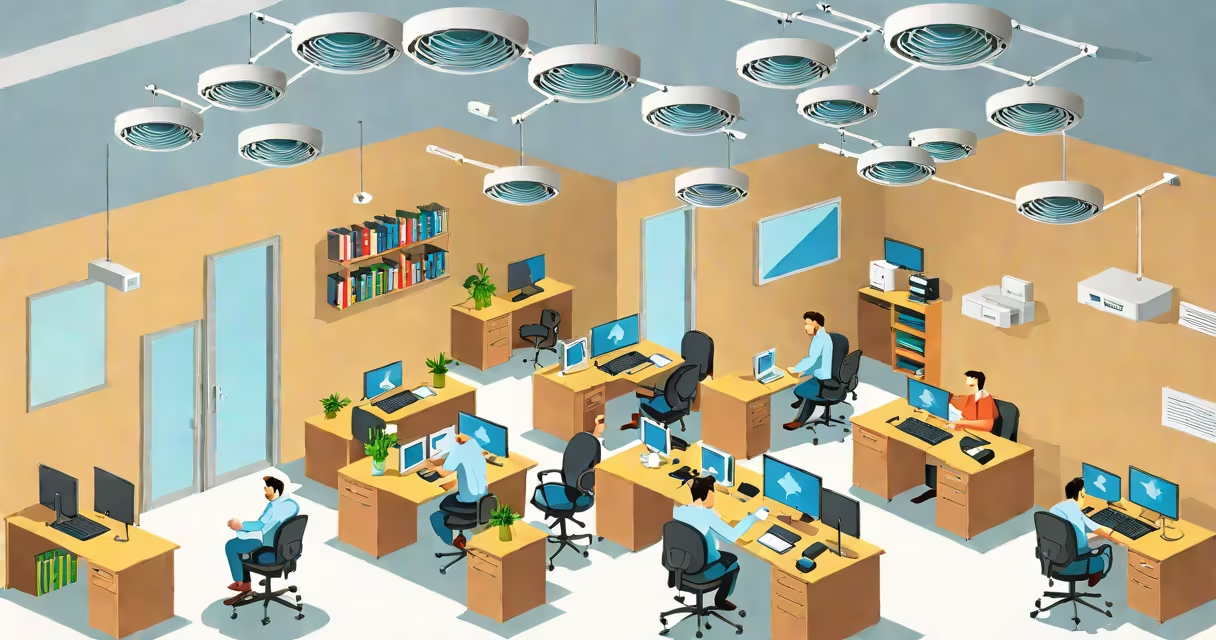
Multiple wireless access points (WAPs) are individual devices that provide Wi-Fi connectivity across a physical space, often deployed together to eliminate dead zones, handle high device counts, and maintain consistent signal quality. They operate on the same network, typically connected via Ethernet to a central switch or router, forming a unified wireless environment.
These systems function by broadcasting radio signals from each WAP, which clients such as smartphones, laptops, and IoT devices connect to based on signal strength and network configuration. When properly synchronized, devices move between access points smoothly during roaming, maintaining active connections without dropping packets or requiring manual reconnection.
For example, a university campus with 50 buildings uses over 150 WAPs. Each building has 3-5 access points installed in hallways and classrooms. A student walking from a lecture hall to a library remains connected to the same Wi-Fi network without interruption, thanks to overlapping coverage and centralized management.
Each access point connects to a wired network-usually through Ethernet cables-and broadcasts a Wi-Fi signal using standard protocols like IEEE 802.11ax (Wi-Fi 6) or 802.11ac (Wi-Fi 5). The access points are configured to share the same SSID (network name), security settings (like WPA3), and IP addressing scheme, creating a single logical network.
When a client device moves out of one WAP's range and into another's, the network controller (or the WAPs themselves in standalone mode) triggers a handoff. This process, called roaming, relies on signal strength thresholds and client behavior. Devices that support 802.11k/v/r protocols roam faster and more reliably than older models.
A key requirement is proper channel planning. In dense environments, overlapping channels cause interference. For instance, in the 2.4 GHz band, only three non-overlapping channels exist (1, 6, 11). Deploying too many WAPs on adjacent channels leads to congestion. Using tools like Ekahau Site Survey or Cisco Prime Infrastructure helps map signal levels and assign optimal channels.
Deployments vary based on scale, budget, and performance needs. The most common types include:
| Type | Use Case | Setup Complexity | Best For |
|---|---|---|---|
| Standalone (non-managed) | Small offices, home networks | Low | Basic coverage with minimal configuration |
| Controller-based (managed) | Enterprise campuses, schools, hospitals | High | Centralized control, automatic load balancing, advanced security |
| Mesh networks | Residential areas, multi-floor homes | Medium | Self-configuring nodes with changing routing |
Standalone WAPs require manual setup for each unit. They're suitable for small deployments but lack scalability. Controller-based systems use a central management server-such as Aruba Central or FortiManager-to configure, monitor, and update all access points simultaneously. This reduces administrative overhead and ensures consistent policies.
Mesh networks differ in architecture. Nodes communicate wirelessly with each other and form a self-healing network. While convenient for homes, mesh systems struggle under heavy traffic and aren't ideal for mission-critical applications. A hospital deploying multiple WAPs for patient monitoring systems would avoid mesh due to latency variability.
Many users assume adding more access points automatically improves performance. That's false. Overlapping coverage with poor channel planning causes interference, degrading throughput. In one test by the Wi-Fi Alliance, a 20-device office with six WAPs on the same channel saw average speeds drop by 60% compared to a well-planned setup.
Another misconception is that all WAPs must be the same model. While mixing brands or generations can cause compatibility issues, modern controllers support heterogeneous deployments. For example, a company upgraded from 802.11ac WAPs to newer Wi-Fi 6 units and maintained connectivity by configuring both under the same controller.
Some believe access points don't need power over Ethernet (PoE). But PoE simplifies installation by delivering both data and power through a single cable. Without PoE, each WAP requires a dedicated power outlet and surge protection-adding cost and complexity. A retail store with 12 WAPs saved $1,200 in labor and wiring costs by using PoE switches.
In 2022, a 12,000-square-foot co-working space in Austin deployed nine access points across four floors. The goal was to support 150 concurrent users with low latency for video conferencing and cloud collaboration.
They used eight 802.11ax (Wi-Fi 6) access points and one backup unit. All were connected to a managed switch and controlled via a cloud-based system. Channel assignments were staggered: floor one used channels 1, 6, 11; floor two used 36, 40, 44; floor three used 149, 153, 157. This avoided interference between floors.
After deployment, signal strength averaged -62 dBm across the space. Device roaming was tested by moving a laptop from the ground floor to the third floor. The connection dropped for less than 0.3 seconds during handoff-within acceptable limits for real-time apps.
Performance improved by 72% compared to the previous single-router setup. The space now supports 200+ devices without degradation. This setup aligns with recommendations from the Institute of Electrical and Electronics Engineers (IEEE), which states that access points should be spaced no more than 30 meters apart in high-density environments.
They also support advanced security protocols. For example, WPA3-Enterprise provides stronger encryption than WPA2, reducing the risk of brute-force attacks. A financial firm using top wireless access points reported a 90% reduction in unauthorized access attempts after upgrading from consumer gear.
Proper deployment prevents common failures. A retail chain experienced intermittent Wi-Fi drops during peak hours. Investigation revealed that three WAPs were placed too close together, causing signal overlap. After relocating two units and adjusting transmit power, uptime increased to 99.98%.
Multiple wireless access points are not just about extending coverage-they're about building a resilient, scalable, and secure network foundation. When designed correctly, they deliver consistent performance across large or complex environments.