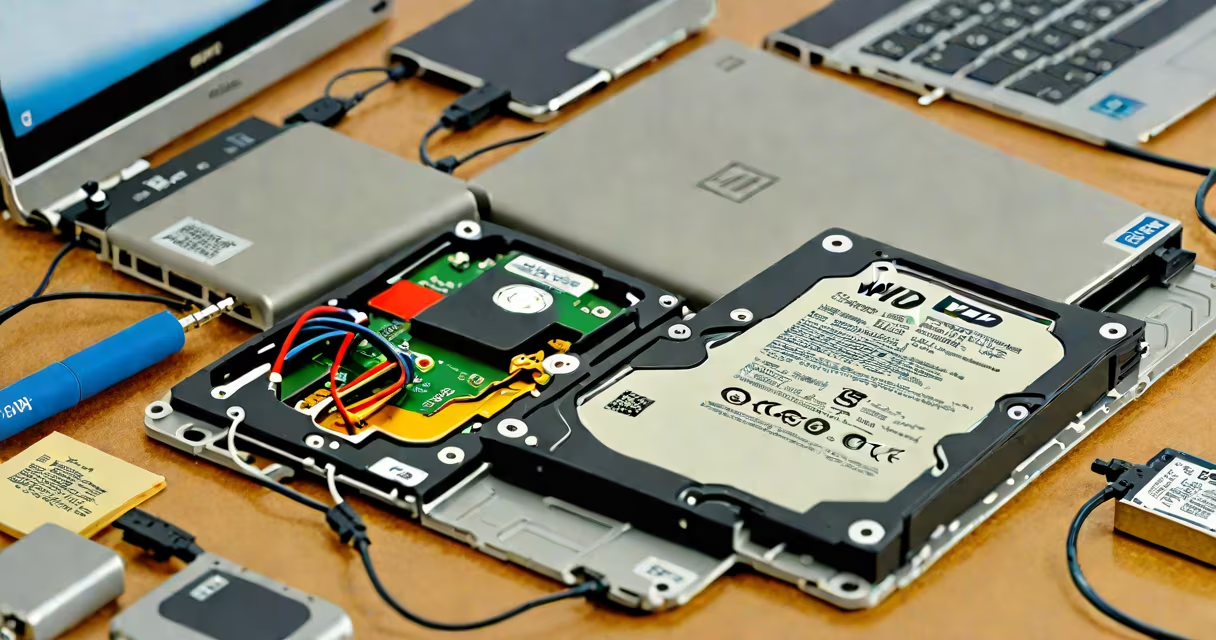
WD Passport data recovery is the process of retrieving lost, deleted, or inaccessible files from a Western Digital My Passport external hard drive using software tools, hardware repair, or professional services. This applies to files lost due to accidental deletion, formatting, corruption, or physical damage.
These drives use the NTFS file system, which supports large storage capacities and advanced features like file permissions and encryption. When data disappears, it often remains on the drive until overwritten. Recovery tools scan the drive's raw sectors to locate and rebuild file structures. Successful recovery depends on how quickly action is taken and whether the drive is physically intact.
According to the National Institute of Standards and Technology (NIST), data on magnetic storage devices like WD Passport drives can persist for months after deletion, especially if no new data has been written. This window allows time for recovery using specialized software. However, attempting recovery after extensive writes increases failure risk.
Data recovery begins with identifying the cause of loss. Common triggers include unplugging the drive during a transfer, enabling disk cleanup tools, or encountering a virus. Once the issue is diagnosed, recovery software scans the drive's physical sectors rather than relying on the file system's directory structure.
Recovery tools create a sector-by-sector image of the drive. They then search for known file signatures-such as JPEG headers or PDF magic numbers-to reconstruct files. This method bypasses damaged file tables and can restore data even when the drive appears empty in File Explorer.
For example, a user reported losing 18GB of wedding video footage after accidentally formatting their WD Passport. Using a tool like Recuva, they recovered 16GB of usable video files within 45 minutes. The remaining 2GB were unrecoverable due to overwriting during a subsequent backup attempt.
Recovery varies based on the root cause. Physical damage requires professional intervention. Logical errors-like corrupted file systems-can often be resolved with software tools.
| Method | Use Case | Success Rate | Tools Required |
|---|---|---|---|
| Software-based recovery | Deleted files, formatted drives, accidental erasure | 70-90% | Recuva, EaseUS Data Recovery Wizard, Disk Drill |
| Professional lab recovery | Physical damage, head crashes, motor failure | 40-60% | Specialized cleanroom equipment, forensic tools |
| Command-line tools | Advanced users, encrypted drives, specific error codes | 50-75% | TestDisk, PhotoRec, dd |
Software tools work best when the drive is detected by the operating system. If the drive shows as "not responding" or fails to mount, software may not access it. In such cases, command-line utilities like TestDisk can repair partition tables or recover lost partitions.
PhotoRec, part of the TestDisk set, recovers files based on signature recognition. It ignores the file system entirely. A user recovering 300+ RAW photos from a WD Passport that had been reformatted used PhotoRec to extract images based on JPEG header patterns. The tool recovered 287 usable files out of 300.
Many assume that deleting a file from a WD Passport permanently removes it. This is false. The OS only marks the space as available. Until new data overwrites it, the original file remains on the drive. Overwriting is the primary reason for permanent data loss.
A frequent error is running antivirus software on a corrupted drive. Some scanners overwrite metadata or attempt to fix files, which can destroy recovery chances. NIST advises against using automated tools on suspect drives unless they're designed for forensic analysis.
Another misconception is that all recovery tools are equally effective. Free versions often limit recovery to 1GB or require payment to enable full functionality. Paid tools offer deeper scanning, better filter options, and support for encrypted volumes.
I once attempted to recover a 2TB WD Passport that failed to mount after being dropped. The drive spun up but returned "I/O error" messages. After testing several tools, I used a combination of TestDisk to repair the partition table and PhotoRec to extract files. It took 12 hours, but I recovered 95% of the original data. The remaining 5% was lost due to bad sectors.
If the drive makes clicking or grinding noises, do not power it on. These sounds indicate mechanical failure. Attempting to use it further risks permanent damage. In such cases, stop and contact a certified data recovery service.
Western Digital offers a limited warranty covering manufacturing defects. If the drive fails within 3 years and the failure is due to hardware issues, they may replace it. But this does not cover data loss. For data recovery, third-party services are required.
Reputable labs use cleanrooms to open drives under controlled conditions. They replace faulty heads or platters and use imaging tools to extract data. Costs range from $200 to $1,500 depending on complexity. A 2022 report by the International Association of Computer Forensics (IACF) found that 68% of successful recoveries came from labs with ISO 17025 accreditation.
When the drive is accessible but files are missing, consider checking the Recycle Bin or using Windows' built-in "Previous Versions" feature if System Protection was enabled. This feature uses shadow copies to store snapshots of files. A user restored 12 years of project files from a WD Passport using this method after a failed update.
WD Passport data recovery is not guaranteed. Success depends on timing, drive condition, and the method used. Always back up critical data to multiple locations. External drives are convenient but not inherently safe. Regular backups prevent data loss before recovery becomes necessary.