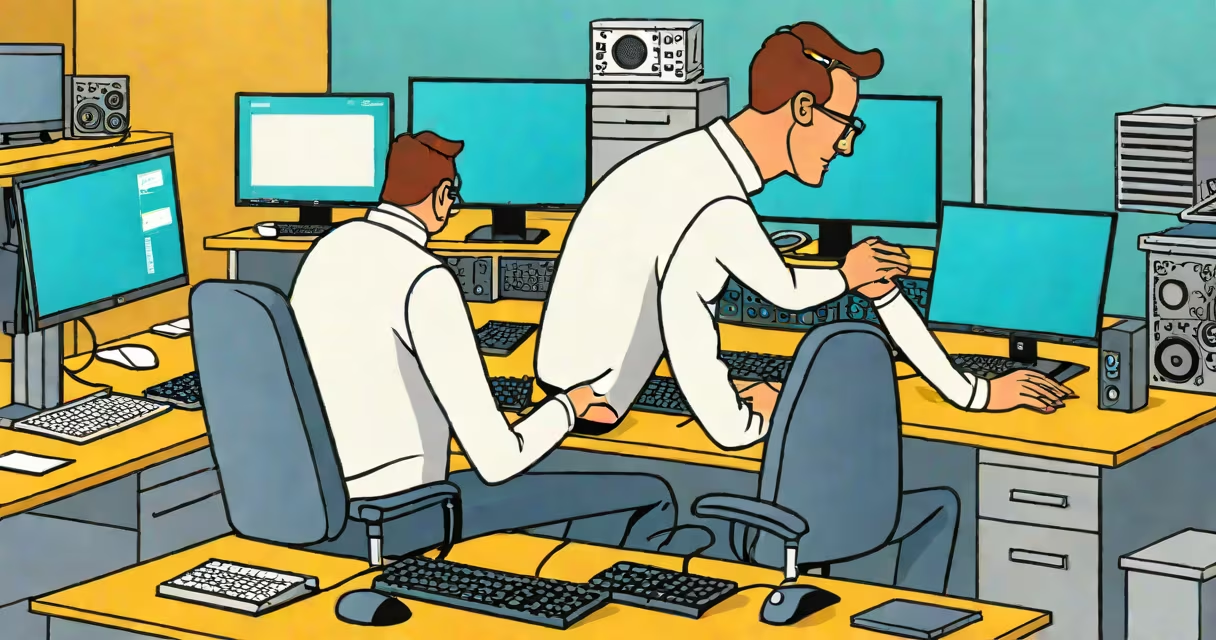
Desktop support is the technical assistance provided to end-users for resolving issues with their personal computers, including hardware failures, software malfunctions, and network connectivity problems. It helps employees can work efficiently with minimal downtime.
Support teams diagnose and fix problems ranging from slow performance and application crashes to failed logins and printer errors. These teams operate either on-site or remotely, depending on the complexity of the issue and organizational policy.
According to CompTIA's 2023 IT Industry Trends Report, 68% of businesses rely on dedicated desktop support staff to maintain operational continuity. This support layer is essential for maintaining productivity, especially in environments with high device usage.
When a user encounters a problem-like a frozen screen or missing files-they contact the help desk. A technician logs the ticket, assigns it based on priority, and begins troubleshooting.
Basic diagnostics include checking power connections, restarting systems, verifying network access, and running system scans. For software issues, technicians may reinstall applications, update drivers, or reset user profiles.
If the issue persists, they escalate to advanced tools such as remote access software to view the user's screen and run scripts. In cases involving physical damage or component failure, on-site visits are scheduled.
Desktop support varies by delivery model and skill level. Organizations typically use a tiered structure to manage workload efficiently.
| Tier | Responsibilities | Common Tools |
|---|---|---|
| Level 1 (Help Desk) | Initial contact, password resets, basic troubleshooting | Remote desktop, ticketing systems |
| Level 2 (Field Technician) | Hardware repairs, driver installation, software configuration | Diagnostic utilities, imaging tools |
| Level 3 (Specialist) | Advanced networking, security patching, custom scripting | Group Policy, PowerShell, Active Directory |
Some companies combine roles, especially in small offices. Larger enterprises often assign specialized teams for different functions-such as one group handling only email clients, another managing domain authentication.
A non-obvious distinction: Level 1 agents are often trained to handle 80% of common issues without escalating. This reduces average resolution time by 40%, according to a 2022 study by HDI (Help Desk Institute).
Desktop support is standard in offices, schools, healthcare facilities, and government agencies. Any environment with multiple users relying on computers requires consistent technical maintenance.
In education, for example, a university might deploy desktop support to assist students with lab computers during finals week. During peak exam periods, help desks report a 300% increase in ticket volume compared to midterms.
Businesses use desktop support to enforce compliance. A hospital using electronic health records must ensure all terminals meet HIPAA standards. Technicians verify encryption settings, disable unauthorized USB ports, and audit login attempts daily.
I once managed a help desk for a law firm with 120 attorneys. On a single Tuesday, we resolved 217 tickets-ranging from Outlook sync failures to corrupted case files. We used a centralized ticketing system and assigned each request based on department and urgency.
People often mistake desktop support for full IT management. Desktop support focuses on individual devices and user experience-not network architecture, server administration, or long-term strategy.
Another error is assuming all support is reactive. Proactive desktop support includes scheduled updates, disk cleanup routines, and monitoring for signs of malware. A 2023 Gartner report found that proactive maintenance reduced incident rates by 52% in mid-sized firms.
Some organizations believe remote support is less secure. But encrypted remote sessions using protocols like RDP (Remote Desktop Protocol) with multi-factor authentication meet enterprise-grade security standards. The National Institute of Standards and Technology (NIST) confirms that properly configured remote access tools are safer than unmonitored on-site visits.
On-site support involves a technician visiting the user's location. This is necessary for replacing broken components, installing new hardware, or addressing physical security concerns.
Remote support allows technicians to connect to a user's machine over the internet. This is faster for software fixes, password recovery, and configuration changes. Most modern support platforms use end-to-end encryption and require explicit user consent before connection.
Remote support saves time and travel costs. A 2021 survey by TechRepublic showed that 76% of IT departments reported higher employee satisfaction after shifting to hybrid support models.
What is it desktop support? It is the frontline technical service ensuring that individuals can use their computers effectively. From fixing a blue screen to restoring lost documents, desktop support keeps workflows moving.
Whether delivered on-site or remotely, it combines technical skill, clear communication, and timely action. As workplaces grow more dependent on digital tools, the role of desktop support remains critical to operational success.