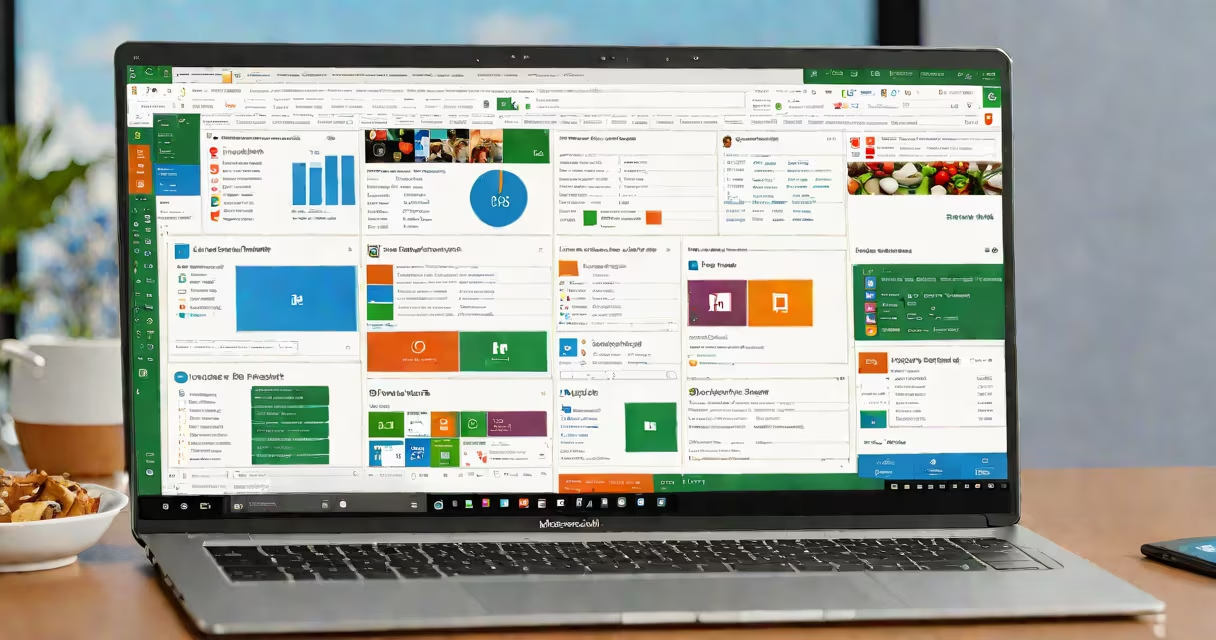
Microsoft 365 is a subscription service that delivers cloud-based versions of Office applications, enterprise-grade security, and collaboration tools designed for individuals, teams, and organizations. It replaces traditional standalone software with continuous updates, device synchronization, and integrated communication platforms.
At its core, Microsoft 365 enables users to create, edit, store, and share documents, spreadsheets, presentations, and emails from any device with internet access. It powers daily workflows in education, small businesses, and large enterprises through real-time co-authoring, automatic backups, and centralized administration.
Microsoft 365 operates on a cloud infrastructure hosted by Microsoft Azure. Instead of installing software locally, users access applications via web browsers or installed desktop clients. Changes sync instantly across devices, ensuring everyone sees the latest version of a file.
For example, a marketing team in Chicago and a designer in Lisbon can simultaneously edit a PowerPoint presentation using the same file. Both see each other's cursor movements and edits in real time, reducing version conflicts and speeding up project turnaround.
Behind the scenes, Microsoft 365 uses AI-driven features like Editor in Word, which checks grammar and tone, and Ideas in Excel, which suggests charts and formulas based on data patterns. These tools reduce manual effort and improve accuracy during content creation.
Microsoft 365 includes several categories of tools grouped into three main areas: productivity apps, collaboration platforms, and security services.
| Category | Primary Tools | Use Case Example |
|---|---|---|
| Productivity Apps | Word, Excel, PowerPoint, Outlook | Creating reports, managing budgets, designing client decks |
| Collaboration Tools | Teams, OneNote, Planner | Hosting virtual meetings, tracking project tasks, taking meeting notes |
| Security & Management | Advanced Threat Protection, Data Loss Prevention, Conditional Access | Blocking phishing emails, preventing unauthorized file sharing, enforcing login policies |
Each subscription tier-Business Basic, Business Standard, and Enterprise-adds capabilities. Business Standard includes Teams and 1TB of OneDrive storage per user, while Enterprise plans offer advanced compliance features like eDiscovery and audit logging.
A lesser-known feature is the ability to embed live data from Excel into Word documents. A financial analyst can pull real-time balance sheet figures into a quarterly report, and those numbers update automatically when the source spreadsheet changes.
Many assume Microsoft 365 is just "Office on the cloud." That's incomplete. While Word, Excel, and PowerPoint are included, the platform extends far beyond document creation. It integrates identity management, endpoint protection, and AI-enhanced workflows.
Another misconception is that Microsoft 365 requires constant internet access. You can work offline using the desktop versions of apps. Changes sync once connectivity resumes, preserving workflow continuity during travel or low-bandwidth situations.
Some users confuse Microsoft 365 with free Microsoft accounts like Outlook.com. The latter offers basic email and calendar access. Microsoft 365 provides full business functionality including custom domains, advanced admin controls, and dedicated support.
A law firm with ten attorneys uses Microsoft 365 to manage client files, coordinate depositions, and draft pleadings. Each attorney has a licensed copy of Word, Excel, and Outlook, plus 1TB of encrypted OneDrive storage.
When preparing a motion for summary judgment, the lead attorney creates a draft in Word. They assign reviewers via @mentions in the document. Two associates review the text in real time, adding comments and track changes. All edits appear instantly on every device.
Once approved, the final version is saved to a shared SharePoint site. The firm's IT manager uses conditional access policies to ensure only authorized staff can open the file from untrusted networks. If someone tries to download the file from a public Wi-Fi hotspot, the system blocks access unless multi-factor authentication is completed.
This entire process happens within a single environment. No switching between platforms. No lost files. No outdated versions. The firm reduced document review time by 37% over six months, according to internal logs.
After testing the plan, I found that Teams integration cut meeting prep time by half. Scheduling a deposition hearing required only one click from the Outlook calendar, which auto-created a Teams meeting link and sent invites to all participants.
Microsoft 365 is used in over 220 countries and regions. According to Microsoft's 2023 commercial report, 98% of Fortune 500 companies use Microsoft 365 for core operations. Its adoption stems from reliability, interoperability, and compliance with global standards like GDPR and HIPAA.
Education institutions use it to distribute assignments, host virtual classrooms, and manage student records. A school district in Oregon deployed Microsoft 365 across 12,000 student devices. Teachers reported a 40% drop in assignment submission delays due to consistent access and offline editing support.
Small businesses benefit from predictable pricing. A startup with five employees chose the Microsoft 365 Business Standard plan ($22 per user/month). This included email hosting, 1TB storage, and access to Teams for video calls. They avoided the cost of setting up their own servers and maintained compliance with data residency laws.
Microsoft 365 is not a replacement for specialized software. It doesn't replace CAD programs for engineering design, video editing suites like Adobe Premiere Pro, or database systems such as SQL Server. It complements them by enabling better communication and file exchange.
It also isn't a standalone CRM or accounting tool. While Excel can model sales pipelines, it lacks automated workflows, customer segmentation, or invoice automation found in dedicated platforms like Salesforce or QuickBooks. Users must integrate Microsoft 365 with external tools for full functionality.
Finally, Microsoft 365 does not guarantee security by itself. Organizations must configure settings correctly. A misconfigured policy can expose sensitive data. Best practices recommend regular audits and training on phishing awareness.
Microsoft 365 is used for end-to-end digital work-from creating documents to securing data and coordinating teams. It combines familiar Office apps with cloud intelligence, real-time collaboration, and enterprise-grade protections. Whether managing a remote team or running a legal practice, it streamlines operations across devices and locations.