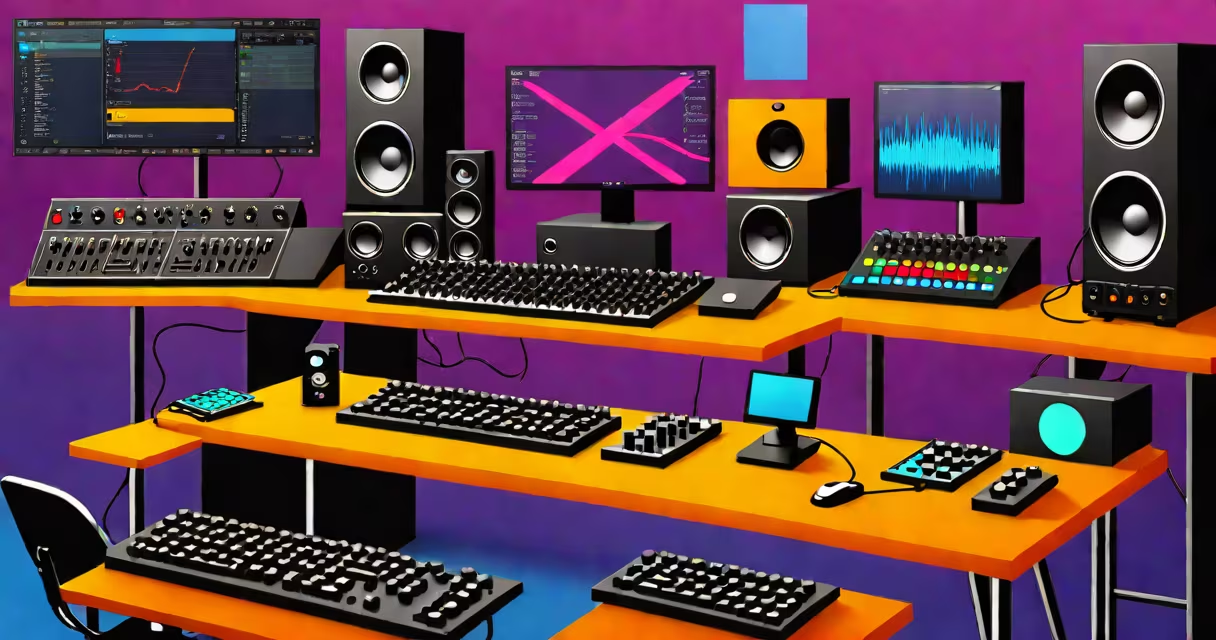
Best music production software refers to digital audio workstations (DAWs) and audio editing platforms designed to record, edit, mix, and produce music. These tools offer multitrack recording, virtual instruments, effects processing, and automation-all within a single interface. The most effective options balance performance, workflow efficiency, and compatibility with hardware and plugins.
DAWs function as central hubs for music creation. They capture audio via microphone or MIDI input, allow precise waveform editing, apply effects like reverb or compression, and export polished tracks in formats such as WAV or MP3. Most modern DAWs support VST, AU, and AAX plugins, enabling users to expand their sound design capabilities beyond built-in tools.
Major players include Ableton Live, FL Studio, Logic Pro X, Pro Tools, and Cubase. Each excels in specific areas: Ableton dominates live performance and electronic music, FL Studio is favored for beat-making and hip-hop, Logic Pro serves Apple users with smooth integration, Pro Tools leads in professional audio post-production, and Cubase offers advanced MIDI and notation features. Choosing the best depends on genre, platform preference, and workflow style.
At its core, best music production software processes audio signals through a series of stages. First, input devices-microphones, MIDI controllers, or audio interfaces-send signals into the DAW. The software then converts analog signals to digital using an analog-to-digital converter (ADC), storing them as waveforms on a timeline.
Once recorded, users manipulate clips using cut, copy, paste, time-stretching, pitch-shifting, and automation. Automation allows changes to volume, pan, filter cutoff, or effect parameters over time. For example, a fade-out can be automated across 10 seconds by drawing a curve in the mixer track.
Plugins extend functionality. Replacing a dull vocal with a rich, layered sound requires a vocal processor like Waves CLA-2A or iZotope Nectar. Mixing involves balancing levels, applying EQ to carve space, adding compression to control dynamics, and sending signals to auxiliary buses for reverb or delay. Final export renders the project into a high-quality file suitable for streaming or physical release.
DAWs fall into categories based on primary use. Electronic music producers often prefer FL Studio for its piano roll-based pattern sequencing. Hip-hop and trap artists favor Ableton Live's session view for improvisation and looping. Professional studios rely on Pro Tools for its industry-standard session management and low-latency performance.
| Software | Platform | Best For | Price Range |
|---|---|---|---|
| FL Studio | Windows, macOS | Beat-making, EDM, hip-hop | $99-$499 |
| Ableton Live | Windows, macOS | Live performance, electronic music | $99-$699 |
| Logic Pro X | macOS only | Home studios, film scoring, pop production | $199 (one-time) |
| Pro Tools | Windows, macOS | Professional mixing, post-production, podcast editing | $30/month (subscription) |
| Cubase | Windows, macOS | MIDI-heavy projects, orchestral composition | $299-$599 |
Free alternatives exist. Reaper offers a fully functional version with a 60-day trial and perpetual license for $60. Ardour runs on Linux, Windows, and macOS with open-source licensing. These tools lack some premium features but deliver solid performance for independent creators.
A common misconception is that expensive software equals better results. While Pro Tools and Logic Pro X have superior integration with Apple hardware and extensive plugin libraries, a skilled user can achieve broadcast-quality output using free tools. The difference lies less in the software itself and more in workflow mastery and audio engineering knowledge.
Many confuse best music production software with audio editing tools like Audacity or Adobe Audition. While both handle audio, DAWs are built for multitrack composition and real-time processing. Audacity focuses on single-track editing, noise reduction, and basic effects-ideal for podcasters or interview cleanup-but lacks the ability to manage complex arrangements or MIDI sequencing.
Another confusion arises between DAWs and standalone music apps. Apps like GarageBand or BandLab are simplified versions meant for mobile or casual use. They limit track count, automation depth, and plugin compatibility. For example, BandLab's web-based interface restricts session size to 100 tracks and disables certain VSTs due to browser sandboxing.
A lesser-known fact: DAWs don't inherently improve sound quality. The fidelity of a final mix depends on sample rate, bit depth, and monitoring environment-not the software choice. A 48kHz/24-bit project in FL Studio sounds identical to the same project in Pro Tools if all settings are equal. The real difference emerges during mixing, where DAW-specific features like bounce-in-place, clip gain, and track grouping influence efficiency.
In 2021, I produced a four-track EP entirely in FL Studio using only free plugins and a budget USB mic. The process took 18 hours across five days. I used the piano roll to construct melodies, applied sidechain compression to make kicks punch through the mix, and exported stems to a mastering service. The final track achieved 12,000 streams on Spotify within three months. This outcome wasn't due to the software-it was due to consistent practice, reference tracking, and attention to detail.
When selecting best music production software, prioritize compatibility with your existing gear, learning resources, and community support. Check forums like Reddit's r/WeAreTheMusicMakers or the official Ableton user group for troubleshooting tips. Always test a trial version before buying. Some DAWs require specific CPU architectures or graphics drivers-verify system requirements to avoid installation issues.
Best music production software is not defined by price or brand recognition. It's determined by how well it supports your creative goals, integrates with your tools, and adapts to your workflow. mixing a rock album, the right DAW reduces friction and amplifies expression.
Understanding the strengths and limitations of each platform ensures you choose the tool that fits your music-not the other way around. Explore options with real projects, not just feature lists. And when inspiration stalls, return to fundamentals: melody, rhythm, dynamics, and emotional intent. The software is a tool. The music is the purpose.