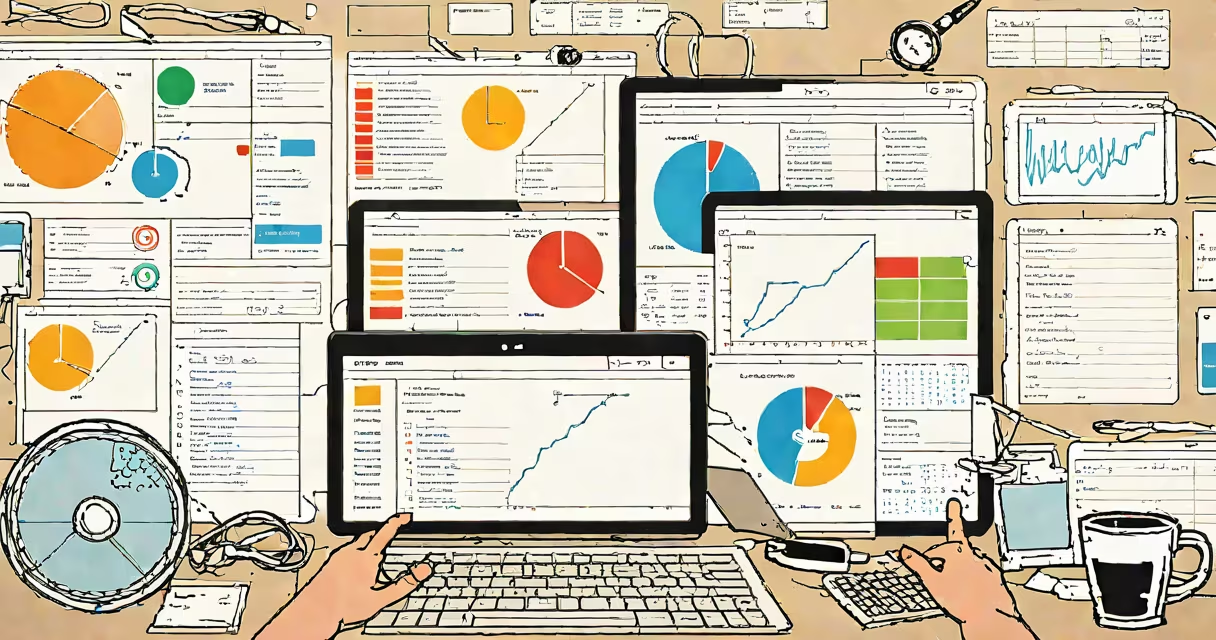
A computerized management system is a software-based platform that automates and centralizes the tracking, storage, and processing of operational data across departments such as HR, finance, logistics, and project management. It replaces manual ledgers, paper forms, and fragmented spreadsheets with structured digital workflows.
These systems rely on databases, user-defined rules, and integration points to enforce consistency. For example, when a purchase request is submitted, the system checks budget availability, routes it to the appropriate approver, logs the decision, and updates inventory records-all without human intervention beyond initial input.
According to the Association for Information Management (AIM), organizations using computerized systems report a 40% reduction in data entry errors and a 30% improvement in reporting speed compared to manual methods. The U.S. National Institute of Standards and Technology (NIST) confirms that standardized digital workflows reduce compliance risks in regulated industries like healthcare and finance.
At its core, a computerized management system processes inputs through predefined logic and outputs structured data. Inputs include user entries, sensor readings, or file uploads. The system applies business rules-such as approval thresholds or deadline calculations-and triggers actions like email notifications, report generation, or database updates.
For instance, in a school district's attendance system, each student's daily check-in is recorded via a mobile app. The system flags absences exceeding three days, generates a report for administrators, and sends automated messages to parents. This eliminates the need for teachers to manually compile weekly summaries.
Systems often include role-based access control. A warehouse manager may approve orders, while a finance officer sees only cost data. This ensures data integrity and aligns with NIST guidelines on information security.
Computerized management systems vary based on scale, function, and deployment model. Common types include:
| Type | Use Case | Example | Deployment |
|---|---|---|---|
| Enterprise Resource Planning (ERP) | Integrates finance, HR, supply chain | SAP S/4HANA | On-premise or cloud |
| Customer Relationship Management (CRM) | Tracks sales leads and service tickets | HubSpot CRM | Cloud-only |
| Project Management Tools | Manages timelines, resources, deliverables | Asana, Monday.com | Cloud or hybrid |
| Inventory Control Systems | Monitors stock levels and reorder points | NetSuite Inventory Module | Cloud or on-site server |
Each system uses a combination of databases, APIs, and user interfaces. ERP systems, for example, connect financial data across departments. When a sales order is confirmed, the system automatically reduces inventory, updates accounts receivable, and schedules shipping-all within seconds.
Many modern systems support real-time collaboration. A team working on a construction project can update progress on a shared timeline, which instantly reflects in budget reports and risk assessments. This level of coordination was not feasible with paper-based tracking.
Computerized management systems are not synonymous with "digital transformation." While they enable digitization, they do not guarantee improved outcomes. A poorly designed system can amplify errors or create bottlenecks if workflows aren't mapped correctly.
Another misconception is that these systems require large IT teams. Cloud-based solutions like Google Workspace or Microsoft 365 allow small businesses to deploy functional systems with minimal setup. A local bakery using Google Sheets with custom scripts and automated email reminders for staff shifts operates a basic computerized management system without hiring a developer.
These systems do not replace human oversight. They handle repetitive tasks but depend on accurate input and periodic review. In one study by AIM, 62% of implementation failures stemmed from poor data quality rather than technical flaws.
Consider a regional hospital implementing a computerized management system for patient admissions. Before the system, nurses filled out paper forms, which were then typed into a separate database. Errors occurred during transcription, and delays caused bed shortages.
The new system uses barcode scanners at intake. When a patient arrives, their ID is scanned, pulling up medical history, allergies, and insurance details. The system checks bed availability in real time and assigns a room. A nurse receives a checklist on a tablet, including medication timing and important sign intervals.
Every action is logged. If a patient's temperature exceeds 38°C, the system alerts the on-duty doctor and adds the event to the electronic health record. Over six months, the hospital reduced admission errors by 74% and cut average wait times by 22 minutes, according to internal audit reports.
This example shows how a computerized management system improves accuracy, speeds response, and supports accountability-without requiring advanced programming skills from frontline staff.
When selecting a system, prioritize compatibility with existing tools. A manufacturing firm using a daily management system for shift handovers can integrate it with a cloud document management system to store safety checklists, maintenance logs, and training materials in one searchable location. This reduces duplication and ensures all team members access the latest versions.
Computerized management systems are not optional in modern operations. They standardize processes, reduce waste, and provide visibility across complex workflows. Their effectiveness depends on clear design, consistent data, and ongoing monitoring-not just the presence of software.