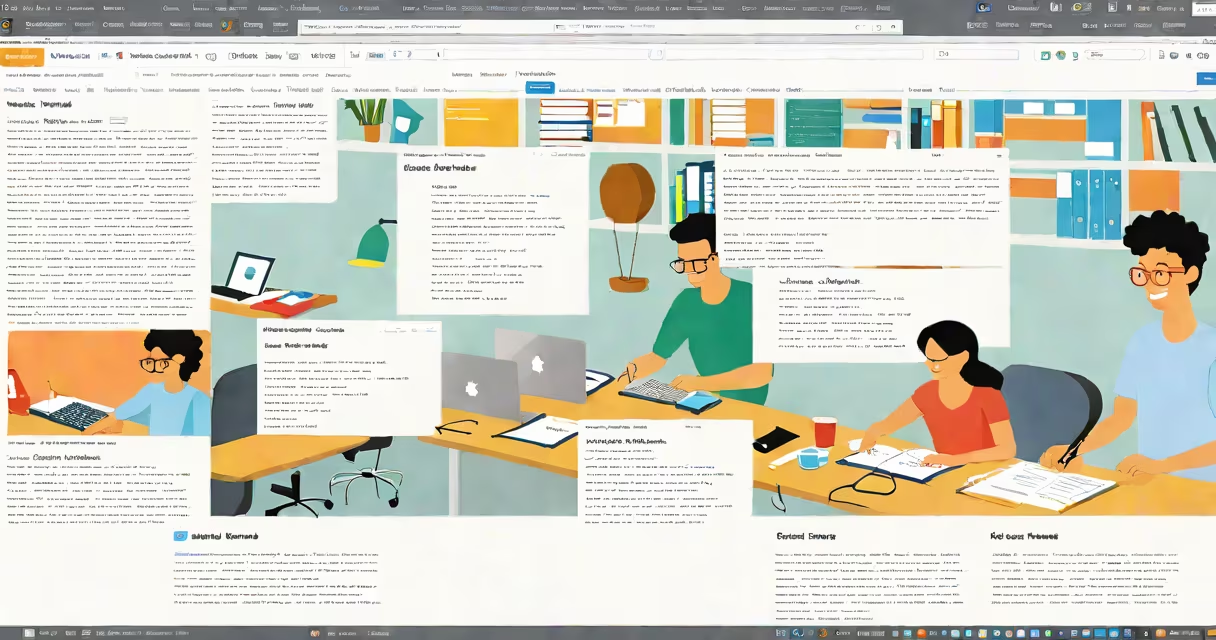
An online word document creator is a web-based tool that allows users to compose, edit, format, and share documents without installing desktop software like Microsoft Word. These tools run directly in a browser and store files in the cloud, enabling access from any device with internet connectivity.
Unlike traditional word processors, which require software installation and local file storage, online creators operate through a web interface. They support real-time collaboration, automatic saving, and integration with cloud storage services such as Google Drive or Dropbox. This model enables teams to work together on the same document simultaneously, with changes visible instantly to all participants.
Popular platforms like Google Docs, Microsoft Word Online, and Zoho Writer serve as online word document creators. They offer features such as spell check, templates, version history, and commenting systems. These tools are accessible via URL, require no download, and function across operating systems including Windows, macOS, iOS, and Android.
When you open an online word document creator, the application loads in your browser. You don't install anything. Your document exists on remote servers managed by the provider. As you type, changes sync automatically-often within seconds-across all devices and users with access.
Each session connects to a central server. Input is sent over HTTPS, encrypted during transit. The server processes edits and pushes updates to all connected clients. This architecture enables live collaboration: if two people edit different parts of the same paragraph, their changes merge smoothly.
For example, a marketing team in New York and London can draft a product launch document at the same time. One writes the introduction while the other adds bullet points. Both see each other's changes in real time, with no need to send files back and forth.
Online word document creators fall into two main categories: free-tier tools with limited functionality and premium versions offering advanced features. Some platforms are fully free, others charge for additional storage, export options, or offline access.
| Platform | Free Tier | Premium Features | Best For |
|---|---|---|---|
| Google Docs | Full editing, 15 GB shared storage | Offline mode, advanced templates, custom themes | Teams needing real-time collaboration |
| Microsoft Word Online | Basic formatting, 1 TB via OneDrive | Advanced layout tools, integration with Office apps | Users already in Microsoft system |
| Zoho Writer | Unlimited documents, 5 GB storage | PDF export, document automation, API access | Small businesses seeking automation |
Free versions often include ads or restrict certain export formats. Premium tiers may offer password protection, audit logs, or compliance certifications. For example, Microsoft 365 subscribers gain access to advanced security controls and enterprise-grade data handling.
A lesser-known but useful feature is "offline editing." With proper setup, some platforms allow you to continue working when disconnected. Changes sync once reconnected. This matters for travelers or users in low-connectivity areas.
Many assume online word document creators lack the power of desktop software. This is incorrect. Modern web editors now match or exceed older programs in core functionality. Google Docs supports tables, headers, footnotes, citations, and even basic equation rendering.
Another myth is that online tools are insecure. Reputable providers follow strict protocols. Google Docs uses end-to-end encryption for files stored in Google Workspace, and Microsoft enforces multi-factor authentication and data residency policies. According to the National Institute of Standards and Technology (NIST), cloud-based document tools meet federal security standards when configured properly.
Some users think they lose control over their documents. But most platforms let you set sharing permissions-view-only, comment, or edit-and track who made changes. You can revoke access at any time. This level of control exceeds what many local files offer.
Consider a nonprofit applying for a $50,000 grant. The team includes a project lead in Seattle, a researcher in Nairobi, and a finance officer in Melbourne. They use Google Docs to draft the proposal.
The lead creates a template with sections: objectives, timeline, budget breakdown. She shares the link with view-edit rights. The Nairobi researcher adds field data. The Melbourne officer inserts financial projections and checks spelling.
At 3 PM EST, the lead reviews changes. She adds a comment: "Please clarify the impact metric." The Nairobi team member responds with a revised definition. All edits appear in real time. No email attachments. No version confusion.
After finalizing, they export the document as a PDF and submit it. The entire process took under four hours, with no file conflicts or lost drafts.
An online word document creator is not a replacement for desktop software in every situation. For complex layouts-multi-column newsletters, book formatting, or technical diagrams-tools like Adobe InDesign or Microsoft Word remain superior. But for everyday writing, collaboration, and quick drafting, online tools outperform traditional methods.
Also, it's not the same as a "word processor" in the legacy sense. While both handle text, online creators emphasize connectivity, accessibility, and cloud integration. A desktop program runs locally. An online tool lives in the cloud.
Finally, it's not synonymous with "free." While many online document creators offer free plans, some features-like advanced analytics, custom branding, or priority support-are behind paywalls. Always check the pricing model before relying on a platform for mission-critical work.
I once used a free online word document creator to draft a contract between two small businesses. The tool auto-saved every 30 seconds. When my internet dropped for 12 minutes, the document recovered perfectly upon reconnect. That reliability surprised me-especially since I'd previously lost work due to crashes in older software.
Online word document creators are now standard tools for education, business, and personal projects. They combine accessibility, collaboration, and persistence in a way desktop software cannot match. co-authoring a paper, these tools deliver immediate results without setup or hardware requirements.