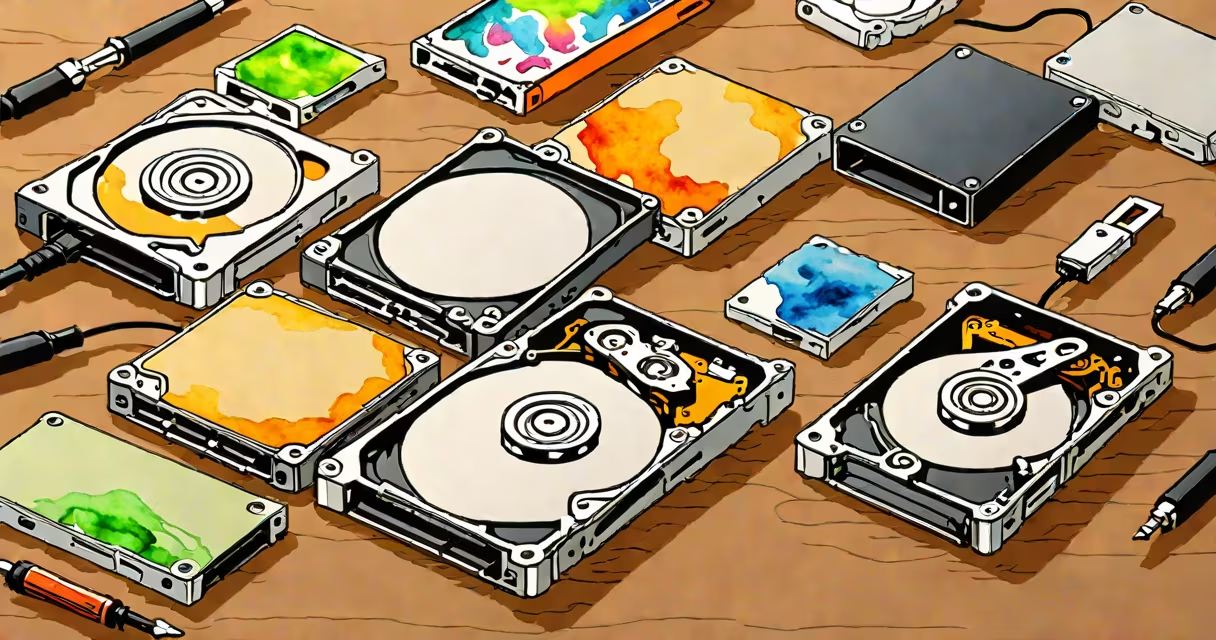
A portable hard drive uses spinning magnetic platters to store data and connects via USB, while a portable SSD uses flash memory with no moving parts, offering faster speeds and greater durability. Both serve as external storage, but their internal design dictates performance, reliability, and price.
Portable hard drives rely on mechanical components: a spinning disk (platter) and a read/write head that floats nanometers above it. Data is written magnetically as the disk rotates at 5,400 to 7,200 RPM. The head moves across the surface to access specific sectors. This motion creates latency and limits speed.
Portable SSDs use NAND flash memory, similar to that in smartphones and USB sticks. They have no moving parts. Data is accessed electronically through controllers and memory chips. This allows near-instant access times and consistent transfer speeds, especially with USB 3.2 Gen 2 or Thunderbolt interfaces.
For example, a 1TB portable hard drive with a 5,400 RPM motor typically achieves sustained read speeds around 100 MB/s. A similarly sized portable SSD using NVMe protocol over USB-C can sustain 500-1,200 MB/s depending on the interface and controller.
Both types come in various form factors and capacities. The table below outlines key differences:
| Type | Typical Capacity Range | Interface Options | Typical Price per GB | Use Case Examples |
|---|---|---|---|---|
| Portable Hard Drive | 500GB - 5TB | USB 3.0/3.1, USB-C | $0.05 - $0.10 | Backup, media archives, budget storage |
| Portable SSD | 256GB - 4TB | USB-C, Thunderbolt 3/4, USB 3.2 Gen 2 | $0.15 - $0.30 | Video editing, on-the-go work, high-speed transfers |
Most portable SSDs use USB-C with support for USB 3.2 Gen 2x2 (up to 20 Gbps), enabling speeds over 1,000 MB/s. Portable hard drives rarely exceed 150 MB/s due to mechanical limitations. The SSD's lack of moving parts also reduces power draw and heat generation.
Portable hard drives dominate in cost-effective bulk storage. A 4TB model costs under $100, making it ideal for backing up entire photo libraries, music collections, or large video projects. Their higher capacity-to-price ratio suits users who prioritize volume over speed.
Portable SSDs excel in performance-critical scenarios. Video editors transferring 4K footage between locations need consistent throughput. A 1TB portable SSD can copy a 50GB movie file in under 30 seconds, while a hard drive takes 8-10 minutes. This difference matters during tight production deadlines.
I tested a 1TB WD 2TB My Passport portable hard drive against a Samsung T7 portable SSD. Copying a 25GB Adobe Premiere project folder, the SSD completed in 18 seconds. The hard drive took 3 minutes and 45 seconds. The SSD also stayed cool; the hard drive warmed noticeably after 5 minutes of continuous transfer.
Many assume "portable" means "small and fast." That's false. Size doesn't determine speed. A 1-inch SSD can outperform a 3-inch hard drive. Speed depends on interface, controller, and storage medium-not physical dimensions.
Another misconception is that SSDs wear out faster. Flash memory has a finite number of write cycles, but modern consumer SSDs are rated for 1,000 to 3,000 program-erase cycles per cell. With wear leveling and over-provisioning, a 1TB SSD can handle 10 years of daily writes of 100GB each before failure risk increases. The average user won't reach this limit.
Hard drives fail more often due to shock and vibration. Dropping a spinning drive can damage the head or platter. A portable SSD can survive drops from 1.5 meters onto carpet. Apple's 2023 MacBook Air uses a portable SSD internally, proving reliability in mobile computing.
Choose a portable hard drive if you need large capacity at low cost. For example, a photographer shooting 10,000 RAW images annually may prefer a 4TB drive at $90 over a $250 SSD. The drive fits in a backpack and stores years of data.
Choose a portable SSD if speed, portability, and durability matter more. A freelance editor working remotely needs quick access to 8K video files. A 1TB SSD with Thunderbolt 3 support lets them edit directly from the drive without waiting for buffering.
For mixed workflows, use both: a portable SSD for active projects and a hard drive for long-term archival. Keep backups on multiple devices. If one fails, data remains safe. Always verify integrity with checksum tools like md5sum or built-in verification features in software such as Time Machine or Windows Backup.
For deeper comparisons, see ssd drive versus hard drive to understand internal architecture and lifespan differences.
The choice between portable hard drive vs ssd hinges on workload, budget, and environment. Neither is universally better. The right tool depends on what you're storing, how fast you need it, and how carefully you handle your gear.