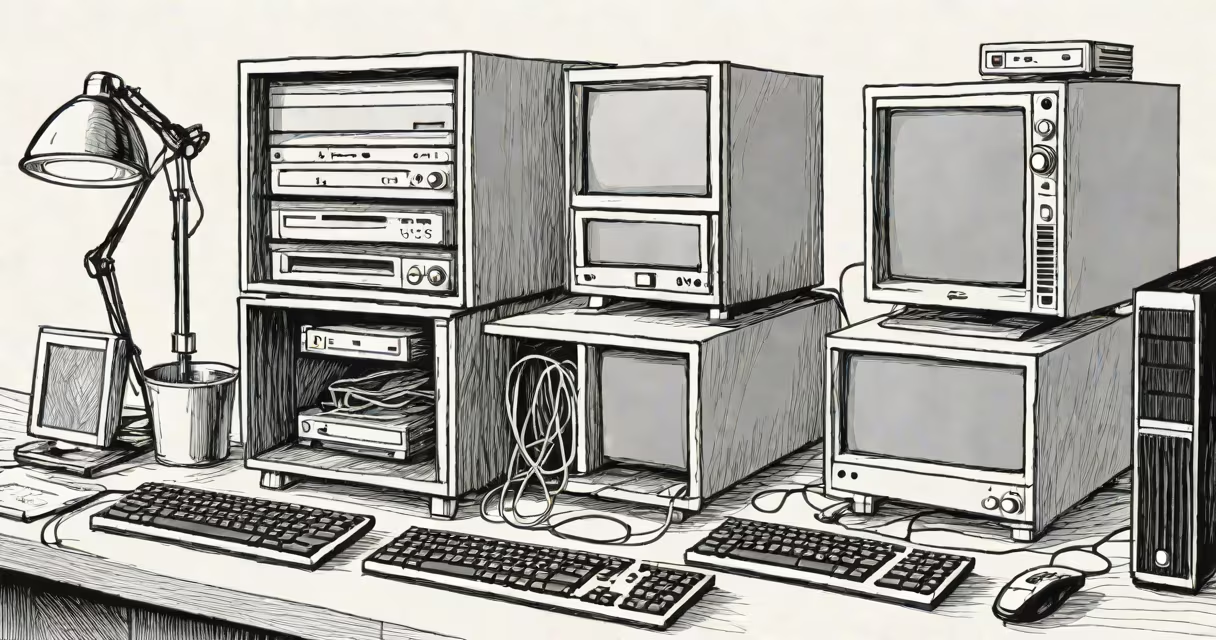
A home server is a dedicated computer or device running continuously to manage data, services, and automation within a household network. It enables centralized control over files, media, backups, and smart home functions without relying on third-party cloud providers.
Unlike consumer devices such as NAS units or routers with limited processing, a home server runs a full operating system-typically Linux-and supports custom software, remote access, and scheduled tasks. It's not just a storage box; it's a programmable hub for digital life.
For example, a Raspberry Pi 4 running Ubuntu Server can serve as a low-power home server. It handles file transfers, hosts a personal website, and runs automated scripts to back up photos from smartphones daily. This setup costs under $100 and consumes less than 10 watts of power.
Home servers operate by hosting software that listens for requests from devices on the local network or over the internet. These services run in the background, responding to commands like "send me my vacation photos" or "play the latest episode of my favorite show."
File sharing is the most common function. A server stores documents, photos, and videos accessible from any device-laptop, phone, tablet-via protocols like SMB (Windows), AFP (macOS), or NFS (Linux). For instance, a family can store school projects in a shared folder, automatically synced across all devices using tools like Syncthumb or Nextcloud.
Media streaming relies on software like Plex or Jellyfin. These applications index video libraries, generate thumbnails, and deliver high-quality streams to TVs, phones, or game consoles. A single 4K movie file (15 GB) can be streamed to multiple rooms simultaneously without buffering, thanks to hardware-accelerated decoding on modern servers.
Not all home servers are built the same. The choice depends on performance needs, power consumption, and technical comfort.
| Type | Best For | Power Use | Example |
|---|---|---|---|
| Raspberry Pi | Light tasks, learning, low cost | 5-10 W | Running a personal wiki or weather station |
| Mini PC | Media streaming, automation | 15-30 W | Intel NUC with Ubuntu Server for Plex and backups |
| Old Desktop | Heavy workloads, large storage | 60-150 W | Repurposed laptop with SSD and dual drives |
Each type balances cost, noise, and capability. A Raspberry Pi may struggle with 4K transcoding, while a repurposed desktop can handle dozens of simultaneous streams.
One non-obvious distinction: a home server doesn't require a monitor or keyboard to function. Once configured via SSH or a web interface, it runs silently in a closet or cabinet. I set up a mini-PC in my basement last winter-it's been running 24/7 since, handling backups, media, and home automation with no maintenance beyond monthly updates.
Home servers are used to reduce dependency on commercial cloud services. Google Drive, Dropbox, and iCloud charge for extra space and collect usage data. A home server keeps data private and locally controlled.
For example, a photographer with 20,000 RAW images (totaling ~1.2 TB) can store them on a home server with RAID 1 redundancy. If one drive fails, the second holds all data. The server automatically backs up to a second external drive weekly using rsync and cron jobs.
Another use is automating home routines. A home server can run scripts that turn off lights at midnight, adjust thermostat settings based on weather forecasts, or send alerts when motion is detected by a security camera. Using tools like Node-RED or Home Assistant, these actions trigger based on time, sensor input, or user commands.
People also host personal websites or blogs. A single server can run Apache or Nginx, serve static pages, and handle email through Postfix and Dovecot. I hosted my own blog for five years using a mini-PC and Let's Encrypt for free SSL certificates-no ads, no tracking, just content.
Many assume a home server must be expensive or complex. That's incorrect. A $50 Raspberry Pi with a 32GB microSD card can run a basic file server, media player, and backup system. The misconception stems from equating "server" with enterprise-grade hardware.
Another error: thinking a home server replaces a router. It does not. Routers manage network traffic between devices and the internet. A server connects to the router and adds functionality-like centralized storage or automation-but doesn't route packets.
Some confuse a home server with a NAS (Network Attached Storage). While both store files, a NAS is a specialized appliance with limited software options. A home server runs a full OS and can do far more-host databases, run AI models, or act as a firewall.
For example, a NAS might offer basic file sharing and backup. A home server with Ubuntu Server can run a PostgreSQL database for a family's recipe collection, sync with mobile apps, and allow offline access-even when the internet is down.
The entire setup took 12 hours over two weekends. The server cost $220 including the case and power supply. Monthly electricity: $0.80. No recurring fees. All data stays within the home network.
Understanding things to do with a home server reveals a shift from passive storage to active control. It's not about tech for tech's sake. It's about privacy, reliability, and ownership of digital life.