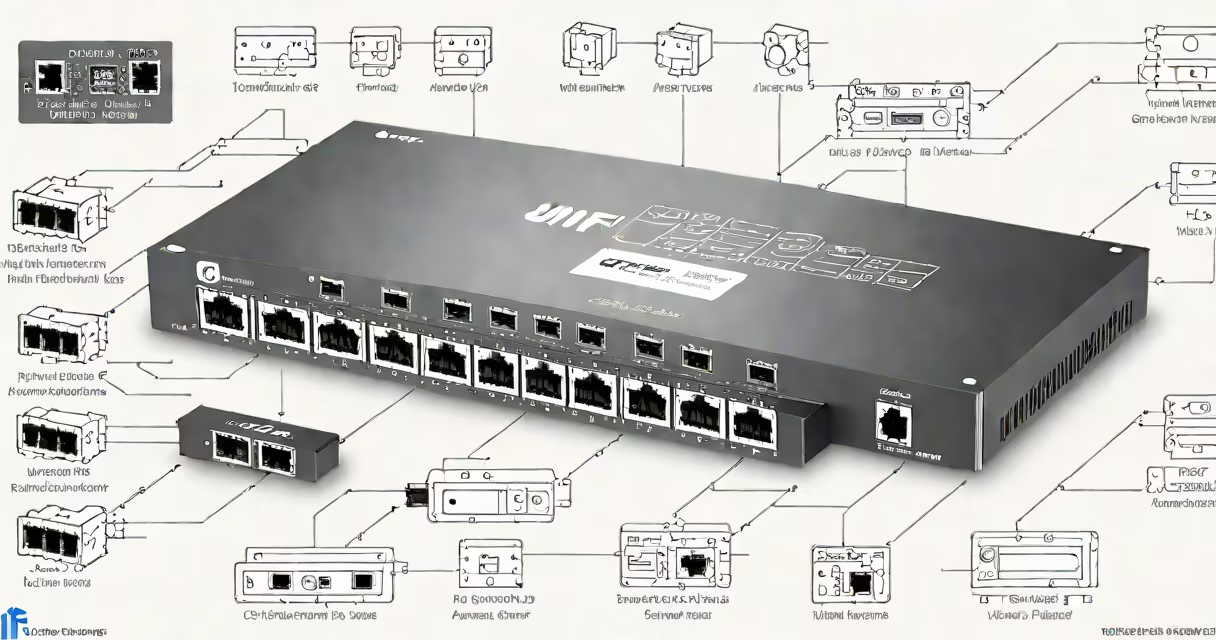
The Unifi USW Lite 8 PoE is a compact, managed network switch designed for small offices and home networks. It delivers eight Gigabit Ethernet ports with Power over Ethernet (PoE) support, enabling direct power and data transmission to devices like IP cameras, wireless access points, and VoIP phones-all through a single cable.
Unifi USW Lite 8 PoE operates as a Layer 2 managed switch. It supports VLANs, port mirroring, and QoS settings, allowing users to segment traffic, prioritize video streams, and monitor network activity. It connects to a Unifi Network Controller via a single Ethernet cable and is powered via a standard wall adapter. The device fits in tight spaces and requires no external power supply beyond the included adapter.
Manufactured by Ubiquiti Networks, the USW Lite 8 PoE runs on UniFi OS, which integrates with the UniFi Network application. This allows centralized configuration, firmware updates, and monitoring from any web browser or mobile app. The switch supports IEEE 802.3af PoE, delivering up to 15.4 watts per port-enough for most low-power devices such as indoor security cameras and Wi-Fi 6 access points.
The Unifi USW Lite 8 PoE functions as a network hub that forwards data between connected devices based on MAC addresses. Unlike unmanaged switches, it maintains a database of device locations and applies rules to control traffic flow. For example, if a camera sends motion alerts, the switch can forward those packets quickly using Quality of Service (QoS) policies.
PoE functionality uses the same Ethernet cable to deliver both data and electrical power. The switch detects the device's power requirements and supplies up to 15.4 watts per port. Devices that draw more than 15.4 watts-such as high-end outdoor cameras or industrial sensors-require a higher-wattage PoE injector or a different switch model.
Configuration occurs through the UniFi Network Controller. After connecting the switch to a router via Ethernet and plugging in the power adapter, the controller discovers the device automatically within 30 seconds. From there, users assign VLANs, set port speeds, enable port security, and define port groups for specific devices.
The Unifi USW Lite 8 PoE includes eight 10/100/1000 Mbps RJ45 ports, one 10/100/1000 Mbps uplink port, and a single power input. All ports support auto-negotiation and MDI/MDIX crossover detection. The switch supports up to 256 VLANs and offers 1 Gbps switching capacity with 2.5 Gbps internal bandwidth.
| Feature | Specification |
|---|---|
| Ports | 8 x 10/100/1000 Mbps PoE ports, 1 x 10/100/1000 Mbps uplink |
| PoE Standard | IEEE 802.3af (up to 15.4 W per port) |
| Power Supply | 12V DC, 1A adapter (included) |
| Operating Temperature | 0°C to 40°C (32°F to 104°F) |
| Mounting | Wall-mountable with included bracket |
| Firmware | UniFi OS (v6.1.2 or later) |
One non-obvious detail: the switch's PoE budget is shared across all eight ports. If four devices each draw 10 watts, the remaining four ports can only deliver 5 watts each. This limitation affects deployments with multiple high-power devices. Always calculate total load before connecting multiple PoE-powered gear.
Small businesses often deploy the Unifi USW Lite 8 PoE to connect a mix of IP cameras, Wi-Fi access points, and VoIP phones. A typical setup includes one access point for staff, two indoor security cameras, and a VoIP phone-all powered through the switch. This reduces cable clutter and eliminates the need for wall adapters near each device.
Home users install it to extend network reach and power smart home devices. For example, a user placed the switch in a basement closet to run a UniFi Dream Machine Pro and a UniFi Video Camera. The switch powered both devices over a single Cat6 cable, saving space and reducing wiring complexity.
A common mistake is assuming the USW Lite 8 PoE supports PoE+ (802.3at), which delivers up to 30 watts per port. It does not. Attempting to power a PoE+-compatible device may result in failure to boot or intermittent connection issues. Always verify device power requirements against the switch's specs.
The Unifi USW Lite 8 PoE sits below the Unifi USW Flex series in the product lineup. While the Flex models offer higher PoE budgets, SFP slots, and advanced routing features, the Lite 8 PoE focuses on simplicity and affordability. It lacks stacking capability and cannot function as a standalone gateway.
Compared to consumer-grade switches like Netgear GS308P or TP-Link TL-SG1024PE, the Unifi USW Lite 8 PoE offers better integration with UniFi's system. These alternatives lack centralized management and require manual configuration per device. The UniFi controller enables consistent policy enforcement across all network components.
I installed the Unifi USW Lite 8 PoE in a home office to manage a UniFi Access Point, two indoor cameras, and a printer. Within five minutes of plugging in the power adapter and connecting the uplink cable, the device appeared in my UniFi Network Controller dashboard. I assigned the camera VLANs, enabled QoS for video streaming, and set port security to prevent unauthorized connections. Since then, the network has operated without downtime.
One challenge arose when I tried to power a third-party PoE camera. The device drew 18 watts-exceeding the switch's 15.4W limit. The camera failed to boot. I resolved this by replacing it with a UniFi Indoor Camera that draws under 10 watts. The lesson: always confirm device power draw before connecting.
The Unifi USW Lite 8 PoE is a reliable, easy-to-deploy switch ideal for small networks needing PoE support. Its eight ports, integrated management, and compact design make it suitable for homes and small offices. It's not for high-density or high-power deployments, but for basic networking tasks, it performs consistently and efficiently.