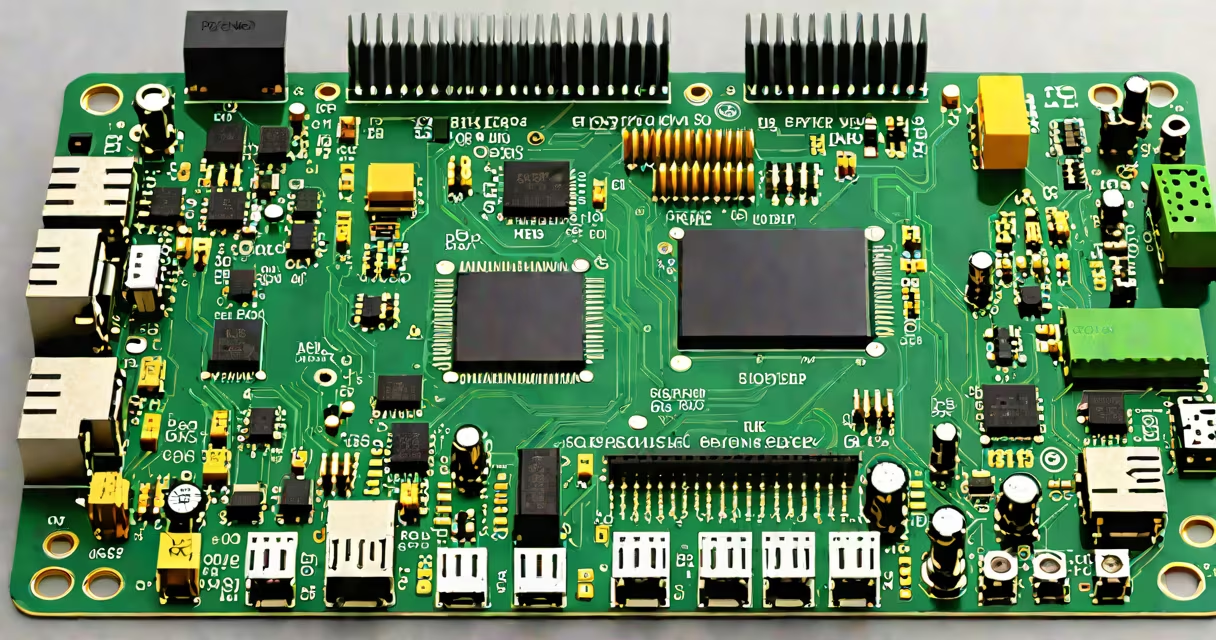
Espressif refers to a family of Wi-Fi and Bluetooth microcontrollers, primarily the ESP32 and ESP8266 series, manufactured by Espressif Systems. These chips power thousands of consumer IoT devices, including smart lights, sensors, and cameras. When you see "Espressif" listed on your network, it indicates a device using one of these chips.
These chips run lightweight operating systems like FreeRTOS and connect via Wi-Fi or Bluetooth. They're popular because they offer low cost, low power consumption, and strong wireless performance. Many off-the-shelf devices-like Philips Hue bulbs, TP-Link smart plugs, and various security cameras-use Espressif chips under the hood.
When your router's device list shows "Espressif," it's not a brand name but a hardware identifier. The name appears because the device broadcasts its manufacturer's ID (OUI) during network discovery. This doesn't mean the device is malicious-it simply means it's made with Espressif silicon.
Networks detect devices through ARP requests, DHCP announcements, and beacon frames. When an Espressif-based device boots up, it sends out a broadcast packet containing its MAC address. The router uses the first three bytes of the MAC address-the Organizationally Unique Identifier (OUI)-to determine the manufacturer.
Espressif's OUI is 0x0018FE (hexadecimal). Any device with a MAC address starting with 00:18:FE is registered to Espressif Systems. For example, a device with MAC address 00:18:FE:2A:3B:4C would show up as "Espressif" in most network scanners.
Some routers display the device name based on the hostname set during configuration. If the device hasn't been renamed, it may appear as "ESP32" or "ESP8266." Others may show only the manufacturer, such as "Espressif" or "Espressif Systems."
Espressif chips come in several forms, each suited to different applications:
| Chip | Use Case | Typical Devices | Power Draw |
|---|---|---|---|
| ESP32 | Wi-Fi + Bluetooth dual-mode | Smart thermostats, doorbells, motion sensors | ~100 mA (active) |
| ESP8266 | Wi-Fi-only | Smart plugs, LED controllers, weather stations | ~80 mA (active) |
| ESP32-S3 | AI/ML support, USB OTG | IoT gateways, voice assistants, edge computing nodes | ~120 mA (active) |
For example, a smart plug sold under the brand "Kasa" often uses an ESP8266 chip. When you scan your network, it may appear as "Espressif" due to the OUI. Similarly, many DIY projects using Arduino IDE or PlatformIO rely on ESP32 modules, which show up identically on networks.
A non-obvious fact: Some manufacturers reprogram the chip's firmware to hide the original manufacturer name. A device might show as "TP-Link" or "Samsung" instead of "Espressif," even though it runs on the same underlying hardware. Always verify using MAC address lookup tools.
You'll typically see Espressif entries when:
Espressif devices are common in both commercial products and hobbyist builds. Their popularity stems from affordability, open-source tooling, and strong community support. Over 10 million ESP32 units were shipped annually by 2022, according to a report by SemiAnalysis.
Many users assume "Espressif" means a rogue or unauthorized device. That's incorrect. Espressif is a legitimate semiconductor company founded in 2008. Its chips are used in certified products from major brands like Amazon, Google, and Samsung.
Another misconception: "Espressif" is not a software platform. It's hardware. The term refers to the physical chip, not the operating system or app. Devices using Espressif chips can run various firmware-such as ESPHome, Tasmota, or the official Espressif SDK-but the hardware remains the same.
Confusion sometimes arises when multiple devices share the same OUI. For example, a single router might list several "Espressif" devices if you have multiple smart bulbs or sensors. Use the device's IP address and MAC address to distinguish between them. Tools like nmap or advanced router dashboards can help map each device's role.
If you want to control or remove an Espressif device:
For enhanced security, isolate IoT devices on a separate VLAN or guest network. This limits their access to sensitive data and reduces attack surface. According to the National Institute of Standards and Technology (NIST), isolating IoT devices is a recommended practice for home and small business networks.
If you don't recognize a device, unplug it and monitor your network. If it disappears, you've identified the source. If it returns, consider whether it's a device you authorized or a potential threat.
Understanding what is Espressif on your network helps you maintain visibility and control. These devices aren't inherently risky-they're widely used and generally safe. But knowing how to identify and manage them ensures your network stays secure and efficient.